Aqua Voice: Dictation Software Review
aquavoice.com · checked 28 Sept 2026
With cloud processing, Aqua Voice lets people dictate on Mac, Windows, and iOS while using voice commands across 49 languages.
How it plugs in
Signal on Dictation software7.2#7 of 27
Speech becomes text inside everyday apps, with Aqua refining phrasing, grammar, and formatting as you talk. The service understands 49 languages, accepts custom vocabulary, and responds to voice commands. Starter has a 1,000-word allowance; Pro and Max offer unlimited words, while Team and Business provide organization features. Mac, Windows, and iOS are available; Android access is waitlist-only.
Review
In a line
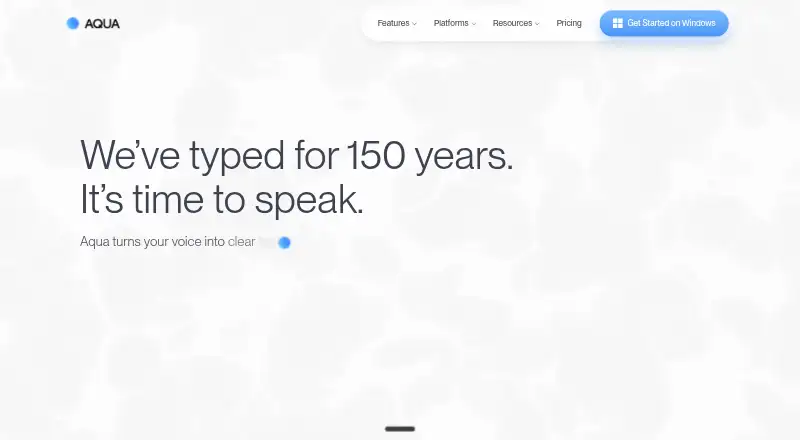
Aqua Voice is a cloud-based dictation app. It converts speech to text while you work in other apps.
What it does
Aqua processes speech in real time and adjusts phrasing, grammar, and formatting. It understands 49 languages, supports custom vocabulary, and accepts voice commands.
Starter comes with 1,000 free words. Pro and Max remove that word limit, while Max also adds realtime mode and the “Send it” command.
How it connects
Aqua works with everyday apps without setup, including examples such as Codex and Slack. It also lists Aqua MCP and the Avalon API. An API is a way for other software to connect to it.
The service runs in the cloud, so dictation is not available offline. Privacy Mode keeps transcripts from being stored on Aqua’s servers. Team and Business plans add further controls.
Good fit
Aqua suits people who want to dictate into apps on Mac, Windows, or iOS. Its language coverage, custom vocabulary, and voice commands help with regular writing and computer tasks.
Teams can use centralized billing and shared settings. Business adds single sign-on, user provisioning, reporting, and data-retention controls.
Watch for
Android is waitlist-only, despite Android being listed among the broader platform details. Offline dictation is not supported because processing is cloud-based.
Starter has a 1,000-word ceiling. Check the plan features and privacy controls you need before choosing a subscription. Aqua states 97.3% accuracy on AISpeak for Avalon, but that figure is its own claim.
Pricing
Starter costs nothing, includes 1,000 words, and requires no credit card. Pro is $8 a month billed annually with unlimited words. Max is $24 a month billed annually and adds Realtime Mode, the “Send it” command, and early feature access.
Team is $12 a month billed annually for 2–9 users, with centralized billing, team settings, and enforced Privacy Mode. Business is price on request for teams of 10 or more, with SSO/SAML, SCIM, reporting, Zero Data Retention, shared dictionaries, and volume discounts.
Monthly and annual billing are available, and plans can be canceled anytime. Students get 70% off Pro and Max with a school email address.
Verdict
Choose Aqua Voice if you want cloud dictation that works inside the apps you already use, supports many languages, and offers a no-card free starting plan. Pro is the straightforward option for unlimited personal dictation, while Max is for users who need realtime features and extra voice controls.
Teams should look at Team or Business for shared administration and privacy settings. Avoid committing if you require offline use, immediate Android access, or more than 1,000 free words without paying.
Our take
Aqua Voice is a practical choice for people who prefer speaking to typing across Mac, Windows, and iOS. Its 49-language support, custom vocabulary, and in-app operation cover everyday dictation needs. The Starter plan lets you try 1,000 words without entering payment details, and Pro keeps pricing simple for unlimited personal use. Team and Business add administration and privacy features for organizations. However, cloud-only processing rules out offline work, and Android users must join a waitlist. Pick Aqua when those limits fit your workflow.
- Works inside everyday apps without setup
- Handles 49 languages and user-added vocabulary
- Starter provides 1,000 words at no cost
- Privacy Mode can keep transcripts off Aqua’s servers
- Offline dictation is not available
- Android access is waitlist-only
- Starter has a 1,000-word cap
- Business pricing is available only on request
- Pick it ifPeople who dictate into apps on Mac, Windows, or iOS; Teams needing shared billing and privacy controls; Multilingual users needing 49-language support
- Skip it ifYou need dictation that works without an internet connection; You use Android and need access now; You want more than 1,000 free words without a paid plan
Pricing
Starter costs nothing and provides 1,000 words without requiring a card. Pro, Max, and Team are billed annually at $8, $24, and $12 a month respectively; Business is price on request. Monthly and annual billing are available, and students get 70% off Pro and Max.
- Starter1,000 wordsFree
- Probilled annually · Unlimited words$8/mo
- Maxbilled annually · Unlimited words$24/mo
- Teambilled annually · 2-9 users$12/mo
- Business10+ usersOn request
As aquavoice.com lists them, checked 28 Sept 2026.
Questions
Which devices support Aqua Voice?
Aqua is available for Mac, Windows, and iOS. Android access is currently waitlist-only.
Does Aqua Voice work with other apps?
Yes. Aqua is designed to work in everyday apps without setup. The page shows examples including Codex and Slack, plus Aqua MCP and the Avalon API.
Is there a free plan?
Yes. Starter costs nothing, offers 1,000 words, and requires no credit card.
Does Aqua Voice work offline?
No. Dictation is processed in the cloud, so offline dictation is not supported.
How many languages does Aqua understand?
Aqua understands 49 languages and lets users add custom vocabulary.
Can Aqua keep transcripts off its servers?
Privacy Mode keeps transcripts from being stored on Aqua’s servers. Team can enforce this setting, while Business includes Zero Data Retention.
Are student discounts available?
Students can receive 70% off Pro and Max by using a school email address.