
Ashore
About
Ashore is online proofing software for teams reviewing and approving digital files. It supports automated approval workflows, real-time collaboration, and version control, while Smart Review compares uploaded versions and marks changes. Reviewers can comment on video and audio at specific timestamps, and supported file types include images, PDFs, video, audio, HTML, live websites, DOCX, and TXT. Direct plugins for Photoshop, Illustrator, and InDesign sit alongside Zapier connections and a REST API. Teams can brand review pages with custom domains, logos, and integrated email. Ashore also logs proof activity, including emails and new versions, to create audit trails. The service is available on Android, iOS, and web, with an API platform listed. Ashore identifies creative agencies, marketing teams, and print and promotional apparel businesses as customer groups. The free plan includes one user, 30 files per month, and 1 GB of storage. Paid plans start at $15/user/mo; Starter is 15.00 USD per month and includes one user.
Who it is for
Ashore suits creative agencies, marketing teams, and print or promotional apparel businesses that review digital files. It is relevant for teams that need timestamped media comments or approval workflows.
What is good
- Smart Review marks differences between uploaded versions.
- Supports comments at video and audio timestamps.
- Includes plugins for Photoshop, Illustrator, and InDesign.
- Automatically logs proof activity for audit trails.
What to know first
- Free plan is limited to 30 files monthly.
- Free plan includes one user and 1 GB storage.
- Paid plans start at $15/user/mo.
Inferse review
Ashore: the full review
Ashore covers review workflows across documents, media, and live websites, with version comparison and branded review experiences. Check its per-user and monthly file limits when choosing a plan.
Overview
Ashore is an online proofing platform for teams that need to collect feedback and approvals on digital work. It suits creative and marketing teams managing mixed media, especially when reviewers need to compare revisions or leave comments on video and audio. Its breadth is useful, but per-user file quotas make plan selection important as a team grows.
Automated approval workflows, real-time collaboration and version control bring review into one process. Smart Review compares uploaded versions and highlights changes, helping reviewers focus on revisions. Activity such as emails and new versions is logged in an audit trail, which is useful when teams need a record of proof activity.
Ashore identifies creative agencies, marketing teams, and print and promotional apparel businesses as customer groups. The product began as an in-house tool at Brandcave, a creative agency; the company is headquartered in Georgetown, Texas.
For broader comparisons, see Online Proofing Software, Design Proofing Software, and Video Review Software.
Key features
Proof a wide range of work
Ashore handles images, PDFs, video, audio, HTML, live websites, DOCX and TXT. That range can consolidate reviews across a creative pipeline rather than forcing teams to split feedback among file-specific tools. Timestamped comments for video and audio make feedback more precise than a general note attached to the asset.
Compare revisions and manage approvals
Smart Review marks changes between uploaded versions, while version control and automated approval workflows help teams track what is under review and move work through sign-off. Guest reviewers are supported, so external participants can contribute without being treated as core seats.
Connect the review process
Direct plugins for Photoshop, Illustrator and InDesign, Zapier connections, and a REST API give teams several routes to fit Ashore into existing creative and automation workflows. Custom domains, logos and integrated email let agencies present a branded review experience. Email and phone support runs Monday through Friday, 9:00 AM–4:30 PM CT; email responses are promised within 24 hours during business hours.
Pricing
Ashore has a free tier and paid plans from $15/user/mo. The free plan costs 0.00 USD per free, forever, and includes one user, 30 files per month and 1 GB of storage. It is a useful low-commitment option for an individual with modest volume, but its monthly file cap and single seat limit make it a poor fit for active team reviews.
Starter costs 15.00 USD per month and includes one user and 150 files per month per user; each additional user is billed at $15/month. It raises the individual allowance substantially, but does not include extra seats in the base price. Standard costs 46.00 USD per month for three included users, with 150 files per month per user and additional users at $15/month. It is the more practical starting point for a small team because three seats are bundled, and it includes one free training.
Premium costs 199.00 USD per month and includes five users; additional users cost $23/month. Its included seat count suits a larger core team, but the higher additional-user rate matters if the group expands. The file allowance is stated for Free, Starter and Standard; no monthly file quota is stated for Premium. Compare expected seats and file volume before choosing, since the lower paid plans impose per-user monthly file limits.
Platforms
Ashore supports Android, iOS and web, alongside an API. The platform mix covers mobile and browser access, while the API provides a route for teams that need integration beyond the named plugins and Zapier.
Who it's for
Ashore is a strong candidate for agencies and marketing teams that review multiple media types, need version comparisons, or want client-facing branding and an approval record. Print and promotional apparel businesses are also among its intended customer groups. Teams should check whether the per-user file quotas fit their throughput; organizations seeking a plan with clearly stated higher-volume allowances should compare alternatives before committing.
Pros and cons
- Pros: Broad support for documents, media and live websites reduces the need to divide review work by asset type.
- Pros: Smart Review, automated approvals and activity logs address revision tracking and accountability, not just comment collection.
- Pros: Design-app plugins, Zapier, a REST API and branded review pages offer several ways to fit the workflow to an agency or team stack.
- Cons: Free is limited to one user and 30 files a month, so it is mainly suited to light individual use.
- Cons: Starter bundles only one user, and the paid tiers state per-user file quotas only through Standard; teams need to weigh seats and throughput carefully.
Alternatives
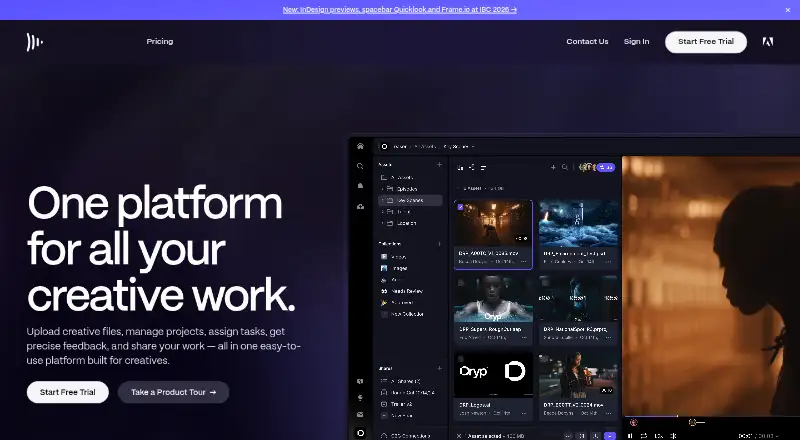
Choose Frame.io when a free video-oriented workspace with up to two members, two projects, 2GB storage and Camera to Cloud matters more than Ashore's stated breadth across documents and live websites.
Pastel offers a free plan for one user and one canvas, with a Pro plan at 29.00 USD per month billed at $350/year for two users, three canvases and 100GB video storage; compare it when those canvas and video-storage terms better match the work.
Proofrr has a free plan for three users with 100MB storage, five projects and three briefs, making it a possible choice when those project and brief caps fit.
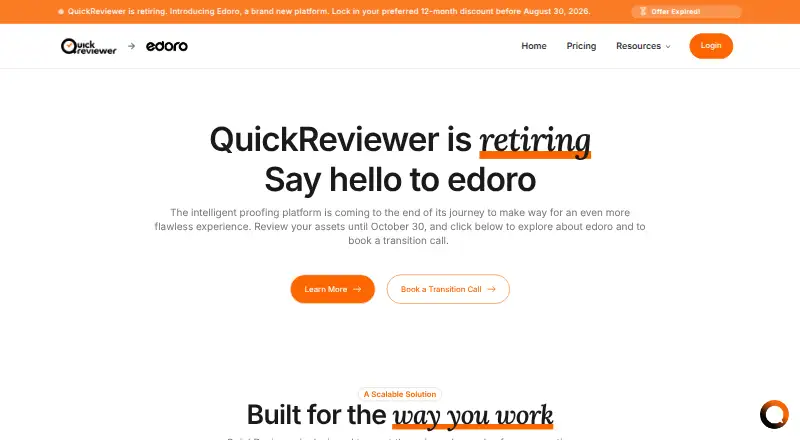
QuickReviewer offers a free plan with 100 MB storage, one team member, unlimited files and proofs, and unlimited free reviewers; its file and reviewer model may suit teams prioritizing volume over storage.
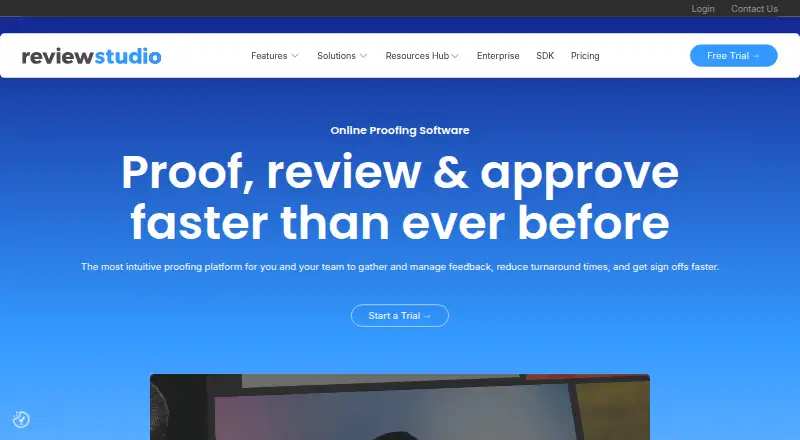
ReviewStudio starts with a free plan for unlimited users and guests, three active reviews and 5 GB total storage; consider it when those seat and active-review terms are a better fit.
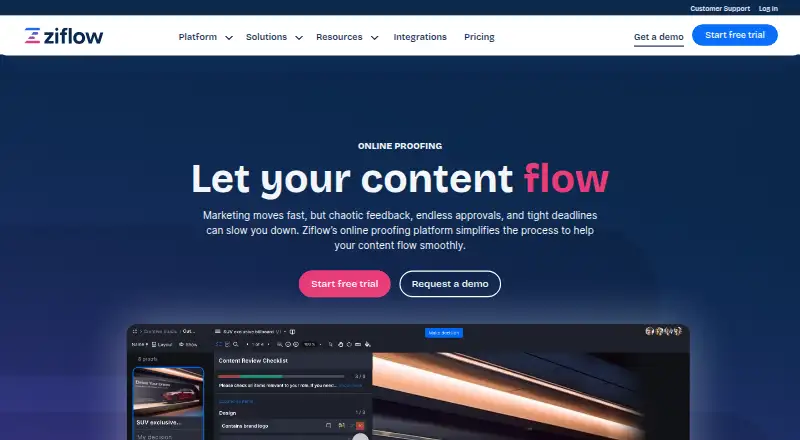
Ziflow provides a free plan with unlimited proofs and reviewers, two users, 2GB storage, one workflow stage and 60 days of review history; choose it when those free-plan limits suit the workflow.
MarkUp is a paid option with a Pro plan at 79.00 USD per month for 50 MarkUps/month, unlimited users, one workspace and 100GB storage; it may suit teams that prefer that stated workspace and storage allowance.
ftrack Studio is a paid alternative with planning, scheduling and tracking, interactive media review, project reports, an API and 250GB storage in its Studio plan at 30.00 USD per month billed monthly.
Verdict
Choose Ashore if your team needs one place to review varied digital assets, compare versions and manage approvals with client-facing branding and an activity trail. Its integration options add flexibility, and Standard's three included seats make it more team-ready than Starter. Look elsewhere if your file volume, seat growth or storage needs do not fit the stated quotas—or if a competing tool's specific free-plan or storage terms are a closer match.
Compared on video review software
- Free plan
- Yesashoreapp.com
- Paid from
- $15/user/moashoreapp.com
- Version history
- Yesashoreapp.com
- Guest reviewers
- Yesashoreapp.com
Facts
- Product
- Ashore describes itself as online proofing software for reviewing and approving digital files.ashoreapp.com · 29 Sept 2026
- Workflows
- The product supports automated approval workflows, real-time collaboration, and version control.ashoreapp.com · 29 Sept 2026
- Smart Review
- Smart Review compares uploaded versions and marks what changed.ashoreapp.com · 29 Sept 2026
- File support
- Supported formats include images, PDFs, videos, audio, HTML, live websites, DOCX, and TXT.ashoreapp.com · 29 Sept 2026
- Annotations
- Approvers can comment on video and audio at specific timestamps.ashoreapp.com · 29 Sept 2026
- Integrations
- Ashore describes direct plugins for Photoshop, Illustrator, and InDesign, plus Zapier connections and a REST API.ashoreapp.com · 29 Sept 2026
- Branding
- The product supports branded review experiences with custom domains, logos, and integrated email.ashoreapp.com · 29 Sept 2026
- Audit trails
- Ashore says it automatically logs proof activity, including emails and new versions, for audit trails.ashoreapp.com · 29 Sept 2026
- Target users
- Ashore identifies creative agencies and marketing teams, as well as print and promotional apparel businesses, as customer groups.ashoreapp.com · 29 Sept 2026
- Support
- The support policy lists email and phone support Monday through Friday, 9:00 AM–4:30 PM CT, and says email responses arrive within 24 hours during business hours.ashoreapp.com · 29 Sept 2026
- Training
- The Standard plan includes one free training.ashoreapp.com · 29 Sept 2026
- Company history
- Ashore says it was initially built as an in-house product of Brandcave, a creative agency in Austin, Texas.ashoreapp.com · 29 Sept 2026
Company
- Headquarters
- Georgetown, Texas, United Statesashoreapp.com · 28 Sept 2026
Best Ashore alternatives
See all 12





Where it ranks on Inferse
Sources
- ashoreapp.com· checked 29 Sept 2026
- ashoreapp.com/feature/proof-software/· checked 29 Sept 2026
- ashoreapp.com/feature/file-types/· checked 29 Sept 2026
- ashoreapp.com/feature/creative-proofing-software/· checked 29 Sept 2026
- ashoreapp.com/support-policy/· checked 29 Sept 2026
- ashoreapp.com/pricing/· checked 29 Sept 2026
- ashoreapp.com/company/· checked 29 Sept 2026