
Bitbucket
About
Bitbucket provides distributed version control and a place for teams to plan projects, code, test, and deploy. It supports Git and Mercurial, while Bitbucket Pipelines handles integrated CI/CD for building, testing, and deploying code. The Free plan supports up to five users with unlimited public and private repositories, 1 GB of LFS storage, and 50 Pipelines build minutes. Standard costs 3.65 USD per month per user; Premium costs 7.25 USD per month per user. Premium adds merge checks, IP allowlisting, deployment permissions, required two-step verification, and smart mirroring. Bitbucket Cloud Premium includes dedicated 24/7 support and a 99.9% uptime SLA; Free subscribers are eligible for Atlassian Community support. Teams can create branches from Jira issues or Trello cards, and Pipelines integrates with services including AWS, BrowserStack, Sentry, and Snyk. Apps can extend the interface, use webhooks, and access Bitbucket data through its REST API. Bitbucket Data Center is a self-managed option for customers with strict regulatory or security requirements; pricing is available by contacting Atlassian, and a free 30-day trial is offered.
Who it is for
It suits teams using Git or Mercurial that want repository hosting and integrated CI/CD, especially teams already working with Jira or Trello. Organizations with strict regulatory or security requirements can consider the self-managed Data Center option.
What is good
- Free plan includes unlimited public and private repositories.
- Pipelines provides integrated CI/CD.
- Branches can be created from Jira issues or Trello cards.
- Apps, webhooks, and a REST API extend the service.
What to know first
- Free plan supports up to five users.
- Free plan includes 50 Pipelines build minutes.
- Data Center pricing requires contacting Atlassian.
Inferse review
Bitbucket: the full review
Bitbucket combines repositories, CI/CD, and links to project planning tools, with a free entry tier and paid security controls. Teams should check user and build-minute limits or consider self-managed Data Center requirements.
Overview
Bitbucket is a source-control and delivery platform for teams that need a place to plan work, manage code, and build, test, and deploy it. It is a strong fit for teams already using Jira or Trello; its key trade-off is that the free plan stops at five users, while governance controls and dedicated support require Premium.
Key features
Bitbucket supports Git and Mercurial, with unlimited public and private repositories on Free. That repository allowance gives small teams room to separate projects without a count limit, but it does not remove the plan’s user, storage, or build-minute caps. The built-in wiki and merge queue add documentation and review workflow capabilities alongside the repositories.
Bitbucket Pipelines provides integrated CI/CD for building, testing, and deploying code. Integrations include AWS, BrowserStack, Sentry, and Snyk, which help connect delivery workflows to other services. Jira issues and Trello cards can generate branches, a useful bridge between project tracking and code changes for teams already working in those products.
Apps, webhooks, and a REST API give teams ways to extend the interface, react to events, and work with Bitbucket data. Premium adds merge checks, IP allowlisting, deployment permissions, required two-step verification, and smart mirroring. These controls suit teams that need tighter access and change governance. Cloud security integration is narrower: Snyk is the provider identified for installation and implementation with a repository.
Pricing
Bitbucket is freemium, with a free plan and a free trial. Free costs 0.00 USD per free, billed Free forever, and supports up to five users with unlimited public and private repositories, 1 GB of LFS storage, and 50 Pipelines build minutes. The five-user ceiling and build quota make it a sensible starting point for small teams, but a constraint for larger groups or frequent automated builds. Free subscribers are eligible for support through the Atlassian Community.
Standard costs 3.65 USD per month, billed per user / month. It is aimed at growing teams and includes LFS and Pipelines; the published plan summary does not give a separate quota or support level for Standard. Premium costs 7.25 USD per month, billed per user / month, and includes Standard features plus merge checks, IP allowlisting, deployment permissions, required two-step verification, and smart mirroring. It also includes dedicated 24/7 support and a 99.9% uptime SLA, making the higher tier relevant when governance and service commitments matter.
Bitbucket Data Center is self-managed for customers with strict regulatory or security requirements, with custom pricing available by contacting Atlassian. Atlassian offers a free 30-day Data Center trial. Choose it when self-management is a requirement rather than assuming the Cloud plans provide the same deployment model.
Platforms
Bitbucket is available on the web and supports Linux, macOS, and Windows, as well as API access and self-hosted deployment. This range suits teams spanning desktop and server environments, including those that need a self-managed option.
Who it's for
Bitbucket is best for small and growing software teams that want repository hosting and CI/CD connected to Jira or Trello. Free covers a group of up to five; Standard is the stated step for growing teams, while Premium is the fit for teams that need its explicit security controls, dedicated support, and uptime SLA. Teams that need self-management for regulatory or security reasons should consider Data Center.
Pros and cons
- Pros: Free provides unlimited public and private repositories for up to five users, useful for small teams with multiple projects.
- Pros: Jira and Trello branch creation, integrated Pipelines, and third-party integrations bring project work and delivery workflows together.
- Pros: Premium bundles specific access and deployment controls with 24/7 support and a 99.9% uptime SLA.
- Cons: Free is capped at five users and 50 Pipelines build minutes, limiting its appeal as a team grows or automation use increases.
- Cons: Premium is required for the listed governance controls, and Cloud security integration identifies Snyk as the available provider.
Alternatives
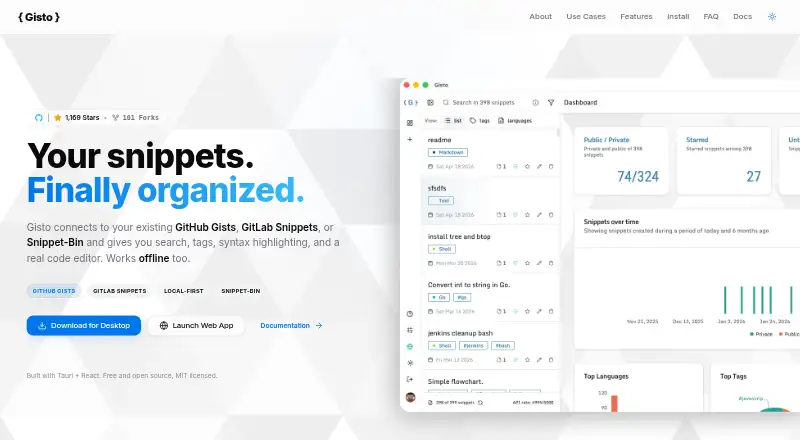
For a dedicated snippet-management tool rather than a broader repository and delivery platform, compare Code Snippet Management Software and Code Snippet Managers. ByteStash suits users who want a freemium web/API option with 100 snippets per workspace and one member on its free plan. massCode is a free, open-source choice for users who want desktop and extension platforms without an account. Cacher is another freemium option, with a free plan capped at 15 private snippets, three private labels, 10 MB of attachments, and 50 MB/month of uploads. Lepton offers unlimited public or secret snippets and tags on its free plan for Linux, macOS, and Windows. Snibox is a free, MIT-licensed, self-hosted option with one registered user out of the box. Gisto offers a free local mode, but that mode does not sync across devices or cloud providers. SnippetsLab is a free Mac-only option without ads, in-app purchases, or subscriptions. ZCode Snippets is another free snippet manager.
Verdict
Choose Bitbucket if your team wants Git or Mercurial repositories, integrated CI/CD, and a direct workflow link to Jira or Trello. Its strongest case is bringing code hosting and delivery into that existing toolchain; look elsewhere if the five-user Free cap, limited build minutes, or Premium-only governance does not fit, or choose Data Center when self-management is essential.
Compared on code snippet managers
- Free plan
- Yesbitbucket.org
Facts
- Purpose
- Bitbucket provides distributed version control and a place for teams to plan projects, code, test, and deploy.bitbucket.org · 29 Sept 2026
- Version control
- Bitbucket supports Git and Mercurial version control.bitbucket.org · 29 Sept 2026
- Repositories
- The Free plan includes unlimited public and private repositories for up to five users.atlassian.com · 29 Sept 2026
- CI/CD
- Bitbucket Pipelines provides integrated CI/CD for building, testing, and deploying code.bitbucket.org · 29 Sept 2026
- Jira and Trello
- Teams can create Bitbucket branches from Jira issues or Trello cards.bitbucket.org · 29 Sept 2026
- Third-party integrations
- Bitbucket Pipelines integrations include services such as AWS, BrowserStack, Sentry, and Snyk.support.atlassian.com · 29 Sept 2026
- App extensions and API
- Bitbucket apps can add interface extensions, use webhooks, and access Bitbucket data through its REST API.support.atlassian.com · 29 Sept 2026
- Security controls
- Premium includes merge checks, IP allowlisting, deployment permissions, required two-step verification, and smart mirroring.atlassian.com · 29 Sept 2026
- Security integrations
- The Bitbucket Cloud security documentation currently identifies Snyk as the security provider available to install and implement with a repository.support.atlassian.com · 29 Sept 2026
- Premium support
- Bitbucket Cloud Premium includes dedicated 24/7 support and a 99.9% uptime SLA.bitbucket.org · 29 Sept 2026
- Free support
- Bitbucket Cloud Free subscribers are eligible for support through the Atlassian Community.atlassian.com · 29 Sept 2026
- Self-managed option
- Bitbucket Data Center is a self-managed offering for customers with strict regulatory or security requirements, and its pricing is available by contacting Atlassian.atlassian.com · 29 Sept 2026
- Data Center trial
- Atlassian offers a free 30-day trial of Bitbucket Data Center.bitbucket.org · 29 Sept 2026
Best Bitbucket alternatives
See all 12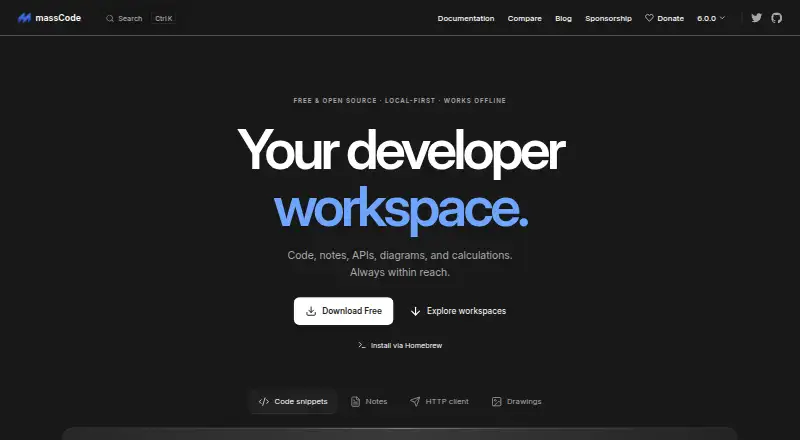 7.3 massCode Free free plan, no paid price published Free plan
 6.9 Fabric $8/mo first paid tier Free trial
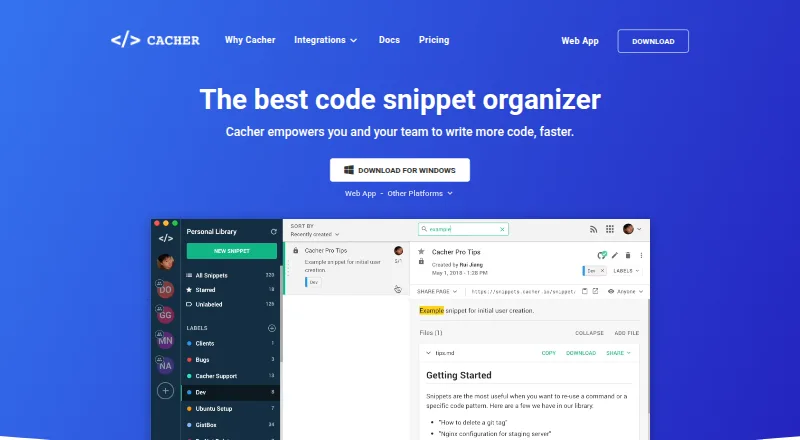 6.0 Cacher $9.99/mo first paid tier Free plan
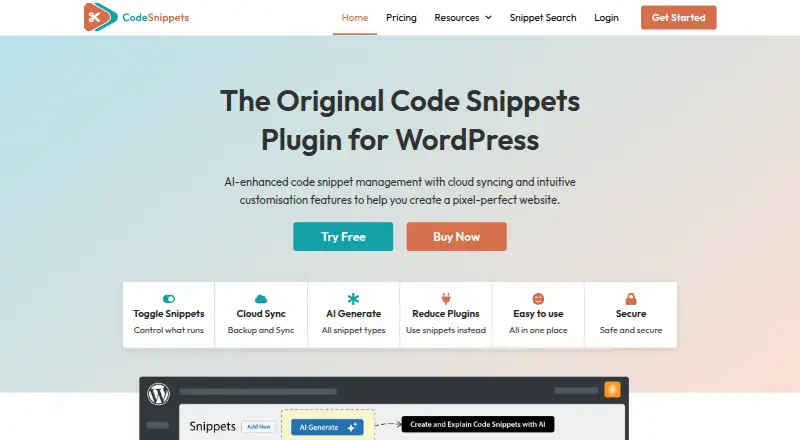 6.0 Code Snippets $3.90/mo first paid tier Free plan
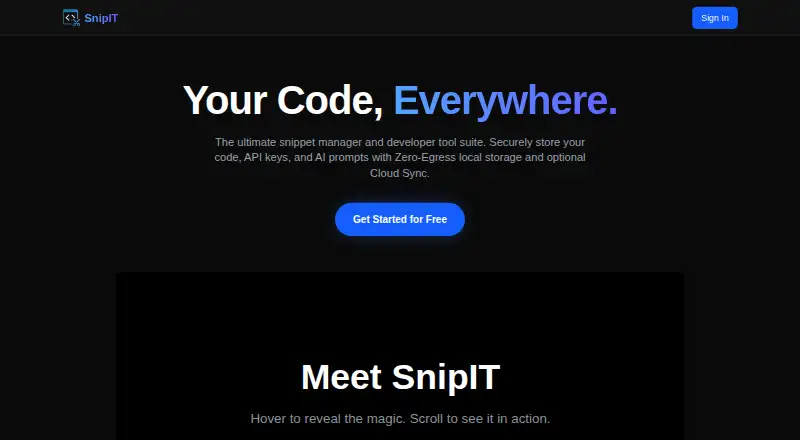 6.0 SnipIT Free free plan, no paid price published Free plan
 5.8 Gisto Free free plan, no paid price published Free plan
 Where it ranks on Inferse
Sources
- bitbucket.org/product/version-control-software· checked 29 Sept 2026
- atlassian.com/software/bitbucket/pricing· checked 29 Sept 2026
- support.atlassian.com/bitbucket-cloud/docs/connect-to-third-p· checked 29 Sept 2026
- support.atlassian.com/bitbucket-cloud/docs/bitbucket-cloud-ap· checked 29 Sept 2026
- support.atlassian.com/bitbucket-cloud/docs/security/· checked 29 Sept 2026
- bitbucket.org/product/premium· checked 29 Sept 2026
- atlassian.com/licensing/bitbucket· checked 29 Sept 2026
- bitbucket.org/product/download/data-center· checked 29 Sept 2026