
DisplayFusion
About
DisplayFusion provides controls for configuring and managing Windows multi-monitor setups. It can add a taskbar to each monitor and configure resolution, colour depth, refresh rate, orientation, profiles, and screen splitting. Window tools support snapping, sizing, and moving windows, with saved profiles for positions. Triggers can respond to events such as window creation or focus, desktop unlock, and system idle, then run preset commands or custom scripts. A phone or tablet can control the product remotely for tasks such as changing wallpaper or toggling monitors. Wallpaper sources include a personal collection, online sources, and a direct image URL. Corporate deployment options include silent installer settings and custom ADMX templates for Active Directory Group Policy. The download page lists Windows 11, Windows 10 version 1607 or later, and Windows Server 2016, 2019, and 2022; x86, x64, and ARM64 are supported. A 30-day Pro trial is followed by a free version. Pro Standard costs 34.00 USD once per machine and includes a lifetime license and future versions.
Who it is for
DisplayFusion suits Windows users who want detailed controls for multiple monitors, window positioning, or event-based automation. Corporate deployment options may also suit organizations managing installations through Active Directory Group Policy.
What is good
- Taskbar can be added to each monitor
- Saved window position profiles
- Triggers can run custom scripts
- Remote controls work from a phone or tablet
- Corporate deployment includes custom ADMX templates
What to know first
- Windows only
- Virtual desktop controls are not listed
Verdict
DisplayFusion offers a broad set of monitor and window controls, plus automation and deployment options. The free version remains available after the 30-day Pro trial; paid licenses start at 34.00 USD once per machine.
Compared on window management software
- Free plan
- Yesdisplayfusion.com
- Paid from
- 34 one-timedisplayfusion.com
Facts
- Purpose
- DisplayFusion provides controls and customization for multi-monitor setups.displayfusion.com · 29 Sept 2026
- Taskbars
- It can add a taskbar to each monitor to help organize windows.displayfusion.com · 29 Sept 2026
- Monitor setup
- Users can configure monitor resolution, colour depth, refresh rate, orientation, profiles and splitting.displayfusion.com · 29 Sept 2026
- Window tools
- Window management includes snapping, sizing and moving windows, plus saved window position profiles.displayfusion.com · 29 Sept 2026
- Automation
- Triggers respond to events such as window creation, focus, desktop unlock and system idle, and can run preset commands or custom scripts.displayfusion.com · 29 Sept 2026
- Remote control
- The product can be controlled remotely from a phone or tablet to change wallpaper, toggle monitors and perform other actions.displayfusion.com · 29 Sept 2026
- Wallpaper integrations
- Wallpaper can be loaded from the user's collection, online sources or a direct image URL.displayfusion.com · 29 Sept 2026
- Enterprise deployment
- Corporate deployment options include silent installer settings and custom ADMX templates for Active Directory Group Policy.displayfusion.com · 29 Sept 2026
- Supported systems
- The current download page lists Windows 11 and Windows 10 version 1607 or higher, plus Windows Server 2016, 2019 and 2022; x86, x64 and ARM64 are supported.displayfusion.com · 29 Sept 2026
- Trial
- Downloads include a free 30-day Pro trial, after which users can continue with the free version.displayfusion.com · 29 Sept 2026
- Security
- The privacy policy says data transferred between users and the company's servers is encrypted over HTTPS, backups are encrypted, and passwords are salted and hashed.displayfusion.com · 29 Sept 2026
- Telemetry
- Desktop applications send anonymous telemetry about operating system version, screen resolution and enabled features, and this can be disabled in product settings.displayfusion.com · 29 Sept 2026
- Support
- The purchase page directs customers with license questions to contact the company for help.displayfusion.com · 29 Sept 2026
- Company
- Binary Fortress Software describes its work as building software to make life easier, including display management and system enhancement utilities.binaryfortress.com · 29 Sept 2026
Company
- Headquarters
- Kanata, Ontario, Canadadisplayfusion.com · 28 Sept 2026
Best DisplayFusion alternatives
See all 12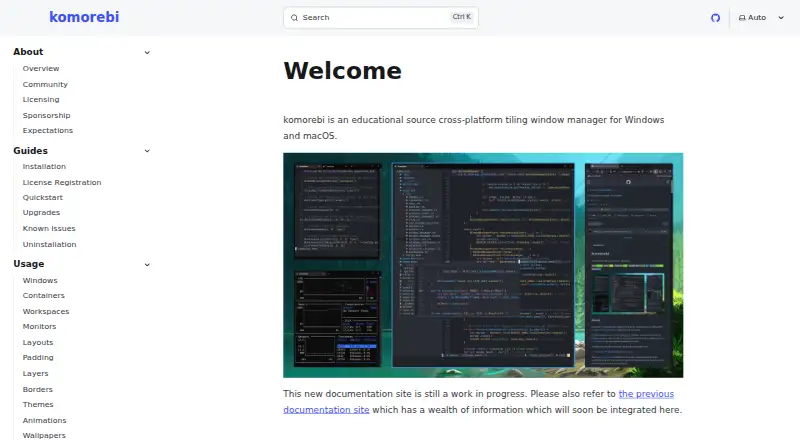 6.0 komorebi $9.17/mo first paid tier
 6.0 Reloop $10/mo first paid tier Free plan
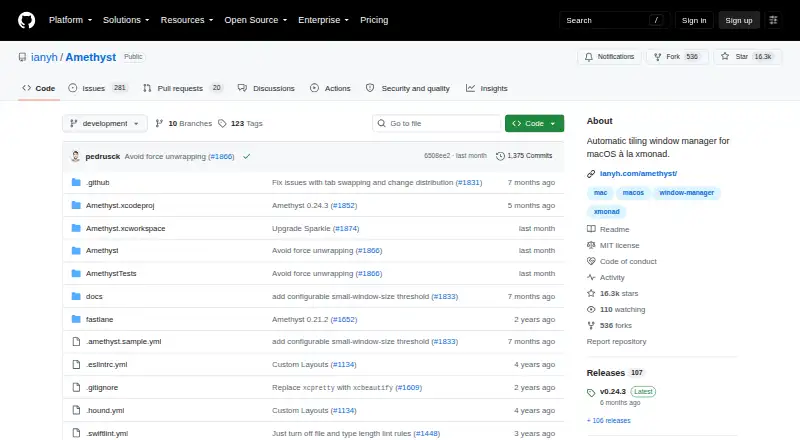 5.9 Amethyst Free free plan, no paid price published Free plan
 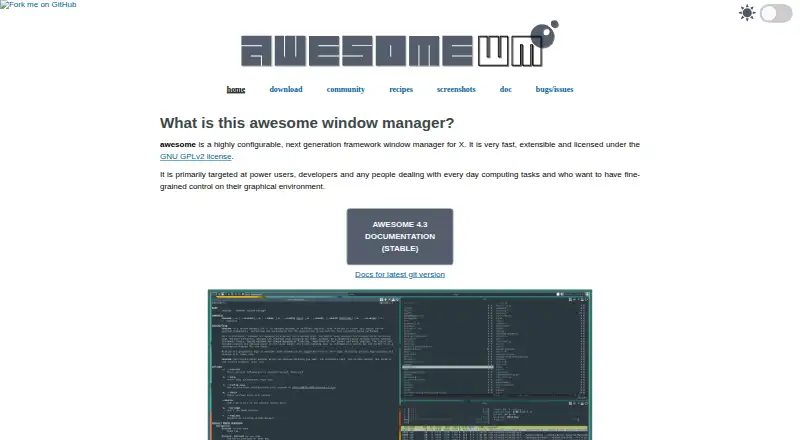 5.9 awesome Free free plan, no paid price published Free plan
 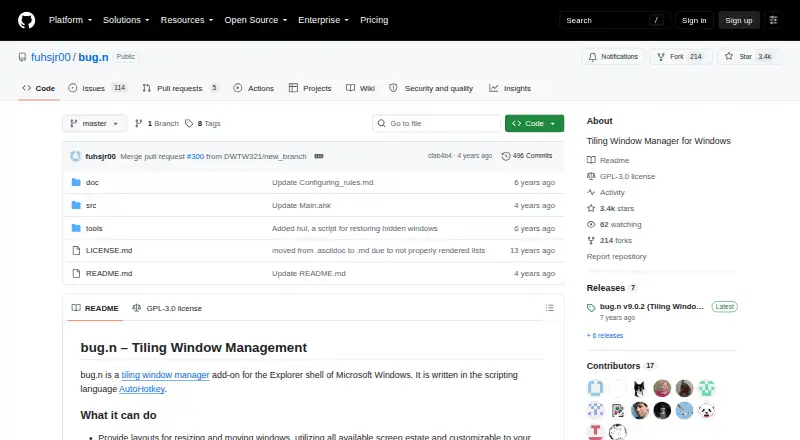 5.9 bug.n Free free plan, no paid price published Free plan
 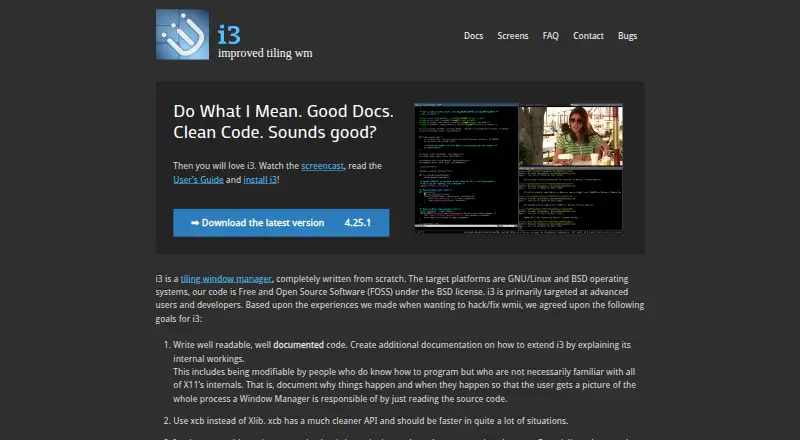 5.9 i3 Free free plan, no paid price published Free plan
 Where it ranks on Inferse
Sources
- displayfusion.com· checked 29 Sept 2026
- displayfusion.com/Features/· checked 29 Sept 2026
- displayfusion.com/Compare/· checked 29 Sept 2026
- displayfusion.com/Download/· checked 29 Sept 2026
- displayfusion.com/Privacy/· checked 29 Sept 2026
- displayfusion.com/Purchase/· checked 29 Sept 2026
- binaryfortress.com· checked 29 Sept 2026