EasyOCR: Free Open-Source Image OCR
github.com · checked 4 Oct 2026
A no-cost, open-source Python OCR tool for extracting image text on desktop systems.
How it plugs in
Signal on OCR API Software6.6#5 of 29
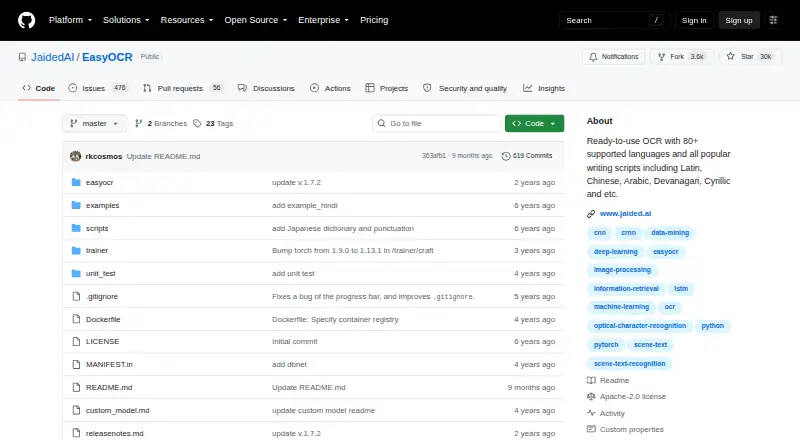
EasyOCR is a free Python module that pulls wording from images, including natural scenes and dense documents. It supports more than 80 languages, can read compatible languages together, and works on Linux, macOS, Windows, or a self-hosted setup. It can use a GPU or CPU and accepts images from several input types.
Review
In a line
EasyOCR is a free, open-source Python module for turning image content into text. It is aimed at desktop and self-hosted use.
What it does
EasyOCR processes wording found in natural scenes as well as dense documents. Its readtext method can provide recognized text alongside bounding-box coordinates and confidence values, or return only the text.
The project supports more than 80 languages, and compatible ones can be handled in the same reading task. You can pass an image by file path, NumPy array, bytes, or URL.
How it connects
The code is available under the Apache-2.0 license. Installation is documented through pip, source code, or Docker.
A Reader can select a GPU when one is available, or operate using only the CPU. Pretrained models are fetched automatically, while manual downloads support offline environments.
EasyOCR is integrated into Hugging Face Spaces with Gradio and has a web demo. Its API allows custom recognition networks and settings for detection, recognition, decoding, and text-box merging.
Good fit
EasyOCR suits people who need image text extraction in a Python project and want a free library they can run on their own computer or server.
It fits multilingual image work, including cases where several supported languages appear together. It can also suit offline setups when models are downloaded manually.
Watch for
Handwriting recognition is not currently supported; handwritten text appears on the project's planned-work list. Searchable PDF and Word export are also unavailable.
Windows users may need to install PyTorch separately before installation. Model files are downloaded when the library is first used unless you prepare them for offline use.
The maker pages do not state a security certification or compliance claim.
Pricing
EasyOCR is free. The listed plan is a no-cost, open-source OCR library, and no paid plans are listed.
Verdict
Choose EasyOCR if you want no-cost, self-hosted image OCR with broad language coverage and control over compute and model setup.
Look elsewhere if handwriting, searchable PDFs, Word files, or a packaged non-Python workflow are requirements. You can also browse OCR software or OCR API Software for other approaches.
Our take
EasyOCR is a sensible choice for developers who can work with Python and want image text recognition without a subscription. Its language coverage, local execution, CPU or GPU options, and offline model downloads give it flexibility for self-hosted projects. Handwriting recognition and searchable-PDF or Word export are its main limitations. Windows setup may require extra PyTorch installation. Pick it for customizable image OCR; skip it when you need finished documents, handwriting recognition, or a nontechnical desktop tool.
- Free open-source software under Apache-2.0
- Covers more than 80 languages
- Available on Linux, macOS, Windows, and self-hosted setups
- Accepts file paths, arrays, bytes, and URLs
- Supports GPU or CPU processing
- No handwriting OCR support
- No searchable PDF output
- No Word export
- Windows may need manual PyTorch installation
- Models download unless prepared for offline use
- Pick it ifPython users building multilingual image OCR; Self-hosted or offline OCR projects; Teams needing configurable recognition settings
- Skip it ifYou need handwriting recognition; You require searchable PDFs or Word files; You want a ready-made, non-Python desktop app
Pricing
The library is free, and no paid plans are listed.
- EasyOCROpen-source OCR library · no paid plans listedFree
As github.com lists them, checked 4 Oct 2026.
Questions
Is EasyOCR free?
Yes. EasyOCR is a free, open-source OCR library, and no paid plans are listed.
Which languages does EasyOCR support?
The project says it supports more than 80 languages, with compatible languages readable together.
What input types can EasyOCR read?
You can provide images as a file path, NumPy array, bytes, or URL.
Does EasyOCR read handwriting?
No. Support for handwritten text appears on the project's planned-work list.
Can EasyOCR run offline?
Yes, if you manually download the pretrained models for an offline environment.
Where can EasyOCR run?
It runs on Linux, macOS, Windows, and self-hosted systems. Its primary platform is desktop.
Can EasyOCR use a GPU?
Yes. Its Reader can use an available GPU or run in CPU-only mode.