Face Swap Studio: Free Face Swapping for Windows 10 and Web
github.com · checked 11 Oct 2026
Face swapping for Windows 10 and the web, including video, batch work, and API access.
How it plugs in
Signal on AI Face Swap Tools5.1#52 of 57
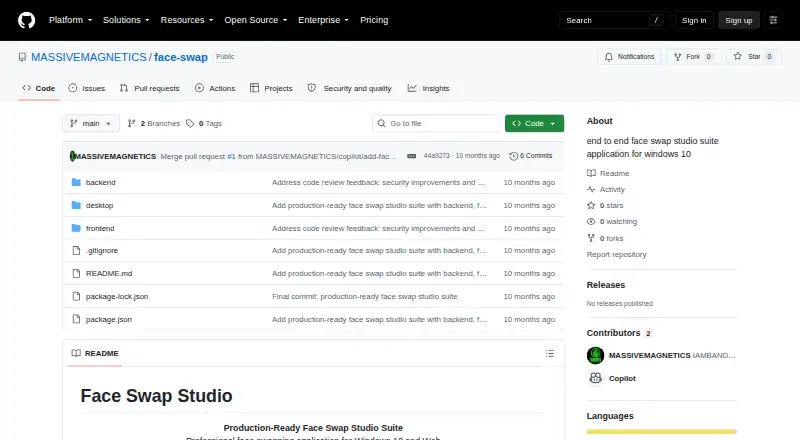
Face Swap Studio provides face swapping on Windows 10 and through the web. Machine learning detects and replaces faces while preserving expressions. Listed capabilities include video files, batch image processing, live preview, project history, and PNG, JPEG, and WebP output. The project also documents an API and self-hosted deployment.
Review
In a line
Face Swap Studio provides face swapping on Windows 10 and through the web. The project is open source and licensed under MIT.
What it does
The software detects faces with machine learning and swaps them while keeping facial expressions. It supports video files, batch image processing, and a real-time preview.
The web app includes registration and login, profile management, drag-and-drop uploads, swap settings, project management, history, and result exports. The Windows app can work offline.
How it connects
Face Swap Studio is available as a web app, a Windows 10 desktop app, an API, or a self-hosted setup. API routes cover sign-in, projects, image uploads, face detection, face swapping, and result downloads.
Output files can be PNG, JPEG, or WebP. The desktop app integrates with the local file system and Windows system tray. The source code is available under the MIT License.
Good fit
It suits people who need face swaps in images or videos and want batch processing, a live preview, or project history. Teams that need programmatic access can use the documented API.
It can also fit users who want to run the web service themselves or use a Windows 10 desktop app with offline support.
Watch for
Desktop use requires 64-bit Windows 10. Web access works with a modern browser. For self-hosting, the listed prerequisites are Node.js 18 or newer and npm 9 or newer, along with environment setup, a frontend build, and server startup.
The sample environment configuration sets MAX_FILE_SIZE to 52,428,800 bytes. Check that limit and the deployment steps before handling larger files.
Pricing
Face Swap Studio is free. The project lists web, Windows, API, and self-hosted options, and its source is available under the MIT License.
Verdict
Choose Face Swap Studio if you want free face swapping with video support, batch jobs, common image exports, and an API. It is also a practical option when you need a Windows desktop client or want to host the web service yourself.
Consider another tool if you require a desktop app for a different operating system or files larger than the sample configuration's stated upload setting.
Our take
Face Swap Studio is a sensible pick for users who want free face swapping on Windows 10 or the web. Its mix of video support, batch processing, project history, standard image exports, and documented API endpoints covers both occasional work and automated workflows. The open MIT license allows self-hosted use, but setup calls for Node.js, npm, environment variables, a frontend build, and server startup. Confirm the Windows and browser requirements, along with the sample upload limit, before choosing it for larger projects.
- Free software released under the MIT License
- Supports Windows 10, web, API, and self-hosted use
- Handles video files, batch images, and real-time preview
- Exports PNG, JPEG, and WebP files
- API covers uploads, swaps, projects, and downloads
- Desktop app requires 64-bit Windows 10
- Self-hosting requires Node.js 18+, npm 9+, and setup work
- Sample configuration limits uploads to 52,428,800 bytes
- Pick it ifWindows or web users needing image and video face swaps; Teams wanting an API or self-hosted open-source project; Batch processing with project history and common exports
- Skip it ifYou need a native desktop app for an operating system other than Windows 10; You do not want to handle deployment or server setup; Your files exceed the sample 52,428,800-byte upload setting
Pricing
No charge is listed. The project uses the MIT License, so self-hosting entails handling your own hosting and setup.
Questions
Is Face Swap Studio free to use?
Yes. It has a free pricing model and uses the MIT License.
Which platforms are available for Face Swap Studio?
The project lists a web app, a 64-bit Windows 10 desktop app, an API, and self-hosted deployment.
Does it support video face swaps?
Yes. The listed capabilities include video files and face swapping in video.
Which image file types can it produce?
PNG, JPEG, and WebP are listed as output formats.
Can developers access Face Swap Studio through an API?
Yes. The documented routes handle authentication, projects, image uploads, face detection, face swapping, and result downloads.
What is required for self-hosting?
The stated prerequisites are Node.js 18 or newer and npm 9 or newer. Deployment also involves environment variables, a frontend build, and starting the server.
How large can uploaded files be?
The sample environment configuration sets MAX_FILE_SIZE to 52,428,800 bytes. Check your configuration before uploading larger files.