
FinalPack
About
FinalPack is an online tool for calculating packaging dielines and preparing structures for prepress and printing. It computes blank dimensions from internal box length, width, and height, along with structure and board thickness or grammage. Documented structures include pharma tuck-end, RSC, fast-food, six-corner, sleeve, and standard glue-flap boxes. A 3D view shows open and closed forms before export. Production handoff can use distinct cut, crease, and perforation vector layers, with PDF/SVG output described; the layers are intended for Illustrator, CorelDRAW, and lithography workflows. Prepress guidance covers CMYK, overprint, bleed, image resolution, and technical-layer separation. Die-shop guidance describes DXF/SVG in millimetres for CNC, AutoCAD, Kongsberg, and laser cutters. Free Starter permits five basic models monthly and interactive 3D preview, but excludes PDF/DXF export and industrial rendering. Silver and Professional list monthly and yearly amounts in toman, though no normalized price is provided here. Enterprise options include CRM, MIS/ERP integration, a custom API, and on-site deployment.
Who it is for
FinalPack is presented for designers, packaging studios, die makers, and lithography or prepress teams. It may also fit packaging groups serving FMCG and pharma brands that need box structures and production handoff files.
What is good
- Calculates blanks from dimensions and board details
- Previews open and closed box forms in 3D
- Provides separate cut, crease, and perforation layers
- Enterprise option includes custom API and on-site deployment
What to know first
- Starter allows five basic models per month
- Starter excludes PDF/DXF export
- Starter excludes industrial rendering
Inferse review
FinalPack: the full review
FinalPack connects box sizing, structural preview, and prepress considerations in one packaging workflow. Confirm which plan supplies the export and rendering capabilities required for production.
Overview
FinalPack is a web-based packaging tool for calculating box dielines, previewing structures in 3D, and preparing files for prepress. It suits packaging designers, die makers, and print teams working from defined box dimensions and production requirements. Its free tier is useful for sizing and preview, but production export and higher-end rendering require a paid plan.
Key features
FinalPack calculates blank dimensions from a box’s internal length, width, and height, its structure, and board thickness or grammage. Its documented formats include pharma tuck-end, RSC, fast-food, six-corner, sleeve, and standard glue-flap boxes. That range makes it relevant to both general packaging work and some pharma and food applications, though the structures named are the scope established here.
An interactive 3D preview shows open and closed forms before export, helping users check a structure visually while developing a dieline. Production output separates cut, crease, and perforation vectors, with PDF and SVG described for handoff and compatibility with Illustrator, CorelDRAW, and lithography workflows. The free plan’s lack of PDF and DXF export makes that preview a development aid rather than a complete production path.
Prepress guidance addresses CMYK, overprint, bleed, image resolution, and keeping technical cut and crease layers separate. Die-maker guidance covers DXF and SVG in millimetres for CNC, AutoCAD, Kongsberg, and laser-cutter workflows. These are practical connections between structural design and downstream work; teams should match the output formats and capabilities of their own production stack to the plan they choose.
For larger printing operations, the maker describes CRM and order tracking, MIS/ERP integration, a custom API, and on-site deployment. This extends the proposition beyond individual dieline creation, but it belongs to the Enterprise offering rather than the entry-level workflow.
Pricing
FinalPack is freemium. Free Starter costs 0.00 USD per free and allows five basic models per month with interactive online 3D preview. It excludes PDF/DXF export and industrial rendering, so it is best for limited design exploration, not teams that need to deliver production files or polished renders.
Silver has custom pricing. Its terms are ۲۹۰٬۰۰۰ تومان / ماه or ۱٬۳۹۲٬۰۰۰ تومان / سال, equivalent to ۱۱۶٬۰۰۰ تومان monthly. It adds an unlimited structure library, PDF/DXF/SVG export, a basic monochrome or white 3D render, and two Esko Quality industrial renders per month. This is the clearest step up for regular production handoff, though the industrial-render quota remains modest.
Professional (Gold) also has custom pricing, with terms of ۴۹۹٬۰۰۰ تومان / ماه or ۲٬۳۹۵٬۲۰۰ تومان / سال, equivalent to ۱۹۹٬۶۰۰ تومان monthly. It includes Silver features, smart nesting, ten Esko Quality industrial renders per month, production cutline output, and priority support. It is better suited to teams with recurring rendering and cutline needs; the higher render allowance and nesting are the principal reasons to choose it over Silver.
Enterprise has custom pricing and is aimed at printing houses needing CRM and order tracking, MIS/ERP integration, a custom API, or on-site deployment. The plan information gives no seat counts or trial terms, so teams should confirm fit and commercial terms before committing. The maker also describes technical support through file delivery on its Persian-language homepage.
Platforms
FinalPack is available on the web and is also categorized for API and self-hosted use. Those options make it potentially relevant to both browser-based design work and integrated or locally deployed workflows; enterprise-specific integrations and on-site deployment are positioned for larger printing operations.
Who it's for
Graphic designers and packaging studios can use the sizing, structure library, and preview to develop box forms. Die makers and lithography or prepress teams have a clearer reason to consider it when layered vectors, millimetre-based DXF/SVG guidance, and production cutlines matter. Packaging teams serving FMCG and pharma brands may value the named structures and prepress focus. It is less compelling for occasional users who need exported production files but want to remain on the free tier.
Pros and cons
- Pros: Dieline sizing uses internal dimensions and board characteristics, tying the output to packaging specifications rather than generic page dimensions.
- Pros: Separate cut, crease, and perforation layers, plus named design-software and die-shop workflows, support handoff across design and production roles.
- Pros: Free Starter includes five monthly models and interactive 3D preview, giving new users a bounded way to explore structures.
- Cons: Starter excludes PDF/DXF export and industrial rendering, so it cannot serve as a free production-export tier.
- Cons: Industrial renders are capped at two monthly on Silver and ten on Gold, which may constrain teams producing many presentation-ready views.
- Cons: Custom pricing for paid plans makes cost comparison difficult without confirming the applicable terms.
Alternatives
Packaging Design Software is the broader directory category for comparing packaging tools. Packaging Dieline is a stronger fit when export access on a free plan matters: its free tier offers four of 18 styles with unlimited PDF, AI, SVG, and DXF exports, while Studio is 19.00 USD per month.
MediaBeacon may suit teams assessing cloud or on-premise deployment for a paid platform, with a discovery call through Esko. EngView Packaging Suite is worth comparing for teams wanting 2500+ parametric templates, 3D visualization, and Adobe Illustrator integration in its 760.00 EUR per year Lite plan; it also offers a free trial.
Packly is another web-based freemium option: its free Basic plan includes three dieline templates and three 3D mockups per month, plus 3D repair and share links. ZebraDesigner is a paid product with a free Essentials 3 tier for basic barcode label and tag design and printing on supported Zebra printers.
Cubit Design Studio is a web-based freemium alternative. Dielineo is also a web-based freemium alternative. iC3D Suite is a paid option with a free trial, packaging-type coverage, Mac or Windows support, and floating or concurrent-user licensing.
Verdict
FinalPack is the right choice for packaging and print teams that want structural sizing, a 3D check, and production-oriented vector and prepress workflows in one tool. Its strongest case is the connection between box geometry and downstream handoff; its main drawback is that the free tier stops before export, while paid-plan pricing requires confirmation. Choose it when those workflow links matter, and look elsewhere if free production exports or immediately comparable published pricing are priorities.
Compared on packaging design software
- Free plan
- Yesfinalpack.ir
- Dieline editor
- Yesfinalpack.ir
- Preflight checks
- Yesfinalpack.ir
Facts
- Purpose
- FinalPack is an online tool for parametric box dielines, packaging structures, and prepress checks before lithography and printing.finalpack.ir · 2 Oct 2026
- Dieline sizing
- It calculates blank dimensions from internal length, width, height, structure, and board thickness or grammage.finalpack.ir · 2 Oct 2026
- Structures
- The documented structures include pharma tuck-end, RSC, fast-food, six-corner, sleeve, and standard glue-flap boxes.finalpack.ir · 2 Oct 2026
- Vector output
- The tool provides separate cut, crease, and perforation vector layers and describes PDF/SVG output for production handoff.finalpack.ir · 2 Oct 2026
- 3D preview
- Users can inspect open and closed box forms in 3D before exporting a dieline.finalpack.ir · 2 Oct 2026
- Design software compatibility
- Separate vector layers are described as ready for Illustrator, CorelDRAW, and lithography workflows.finalpack.ir · 2 Oct 2026
- Prepress checks
- Its prepress guidance covers CMYK, overprint, bleed, image resolution, and separation of technical cut and crease layers.finalpack.ir · 2 Oct 2026
- Die shop workflow
- Its die-maker guidance describes DXF/SVG in millimetres for CNC, AutoCAD, Kongsberg, and laser cutters.finalpack.ir · 2 Oct 2026
- Enterprise integrations
- The maker describes enterprise printing-house software with CRM, MIS/ERP integration, a custom API, and on-site deployment.finalpack.ir · 2 Oct 2026
- Intended users
- The tool is presented for graphic designers, packaging studios, die makers, lithography and prepress teams, and packaging teams serving FMCG and pharma brands.finalpack.ir · 2 Oct 2026
- Free plan limits
- The Starter plan allows five basic models monthly and interactive 3D preview but excludes PDF/DXF export and industrial rendering.finalpack.ir · 2 Oct 2026
- Support
- The Professional plan includes priority support; the maker's Persian-language homepage says technical support accompanies users through file delivery.finalpack.ir · 2 Oct 2026
Company
- Headquarters
- Tehran, Iranfinalpack.ir · 28 Sept 2026
Best FinalPack alternatives
See all 12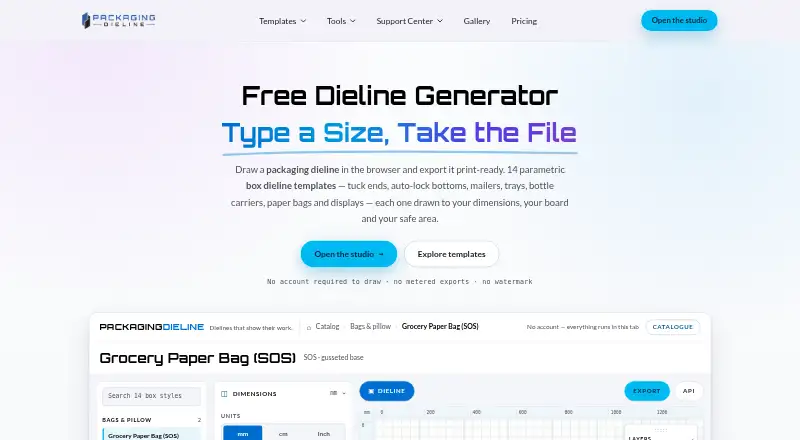 7.2 Packaging Dieline $19/mo first paid tier Free plan
 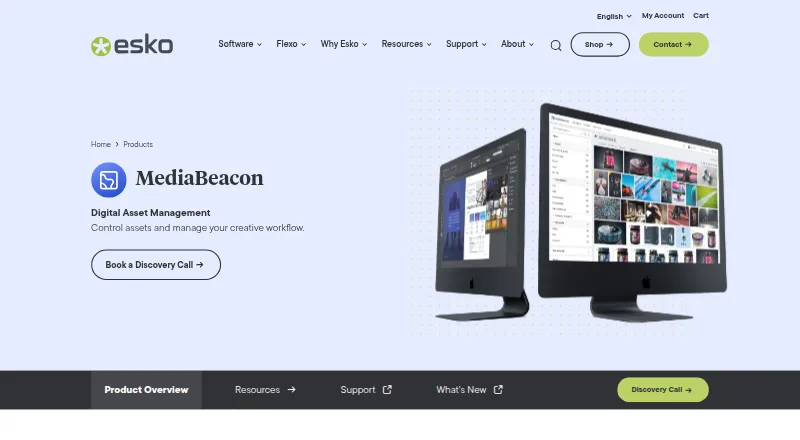 6.8 MediaBeacon See plans price on the maker's page
 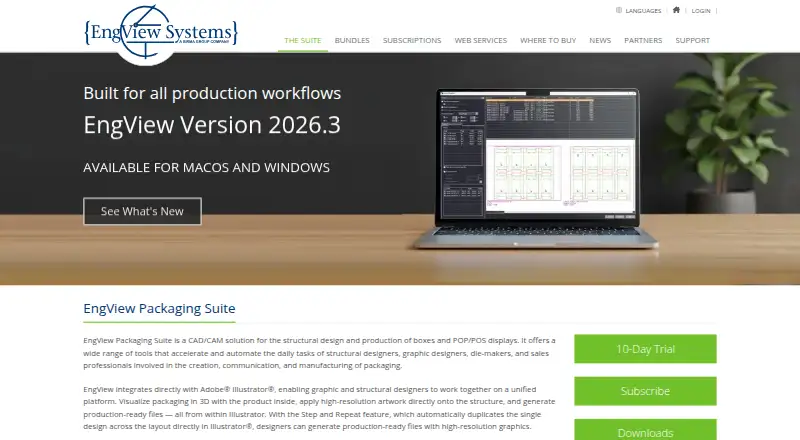 6.7 EngView Packaging Suite €63.33/mo first paid tier Free trial
 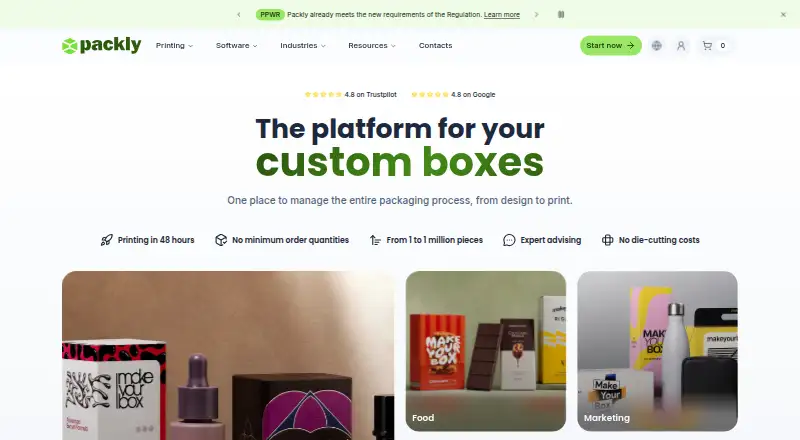 5.9 Packly €31.58/mo first paid tier Free plan
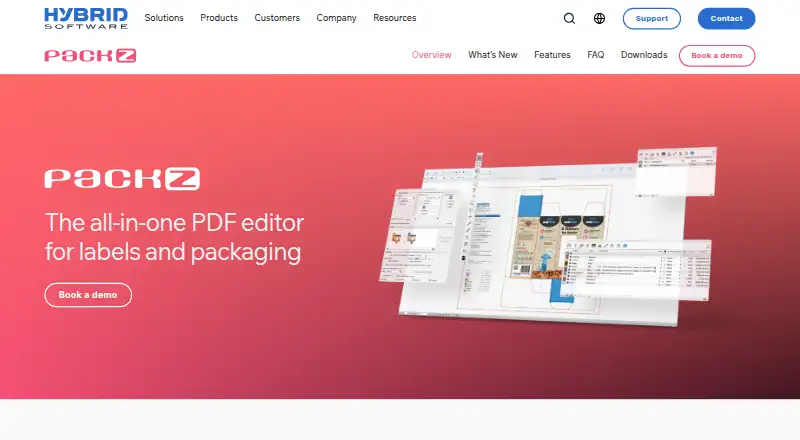 5.9 PACKZ See plans price on the maker's page 5.9 ZebraDesigner Free free plan, no paid price published Free plan
 Where it ranks on Inferse
Sources
- finalpack.ir/en/· checked 2 Oct 2026
- finalpack.ir/en/box/· checked 2 Oct 2026
- finalpack.ir/en/prepress.php· checked 2 Oct 2026
- finalpack.ir/en/die-design.php· checked 2 Oct 2026
- finalpack.ir· checked 2 Oct 2026
- finalpack.ir/pricing.php· checked 2 Oct 2026
- finalpack.ir· checked 2 Oct 2026