
FontBase
About
FontBase is a font manager for Linux, macOS and Windows. It lets users organize fonts into collections and sub-collections, then activate a collection in one click. Fonts can stay in watched folders rather than being installed, and designated folders can trigger automatic activation when new fonts appear. The free feature set includes OpenType features, glyph viewing and copying, and access to Google Fonts as if those fonts were local. FontBase supports TTF and OTF fonts and lists duplicate detection. The paid Awesome offering adds cloud-drive syncing of collections across computers, automatic activation of missing fonts in Photoshop, Illustrator and InDesign documents, and team license controls. Teams can manage members and see who is online and how many fonts they use. Awesome starts at $3/user/mo; the listed Awesome Monthly plan is 3.00 USD per month. Yearly and Forever prices are not shown. The maker says it does not store user data on its servers; Stripe handles subscription data and Auth0 handles login and authentication data.
Who it is for
FontBase suits designers who need to organize and activate fonts across Linux, macOS or Windows. Awesome's license and member controls are aimed at design and publishing teams.
What is good
- Collections and sub-collections can be activated in one click.
- Watched folders keep fonts in place.
- Free features include glyph viewing and copying.
- Awesome syncs collections through cloud drives.
- Supports TTF and OTF fonts.
What to know first
- Awesome is limited to two personal computers at once.
- Yearly and Forever plan prices are not shown.
- Organizations are advised to buy per user or request multi-seat access.
Inferse review
FontBase: the full review
FontBase covers font organization and activation, with team and syncing tools in Awesome. Check the two-computer limit and unlisted prices before choosing a paid plan.
Overview
FontBase is a desktop font manager for organizing and activating TTF and OTF fonts. It suits individual designers who want collections, folder-based access and Google Fonts in one workflow, with Awesome adding syncing and team controls. The free tier covers core management; the case for paying rests on its design-app and collaboration features.
Key features
Collections and activation
Collections and sub-collections make it practical to group fonts by project or purpose, then activate a set in one click. Watched folders expose fonts without moving the original files, and activation does not require installation. Automatic activation for fonts added to designated folders can reduce routine setup, though it is most useful to people who regularly work from changing font folders.
Glyphs and library access
The free feature set includes OpenType features and tools to view and copy glyphs, useful when checking character coverage or using typographic variants. Google Fonts are accessible in one click and presented as if they were local, extending the working library without requiring users to manage those fonts as ordinary local files.
Awesome for design workflows and teams
Awesome can automatically activate missing fonts in Photoshop, Illustrator and InDesign documents, helping avoid manual font searches when opening design work. Its cloud-drive sync carries collections between computers through services such as Dropbox or Google Drive. Team controls cover membership, online status and font-use counts; license tools let teams assign seats, synchronize licenses, limit usage and monitor activations. These features target design and publishing teams rather than users who only need a personal catalog.
FontBase includes duplicate detection. Its maker says it does not store user data on its servers; Stripe handles subscription data and Auth0 handles login and authentication. Support is available by email or through its Facebook and Twitter pages.
Pricing
FontBase is freemium. The FontBase plan costs 0.00 USD per free and includes free font-manager features, OpenType features, glyph viewing and copying, and access to Google Fonts. It is the sensible starting point for individuals who do not need the Awesome capabilities.
Awesome Monthly costs 3.00 USD per month, billed $3 dollars per month. It adds the paid capabilities, including design-app font activation, cloud sync and team license management. The subscription can be used on up to two personal computers at once, a useful allowance for one person with two machines but not a substitute for team seats. Organizations are told to buy a subscription per user or contact the maker for a multi-seat account.
Awesome Yearly has custom pricing, bills yearly at a stated 20% discount, and allows use on up to two personal computers at once. Awesome Forever has custom pricing, is a single payment covering all updates forever, and carries the same two-computer limit. The unshown prices make it difficult to compare either option with monthly billing; the annual discount is the relevant advantage for a committed subscriber, while the lifetime option trades recurring billing for an upfront payment.
Platforms
FontBase supports Linux, macOS and Windows, giving mixed-desktop teams a shared platform choice. Supported font formats are TTF and OTF.
Who it's for
FontBase is strongest for designers and publishing teams that need to keep font collections organized across projects, activate fonts without installing them, or coordinate licenses and usage. A solo designer can get meaningful value from the free manager and move to Awesome for app integration or cross-computer syncing. It is less compelling for organizations that need broader device coverage under one subscription, since Awesome is limited to two personal computers and the stated team route is per-user or a multi-seat account.
Pros and cons
- Pros: Free collections, OpenType tools and glyph viewing make the basic workflow useful without a subscription.
- Pros: Watched folders and activation without installation preserve existing font-folder organization while making fonts available in design work.
- Pros: Awesome combines missing-font activation in three major Adobe design apps with collection sync and license controls for teams.
- Cons: Paid use is capped at two personal computers per subscription, so organizations must plan per-user or multi-seat purchasing.
- Cons: Yearly and Forever prices are custom pricing, limiting direct cost comparison before choosing a longer commitment.
Alternatives
For a broader font-management shortlist, see Font Management Software.
- iFontCloud is another freemium option for teams or individuals who want iOS and web access alongside desktop platforms.
- MainType is a Windows-only alternative with a free tier capped at 2,500 fonts for non-commercial use, plus a free trial; choose it if those stated limits fit a Windows-focused workflow.
- Adobe Fonts offers a free basic library of about 5,500 fonts through trial subscriptions and some free, team, enterprise and education accounts, making it a fit when access to that library is the priority.
- FontCap is a free option whose stated plan includes every feature and every font with no subscription tiers, for readers seeking an entirely free cross-platform alternative.
- NexusFile is a free Windows alternative.
- QuickTime Player is a free macOS alternative.
- SandollCloud is a freemium option for web, Windows and macOS.
- dp4 Font Viewer is a free Windows alternative.
Verdict
Choose FontBase if font organization and activation are central to your design workflow and you want a capable free starting point, with Awesome available for Adobe-app activation, syncing and team license oversight. Look elsewhere if the two-computer subscription limit or custom pricing for longer-term plans makes cost and seat planning too uncertain.
Compared on font management software
Facts
- Product
- FontBase is a font manager described as built by designers, for designers.fontba.se · 29 Sept 2026
- Collections
- Users can create and manage font collections and sub-collections, then activate them in one click.fontba.se · 29 Sept 2026
- Watched folders
- Users can add computer folders whose fonts appear in FontBase while the folders remain in place.fontba.se · 29 Sept 2026
- Font activation
- FontBase can activate fonts without installing them and can automatically activate fonts added to designated folders.fontba.se · 29 Sept 2026
- OpenType and glyphs
- The free feature set includes OpenType features and viewing and copying glyphs.fontba.se · 29 Sept 2026
- Google Fonts
- FontBase says users can access fonts from Google's library in one click as if they were local.fontba.se · 29 Sept 2026
- Design integrations
- Awesome can automatically activate missing fonts in Photoshop, Illustrator, and InDesign documents.fontba.se · 29 Sept 2026
- Cloud sync
- Awesome can sync collections across computers using a cloud drive such as Dropbox or Google Drive.fontba.se · 29 Sept 2026
- License management
- Awesome lets users set font license seats, sync licenses across a team, limit usage, and monitor activations.fontba.se · 29 Sept 2026
- Team features
- Awesome supports adding and removing team members and viewing who is online and how many fonts they use.fontba.se · 29 Sept 2026
- Security and data
- The maker says it does not store user data on its servers; Stripe handles subscription data and Auth0 handles login and authentication data.fontba.se · 29 Sept 2026
- Usage limit
- An Awesome subscription can be used on two personal computers at once; organizations are told to buy a subscription per user or contact the maker for a multi-seat account.fontba.se · 29 Sept 2026
- Support
- The maker says users can contact support by email or through its Facebook and Twitter pages.fontba.se · 29 Sept 2026
- Who it serves
- The maker describes its team offering as designed for design and publishing teams.fontba.se · 29 Sept 2026
Best FontBase alternatives
See all 12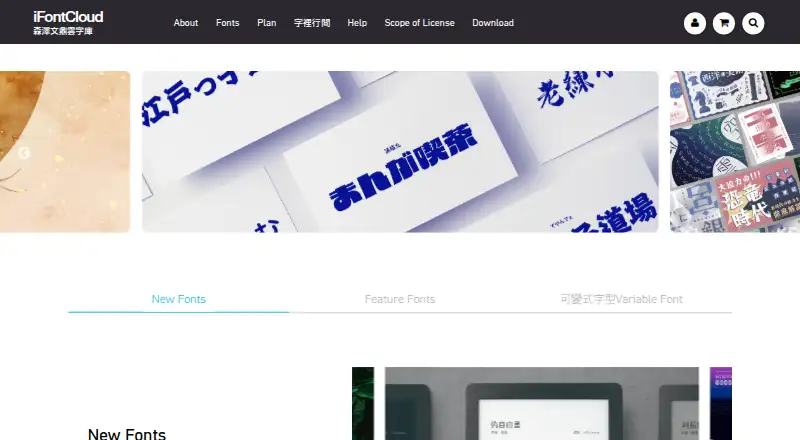 6.0 iFontCloud See plans price on the maker's page
 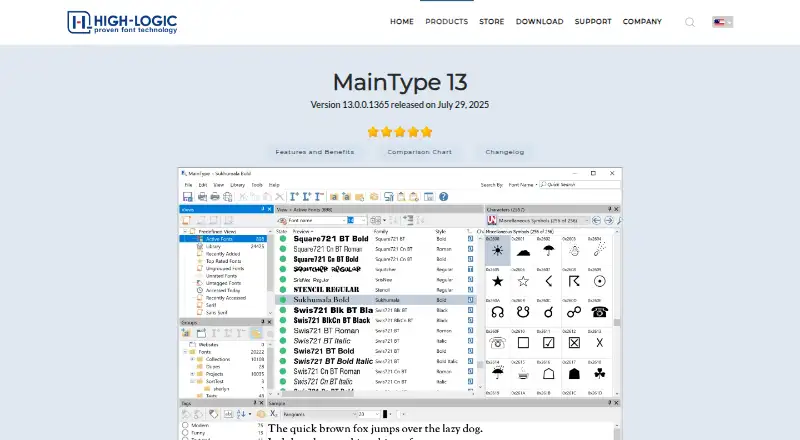 6.0 MainType Free free plan, no paid price published Free plan
 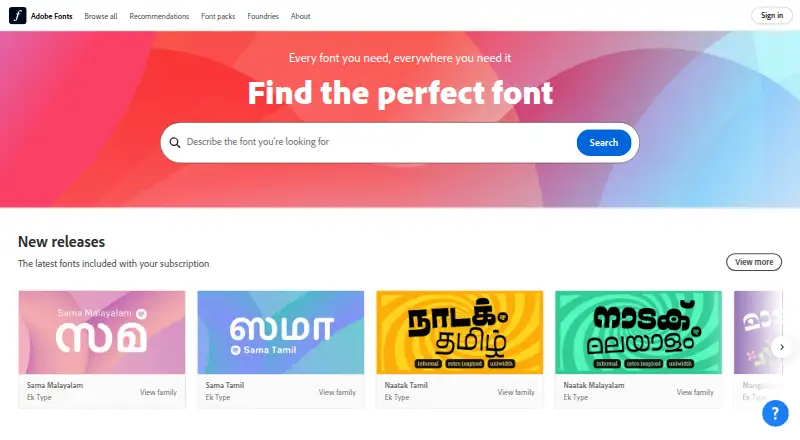 5.9 Adobe Fonts Free free plan, no paid price published Free plan
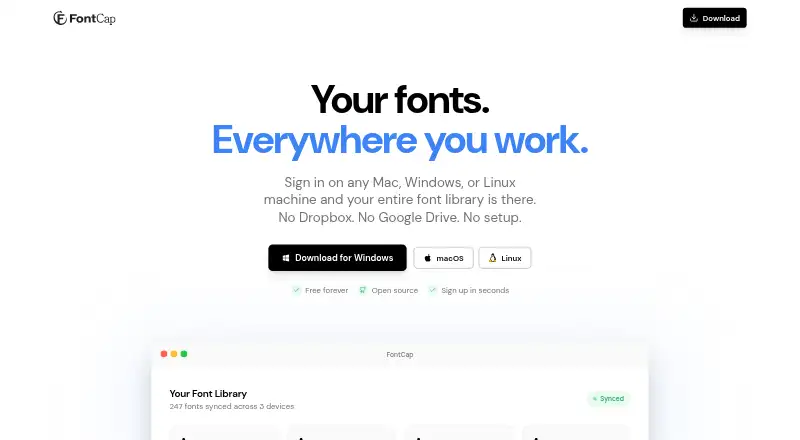 5.9 FontCap Free free plan, no paid price published Free plan
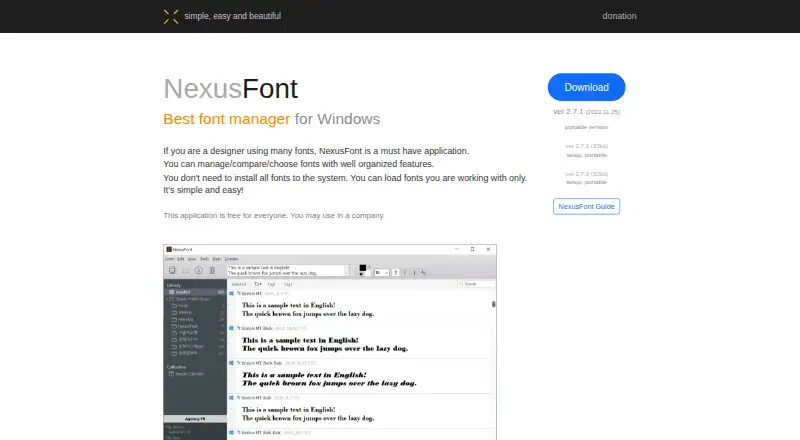 5.7 NexusFile See plans price on the maker's page
  5.7 QuickTime Player See plans price on the maker's page
 Where it ranks on Inferse
Sources
- fontba.se· checked 29 Sept 2026
- fontba.se/awesome· checked 29 Sept 2026
- fontba.se/features/teams· checked 29 Sept 2026