HyperCam
solveigmm.com · checked 12 Oct 2026
How it plugs in
—Public API
NoOpen source
YesFree tier
Signal on Screen Recording Software6.3#56 of 131
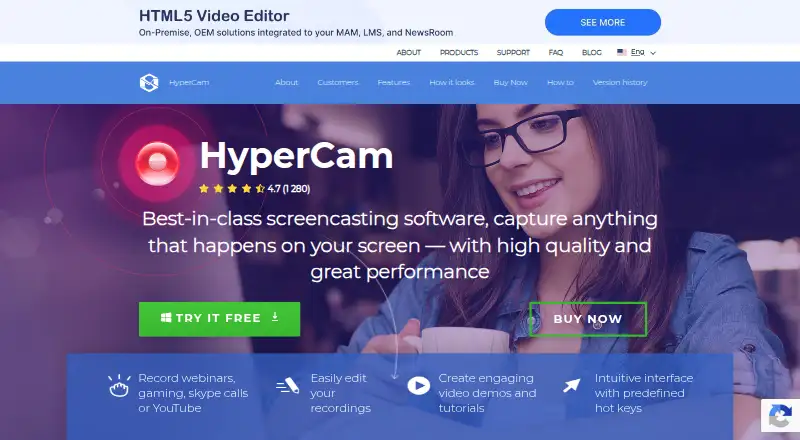
HyperCam records screen activity for webinars, games, calls, tutorials, demos, and other screen content.
Pricing
- Home EditionRecords system audio and microphone · Records desktop and webcam · Saves recordings as MP4 · Includes Media EditorOn request
- Business EditionRecords system audio and microphone · Records desktop and webcam · Saves recordings as MP4 · Includes Media EditorOn request
- HyperCam FreeRecording time limited to 15 min · Trial watermark · Registration required at each startFree
- HyperCam Home Edition — monthly subscriptionBilled monthly · Records system audio and mic · Records desktop and webcam · Saves as MP4 · Includes Media Editor · License valid for up to 5 PCs, one at a time€6.49/mo
- HyperCam Business Edition — monthly subscriptionBilled monthly · Records system audio and mic · Records desktop and webcam · Saves as MP4 · Includes Media Editor · License valid for up to 5 PCs, one at a time€12.49/mo
- HyperCam Home Edition — annual subscriptionBilled annually · Records system audio and mic · Records desktop and webcam · Saves as MP4 · Includes Media Editor · License valid for up to 5 PCs, one at a time€39.95/yr
- HyperCam Home Edition — lifetimeRecords system audio and mic · Records desktop and webcam · Saves as MP4 · Includes Media Editor · License valid for up to 5 PCs, one at a time€79.95 one-time
- HyperCam Business Edition — annual subscriptionBilled annually · Records system audio and mic · Records desktop and webcam · Saves as MP4 · Includes Media Editor · License valid for up to 5 PCs, one at a time€99.95/yr
As solveigmm.com lists them, checked 21 Sept 2026.