Mango Mirror
About
Mango Mirror turns screens into customizable displays for calendars, weather, photos, news, tasks, menus and business dashboards. A drag-and-drop editor lets users arrange widgets, create multiple pages and schedule content changes by time. Displays can be managed in a browser on a phone, laptop or tablet, with changes appearing on screen within seconds. The free plan includes two screen licenses, clock, news, weather, background images, quotes, custom layouts and pages. Pro supports calendar feeds from Google, Outlook, Apple iCal, Cozi and ICS, plus task and photo services. Business adds office files, PDFs, video, website embeds and browser snapshots; Enterprise adds Power BI, linked displays, group calendars and advanced snapshots. Supported screens include Samsung and LG TVs, Android/Google TV, Fire TV, tablets, Echo Show, Windows PCs, browsers and Raspberry Pi. Pro is 5.99 USD per month, Business is 19.99 USD per month and Enterprise is 49.00 USD per month, each with three screens included. Business includes priority live chat and a 99.9% uptime SLA.
Who it is for
Mango Mirror suits households and home offices that want shared screen displays, as well as businesses that need schedules, dashboards or office content on screens. Enterprise features are aimed at organizations with more specialized needs.
What is good
- Drag-and-drop widget layout and scheduled content changes.
- Browser control works from phones, laptops and tablets.
- Supports a broad range of screen types.
- Business includes priority live chat support.
- Business includes a 99.9% uptime SLA.
What to know first
- Free plan includes only two screen licenses.
- Pro, Business and Enterprise each include three screens.
- Other displayed data is not encrypted while stored in the database.
Verdict
Mango Mirror offers a screen-display workflow that ranges from basic widgets to office files and enterprise calendars. Compare plan-specific screen counts and content sources, and note the stated at-rest handling for displayed data.
Compared on desktop widget software
- Free plan
- Yesmangodisplay.com
- Supported platforms
- cross_platformmangodisplay.com
- Widget categories
- health, fitness, nutrition, sleep, weather, photos, calendar, reminders, notes, news, quotes, background photosmangodisplay.com
- System monitoring
- Nomangodisplay.com
- Custom layouts
- Yesmangodisplay.com
- Weather widgets
- Yesmangodisplay.com
- Calendar widgets
- Yesmangodisplay.com
- Feed widgets
- Yesmangodisplay.com
Facts
- Product
- Mango Display turns screens into live customizable displays for calendars, weather, photos, news, tasks, menus and business dashboards.mangodisplay.com · 29 Sept 2026
- Layouts
- Users can arrange widgets with a drag-and-drop editor, create multiple pages and schedule content to change by time.mangodisplay.com · 29 Sept 2026
- Calendar integrations
- Pro supports Google, Outlook, Apple iCal, Cozi and ICS feeds, with multiple sources combinable in one view.mangodisplay.com · 29 Sept 2026
- Tasks and photos
- Pro supports Google Tasks, Microsoft To Do, Todoist, Apple Photos, Google Photos and Unsplash.mangodisplay.com · 29 Sept 2026
- Business content
- Business adds Google Docs, Sheets and Slides, Microsoft Office files, PDFs, video, website embeds and browser snapshots.mangodisplay.com · 29 Sept 2026
- Enterprise features
- Enterprise adds Power BI, linked displays, Microsoft 365 group calendars, Microsoft Teams shared calendars and advanced browser snapshots.mangodisplay.com · 29 Sept 2026
- Supported screens
- The maker lists Samsung, LG, Android/Google TV, Fire TV, iPad, Android/Fire tablets, Echo Show, Windows PC, web browsers and Raspberry Pi.mangodisplay.com · 29 Sept 2026
- Browser control
- Displays can be managed from app.mangodisplay.com in a browser on a phone, laptop or tablet, with changes appearing on screen within seconds.mangodisplay.com · 29 Sept 2026
- Business SLA and support
- The Business plan includes priority live chat support and a 99.9% uptime SLA.mangodisplay.com · 29 Sept 2026
- Security attestation
- Mango Display says it maintains a SOC 2 Type I security attestation.mangodisplay.com · 29 Sept 2026
- Privacy
- The maker says it does not share or sell user data and that products operate in the United States on AWS.mangodisplay.com · 29 Sept 2026
- Support contact
- The maker offers live chat and lists [email protected] and +1 (289) 678-1622 as contact methods.mangodisplay.com · 29 Sept 2026
- Audience
- The maker describes Pro as suited to home or home office, Business for small and medium businesses, and Enterprise for organizations with unique needs.mangodisplay.com · 29 Sept 2026
Best Mango Mirror alternatives
See all 12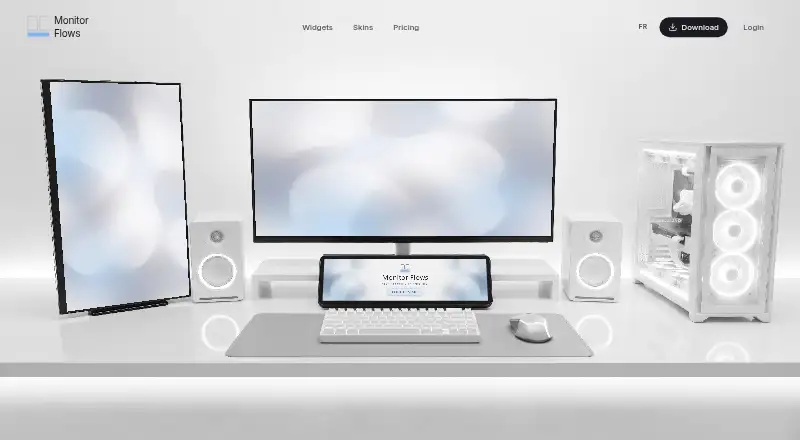 7.3 Monitor Flows $3/mo first paid tier Free plan
 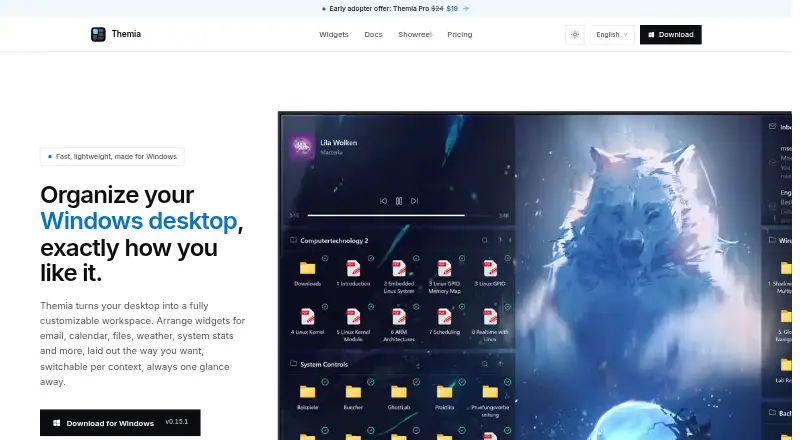 6.0 Themia Free free plan, no paid price published Free plan
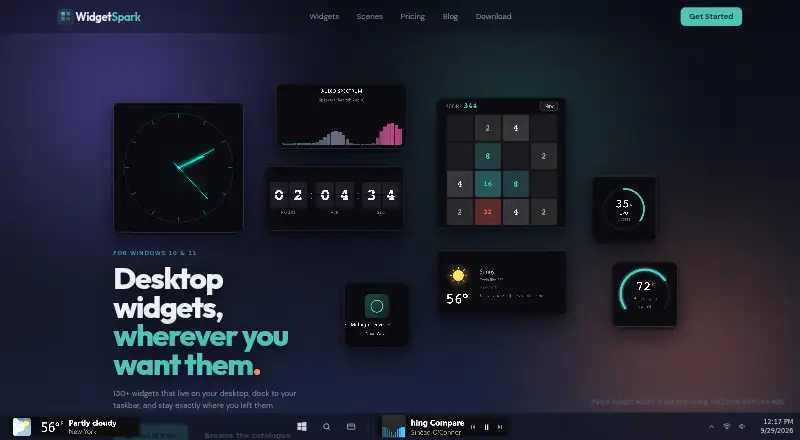 6.0 WidgetSpark $1.67/mo first paid tier Free plan
 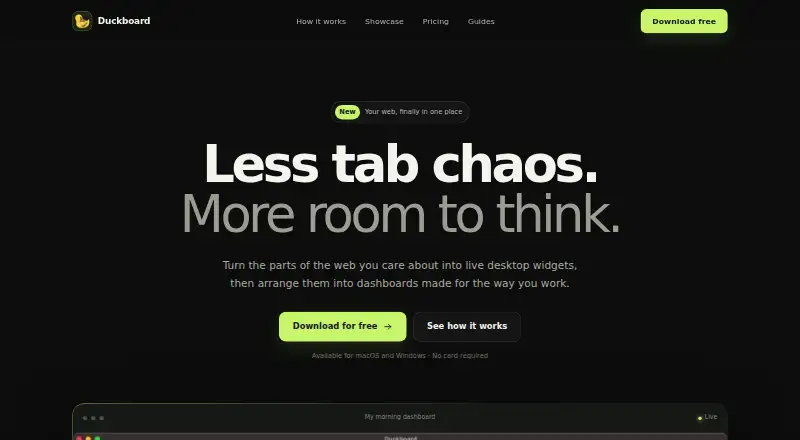 5.9 Duckboard Free free plan, no paid price published Free plan
 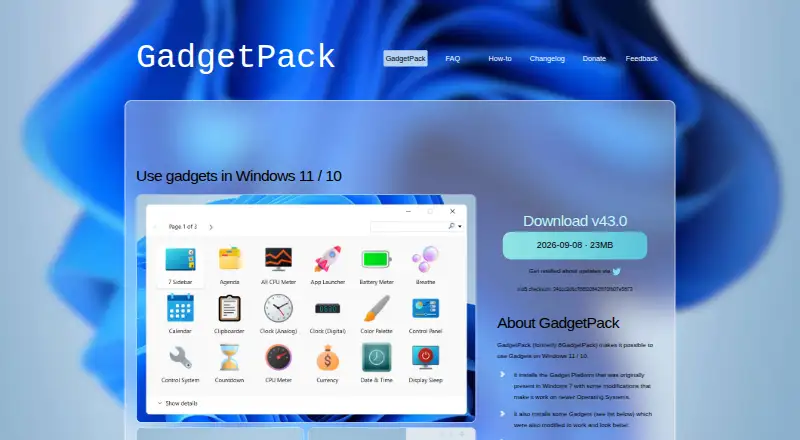 5.9 GadgetPack (formerly 8GadgetPack) Free free plan, no paid price published Free plan
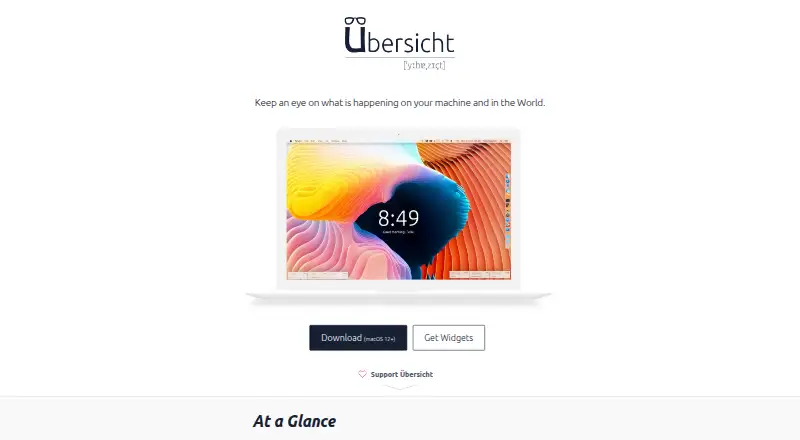 5.9 Übersicht Free free plan, no paid price published Free plan
 Where it ranks on Inferse
Sources
- mangodisplay.com/features/· checked 29 Sept 2026
- mangodisplay.com/pricing/· checked 29 Sept 2026
- mangodisplay.com/display-types/· checked 29 Sept 2026
- mangodisplay.com/mango-display-privacy-policy/· checked 29 Sept 2026
- mangodisplay.com/contact-us/· checked 29 Sept 2026