Samsung Remote Test Lab
Input—per 1M tokens
Output—per 1M tokens
Context—tokens
WeightsClosed
About
Samsung Remote Test Lab is ranked #16 of 20 in device farm software on Inferse. It runs on Linux, macOS, Web, Windows. There is a free plan.
Compared on device farm software
- Free plan
- Yesdeveloper.samsung.com
- Real devices
- Yesdeveloper.samsung.com
- Browser testing
- Nodeveloper.samsung.com
- OS coverage
- Android; Tizendeveloper.samsung.com
- Automation support
- ADB (Remote Debug Bridge); Android Studio; predefined automated testsdeveloper.samsung.com
Facts
- Purpose
- Remote Test Lab lets developers control Samsung mobile and watch devices remotely and test applications on real devices over the network in real time.developer.samsung.com · 30 Sept 2026
- Supported apps
- Users can install and test Android and Tizen applications on appropriate Samsung devices.developer.samsung.com · 30 Sept 2026
- Screen capture
- The service provides screen capture and recording during testing.developer.samsung.com · 30 Sept 2026
- Audio
- Audio streaming lets users listen to audio played through the testing device.developer.samsung.com · 30 Sept 2026
- Repeat testing
- Auto-Repeat records a sequence of actions and replays it multiple times.developer.samsung.com · 30 Sept 2026
- Android Studio
- Remote Debug Bridge lets developers access a remote device through tools such as Android Studio as if it were connected locally.developer.samsung.com · 30 Sept 2026
- Current devices
- The Remote Test Lab page features Galaxy Z Fold8, Galaxy Z Flip8, Galaxy S26 Ultra, QLED 4K TV, and Galaxy Tab S11.developer.samsung.com · 30 Sept 2026
- Host requirements
- Use requires a Samsung Account, a JavaScript-enabled standard web browser, JRE 7 or later including Java Web Start, and outbound port 2600 open.developer.samsung.com · 30 Sept 2026
- Credits
- Reservation time consumes free credits, and users receive a limited number of credits every day.developer.samsung.com · 30 Sept 2026
- Availability limit
- Samsung does not guarantee that any specific device will be available at a particular time, and access lasts only for a defined period that varies by test device.developer.samsung.com · 30 Sept 2026
- Testing limitation
- Remote Test Lab uses actual devices but may not replicate exact operating conditions, so production models should also be tested.developer.samsung.com · 30 Sept 2026
- Usage restrictions
- The service is limited to qualified registered users and Samsung may restrict use for prohibited behavior such as locking a device with a PIN or pattern.developer.samsung.com · 30 Sept 2026
- Security obligations
- Users must uninstall software or other content after a session and must not copy, reverse engineer, or decompile the Remote Test Lab device or connected technology.developer.samsung.com · 30 Sept 2026
- Support
- Samsung's Developer Support Program accepts questions and can investigate device issues when users provide the device name.developer.samsung.com · 30 Sept 2026
Best Samsung Remote Test Lab alternatives
See all 12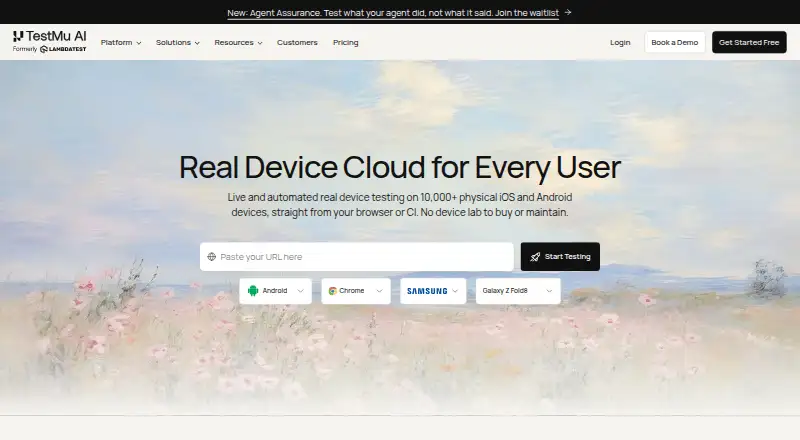 8.9 TestMu AI Real Device Cloud $49/mo first paid tier Free plan 8.3 DeviceFarmer See plans price on the maker's page 8.2 AWS Device Farm $200/mo first paid tier Free trial

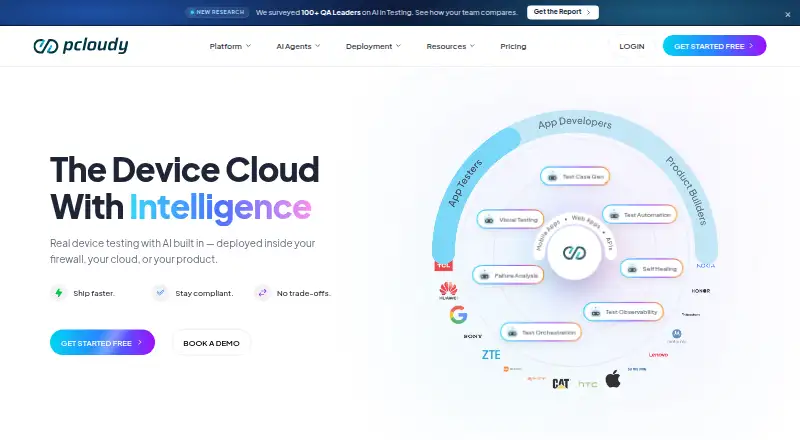 8.2 pCloudy $15.17/mo first paid tier Free trial
 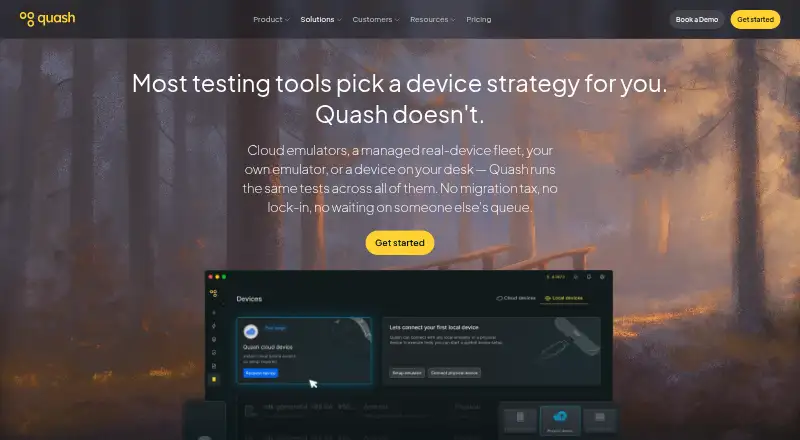 7.3 Quash Mobile Device Farm See plans price on the maker's page Free trial
 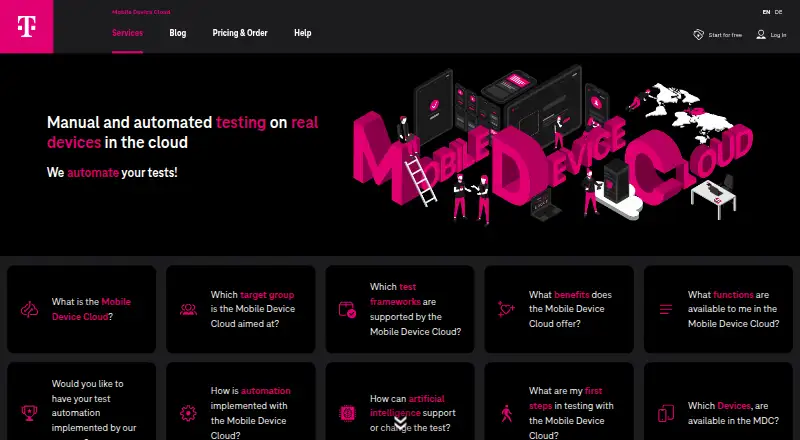 7.1 Mobile Device Cloud €400/mo first paid tier Free trial
Where it ranks on Inferse
- Best Device Farm Software in 2026#16 of 20
Sources
- developer.samsung.com/sdp/blog/en/2021/02/18/get-started-with· checked 30 Sept 2026
- developer.samsung.com/remote-test-lab· checked 30 Sept 2026
- developer.samsung.com/sdp/blog/en/2020/06/26/test-your-watch-· checked 30 Sept 2026
- developer.samsung.com/terms· checked 30 Sept 2026
- developer.samsung.com/sdp/blog/en/2022/08/23/troubleshooting-· checked 30 Sept 2026