Xtract for Purchase Invoice Processing
xtract.app · checked 10 Oct 2026
Xtract automates purchase invoice processing, approvals, reporting, and posting to accounting systems.
How it plugs in
Signal on Invoice Approval Software5.9#11 of 37
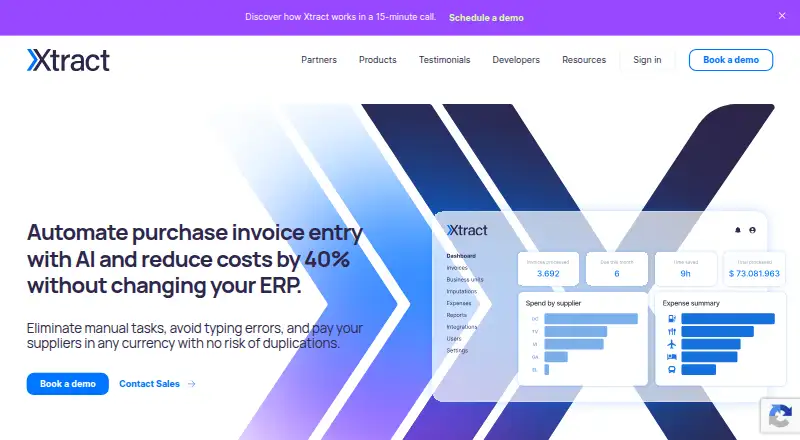
Xtract captures and reads purchase invoices, routes them for approval, and posts the resulting data to accounting systems using APIs or flat-file exports. It includes reporting and an expense app for iOS and Android. The service runs in the cloud and lists integrations including SAP, QuickBooks Online, and NetSuite. Pricing is custom, and a free trial is available by contacting sales.
Review
In a line
Xtract is cloud software for handling purchase invoices, from receipt and reading through approval and posting to accounting systems.
What it does
Xtract extracts PDF invoice details—including line items and taxes—across layouts, countries, and languages. It can assign invoices to approvers, send reminders, and create invoice reports.
Its separate expense app lets teams submit expenses for administrator review and reimbursement, then post the information to an ERP, or accounting system. The mobile app runs on iOS and Android.
How it connects
Xtract can post invoice data through its APIs or export a flat file for import into an ERP. The integrations page lists SAP, Oracle, Microsoft Dynamics 365, QuickBooks Online, Odoo, and NetSuite. Flat-file integration is said to need no development.
Purchase information can feed reporting tools such as Power BI and Tableau. Xtract's maker supplies Ruby, NodeJS, and Java SDKs as well as a Google Apps Script connector. Xtract runs in the cloud and requires no computer installation for administration.
Good fit
Xtract may suit teams that process purchase invoices and need automatic routing, reminders, and accounting-system posting. Accounting firms may also value its client account divisions and bookkeeping features.
Teams managing employee expenses can use the mobile app to submit expenses and send them for review and reimbursement.
Watch for
The site does not publish a price or state how long the free trial lasts. Ask sales about custom package and trial details.
Check that your accounting system is supported through an integration, API, or flat-file export, and confirm which setup fits your process.
Pricing
Xtract offers custom packages with pricing based on processing. The amount is available on request; the site describes pricing as having no hidden fees.
Visitors can request a free trial from sales, though the site does not specify its duration.
Verdict
Consider Xtract if invoice reading, approval routing, and posting to an ERP need to sit in one cloud service, or if your team also wants expense submissions on mobile. Its named accounting connections and API and flat-file options offer different ways to pass data along.
It is harder to assess cost before speaking with sales because the package price and trial duration are not published. Confirm the connection and pricing details for your workflow before deciding.
Our take
Xtract merits consideration for teams needing invoice capture, approval routing, and accounting-system posting, especially when a named integration or flat-file export suits their setup. The expense app and reporting connections may also help teams that want expense review or dashboard reporting alongside invoice work. The main buying hurdle is that prices and trial length are not public. Ask sales about the package cost and verify the right connection method for your accounting system before committing.
- Reads invoice line items and taxes across layouts, countries, and languages.
- Can route invoices to approvers and send reminders.
- Supports API posting and flat-file export to an ERP.
- Offers reporting connections to Power BI and Tableau.
- The expense app runs on iOS and Android.
- Package prices are available only on request.
- Flat-file export or API setup may need to be checked against your ERP.
- Pick it ifTeams automating purchase invoice approvals and posting to an ERP; Accounting firms managing client accounts and bookkeeping; Teams handling expenses with an iOS or Android app
- Skip it ifYou need published prices or a trial duration before contacting sales.; Your accounting system cannot use a named integration, API, or flat-file export.
Pricing
Xtract offers custom packages with processing-based pricing, but does not publish amounts. Contact sales for a quote.
- Custom packageContact sales for a custom package; the site gives no amount. · Custom package for your business · integrated pricing per processing · no hidden feesOn request
As xtract.app lists them, checked 10 Oct 2026.
Questions
How much does Xtract cost?
Xtract offers custom packages, with pricing based on processing, but does not publish an amount. Contact sales for details.
Does Xtract have a free trial?
Yes. Visitors can request a free trial through sales; the site does not state its duration.
Which accounting systems does Xtract connect to?
The integrations page lists SAP, Oracle, Microsoft Dynamics 365, QuickBooks Online, Odoo, and NetSuite. Invoice data can also be passed via API or flat-file export.
Can Xtract handle invoice approvals?
Yes. It can assign invoices to approvers automatically and send reminders.
Can staff use Xtract for expenses on a phone?
The expense app supports team submissions, administrator approval, reimbursement, and ERP posting. It runs on iOS and Android.
Does Xtract run on a computer?
Xtract says it runs entirely in the cloud and requires no system download or computer installation for administration.