The Tool Desk
Outbyte PC Repair FREERepair Windows errors before they cause bigger problemsFix Now →Outbyte Driver Updater FREEFix the driver behind crashes, sound loss and screen glitchesFind Drivers →Inferse is reader-supported. When you buy through links on our site, we may earn an affiliate commission. As an Amazon Associate I earn from qualifying purchases. Learn more
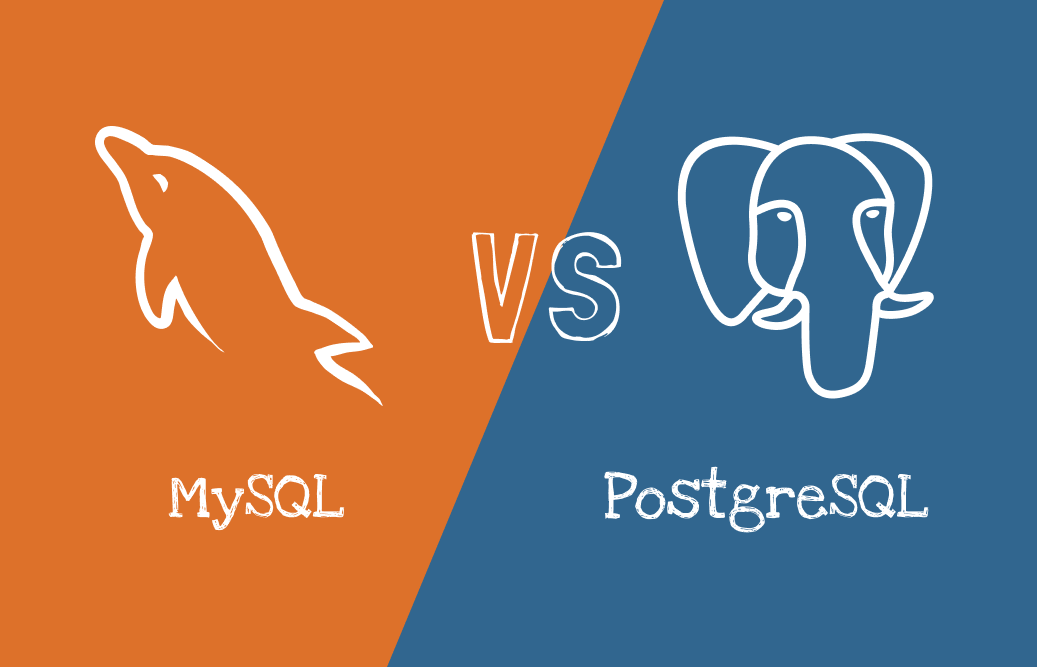
Although it is quite hard to migrate MySQL database to PostgreSQL server, this decision may lead to valuable improvements since PostgreSQL has a lot of benefits over MySQL.
Best practices of migration suggest to shut down the source database for the entire period of data transfer when it is possible. This will help to keep the data safe and clean. Hence, the primary challenge in migrating from MySQL to PostgreSQL is minimizing the downtime of the source MySQL database.



There are lot of free tools to migrate MySQL database to PostgreSQL server. Most famous of them are MySQL Workbench and Pgloader. However, those converters do not provide much flexibility to configure high speed database migration for any configuration of the source and destination DBMS. Also, each of the tools has a lot of prerequisites that must be installed manually before running the migration.
MySQL to PostgreSQL converter developed by Intelligent Converters automates the database migration with just a few clicks and provides high performance at the same time.
The high speed of the migration is result of the most efficient reading/writing data techniques and smart multi-threading algorithm. Instead of using generic APIs like ODBC or similar middleware, the program delegates reading and writing data to the following native libraries:
- MySQL C API (aka libmysql)
- C application programmer’s interface to PostgreSQL (aka libpq)
In order to further improve performance of MySQL to PostgreSQL database migration, Intelligent Converters developers implemented smart multi-threading algorithm. It is applied to medium and large tables containing more than 100,000 records or volume exceeding 10 MB. The main advantage of this algorithm is automatic configuration of all parameters depending on the hardware platform. For example, rows count per transaction is calculated based on free RAM and the number of parallel works depends on number of physical CPU cores.
Shopping ad
Implementation of the algorithm specified above increased performance of MySQL to PostgreSQL converter in more than 4 times. Benchmarks made by specialists of Intelligent Converters indicate speed up of database migration from 120 MB per minute to more than 500MB per minute on Intel(R) Core(TM) i7-12650H 2.30 GHz system with 64GB RAM.
Free tools Windows power users keep installed
One-click scans. No signup required.
Besides the high performance of migration, the converter offers the following benefits:
- Support all modern versions of MySQL and PostgreSQL including forks (MariaDB, Percona) and Saas variations (Azure, Amazon RDS, Google cloud)
- Command line support to script and schedule MySQL to PostgreSQL migration
- Customization of the target table (modify name, type, default value and other attributes of every column)
- Option to preprocess migrated data via SELECT-queries
- Export data from MySQL to PostgreSQL script file
If you have migrated the database from MySQL to PostgreSQL and then plan synchronization, take a look at incremental techniques such as trigger-based synchronization or change data capture (CDC).
Both of these techniques allow to process only the data that has been changed. The difference is that trigger-based approach creates on insert, on delete and on update triggers in the source database to track and store data changes. CDC approach reads MySQL binary log, locates the modified data and converts the changes to a format accepted by PostgreSQL.
Quick Recap
Shopping ad
Product prices and availability are accurate as of the date/time indicated and are subject to change. Any price and availability information displayed on Amazon at the time of purchase will apply.
Recommended Free Tools