Do these 3 things before closing this tab:
1Fix the driver behind crashes, sound loss and screen glitches2Repair Windows errors before they cause bigger problems3Scan for outdated or missing drivers - takes under a minuteInferse is reader-supported. When you buy through links on our site, we may earn an affiliate commission. As an Amazon Associate I earn from qualifying purchases. Learn more
To use Suno, describe the song you want, choose whether to provide lyrics or let the system generate them, create a few versions, then refine the strongest result with edits or an extension. Suno is a broad AI music workspace for generating songs with vocals, lyrics, instrumentation and production, and it also supports editing, remixing, section replacement and stem export. You can use it on the web, iOS or Android; Suno Studio is listed for Premier.
Start With The Song You Want To Make
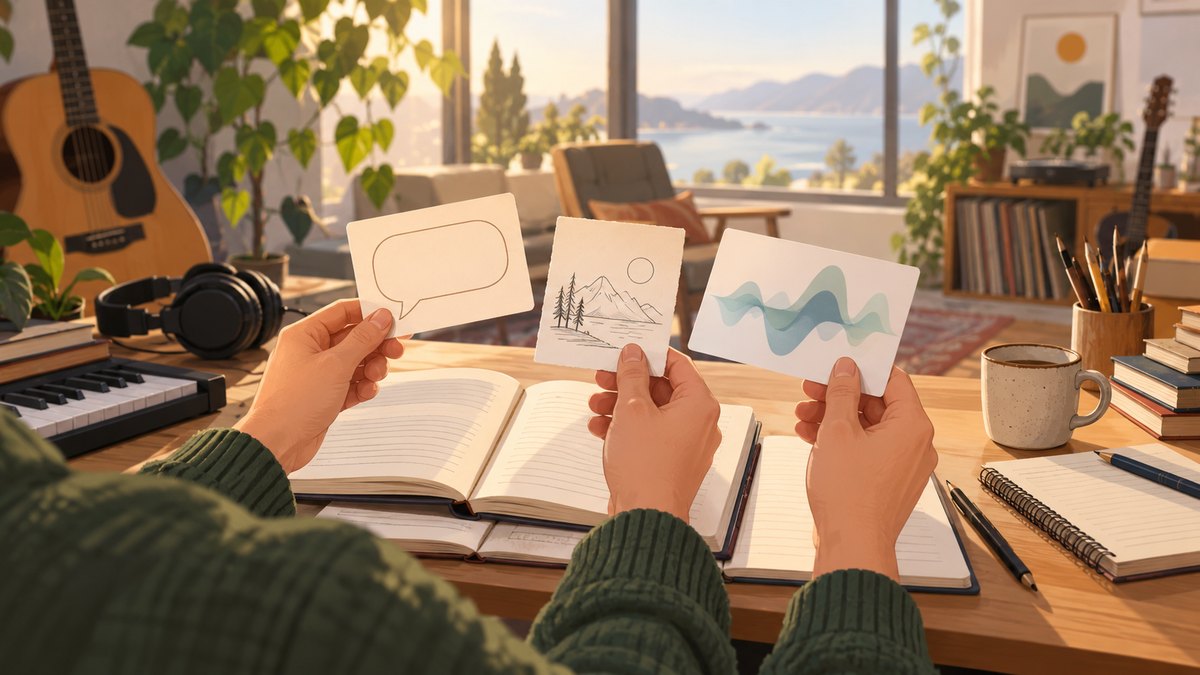
Before opening the generator, decide what the song needs to do. A useful brief gives Suno a clear musical direction without trying to specify every sound. Jot down the song’s purpose, mood, energy, vocal approach, instrumentation and structure. For example, a relaxed background track for a travel video needs a different arrangement from a lyric-led song intended for focused listening.
Use concrete descriptions that belong to your own idea: “warm, unhurried acoustic pop with a close lead vocal, light percussion and a gradual lift into the chorus” gives several musical cues. Avoid relying on a single broad label such as “pop,” which leaves mood, arrangement and vocal character open. The listed information establishes song generation and editing, but it does not establish support for every genre, instrument, language or occasion. If one of those details is essential, check Suno’s current product information before building your project around it.
Windows Errors? Fix Them Before They Spread
Repair common Windows errors and clear accumulated junk for a smoother, more stable PC - no reinstall needed.Free scan · no reinstallOutdated Drivers Are Slowing You Down
One free scan finds every outdated or missing driver and matches the right update for your exact hardware.Free scan · exact hardware matchChoose Lyrics Or A Prompt-Led Song
Bring Your Own Lyrics
If you have lyrics, prepare them as a complete draft before generating. Mark sections plainly—such as verse, chorus and bridge—so the intended progression is easy to understand. Keep lines comfortable to sing aloud, and read them at the pace you imagine for the song. A line that is difficult to say naturally may also be difficult to fit into a musical phrase.
Shopping ad

- Foldable design for easy, compact transport
- Tightly-stitched, padded headband and ear pads for stylish comfort
- Closed-back dynamic design with clean sound, rich bass response and crisp highs
- Snap-on 1/8” (3.5 millimeter) to 1/4” (6.3 millimeter) adapter
Use your own writing when the wording matters, such as a personal story, a specific message or a refrain you want listeners to remember. Suno supports songs with lyrics and editing, but the available information does not establish exactly how every lyric-formatting convention is interpreted. Treat section labels as directions for your draft, then listen to the result and revise where the delivered structure differs from your intention.
Start From A Description
If you do not have lyrics, describe the subject and emotional arc rather than asking for a finished song in a handful of vague words. For example: “An encouraging song about starting over after a difficult week; reflective verses, a hopeful chorus, restrained drums at first, then a fuller arrangement.” This gives the generation a subject, emotional movement and arrangement change to work with. The product listing says Suno can generate lyrics, vocals, instrumentation and production; it does not promise that a first take will follow every detail.
Shopping ad

- This entry model in Roland’s acclaimed RH range is a great choice, equipped with 40mm drivers they deliver a dynamic-yet-balanced tone from digital pianos, guitars, synths, digital drums and more.
- Even when the session’s over, the RH-5 headphones are ideal for streaming music, complete with powerful bass and crystal clear highs.
- Provides a natural, balanced response for a range of instruments
- Secure and comfortable lightweight design
- Conversion plug (included) accommodates standard and mini headphone connectors
Generate And Compare Versions
- Open Suno on the web or use its iOS or Android app.
- Enter your song description and, if you have prepared lyrics, provide them for the generation. Make the essential direction easy to identify: mood, vocal or instrumental intent, arrangement and structure.
- Create a generation, then listen through the whole result. Note specific problems: the vocal mood feels wrong, the chorus does not lift, the arrangement is too busy, or the lyrics need a different emphasis.
- Change one or two prompt details at a time and generate another version. Comparing focused revisions makes it easier to tell which direction helped.
- Keep the version that best serves the song’s purpose, even if it is not the one that matches every adjective in your original prompt.
For a first attempt, do not pack the description with contradictory instructions—for example, asking for both a sparse arrangement and a dense wall of sound throughout. Give the song one main identity, then use revisions to explore alternatives. Suno’s listing confirms generation and editing capabilities, but it does not specify a guaranteed number of variations per prompt or a fixed generation workflow; check the current interface for available controls.
The Tool Desk
Outbyte PC Repair FREEClear out junk files and repair common Windows errorsFree Scan →Outbyte Driver Updater FREEFix the driver behind crashes, sound loss and screen glitchesFind Drivers →Refine The Song Instead Of Starting Over
Once you have a promising version, identify whether the issue affects the whole song or only one part. Suno lists editing, remixing, extensions and section replacement. Those tools can support a targeted workflow: extend a section when the piece needs more development, replace a section whose melody or lyrics do not work, or explore a remix when you want a different treatment. The listing does not establish the exact controls or steps in the current interface, so follow the labels presented in your account and check Suno’s help materials for feature-specific instructions.
Shopping ad

- BASS SOUND: Enjoy powerful bass and comfort with the OneOdio Studio headphones. Large 50-millimeter speaker unit drivers combined with neodymium magnets deliver dynamic bass, great for DJing, mixing, monitoring, or listening to music.
- BUILT TO STAY COMFORTABLE: The soft padded ear cushions are designed for monitor headphones' comfort and noise isolation. The headband is adjustable and stretchable for you to find the desired angle you like to fit in.
- NO MORE ADAPTER: A long DJ-style 9.8-foot cord easily reaches from the TV or stereo to your chair. A standard-sized 6.35mm plug and a 3.5mm plug are included. They both are completely detachable, you can plug in the mixer you want to use.
- SINGLE-SIDE MONITORING: 90° swiveling ear cups for single-ear monitoring anytime; self-adjustable and flexible headband delivers a fatigue-free listening experience that can last for hours, ideal for mastering and mixing.
- WORKS WITH: All devices have a 3.5 or 6.35mm audio jack. Bass sound, durability, and comfort. These are the headphones you've been looking for.
- Whole-song direction: revise the description when the overall mood, vocal character or arrangement is off.
- One-section problem: consider section replacement when a verse or chorus is the only part that needs another take.
- Song needs more room: use an extension workflow if you want the piece to continue beyond its current ending.
- Different treatment: try remixing when you want to explore a changed version of material you already like.
Make a short note of what you want to preserve before editing: perhaps the chorus melody, a particular lyric or the arrangement’s gradual build. That makes revisions more deliberate. Listen again after each meaningful change, because a better section can still alter how the complete song flows.
Export And Check Your Plan Limits
Suno’s listed plans have different allowances. The Free Plan includes 50 credits per day and an audio upload limit of 8 minutes. The Pro Plan includes 2,500 credits per month and limits downloads to 20 songs per month. The directory listing gives a paid starting price of $8 per month, but it does not provide the full terms for every plan here; check Suno’s site for current prices, billing details and allowances before subscribing.
Shopping ad

- BASS SOUND: Enjoy powerful bass and comfort with the OneOdio Studio headphones. Large 50-millimeter speaker unit drivers combined with neodymium magnets deliver dynamic bass, great for DJing, mixing, monitoring, or listening to music.
- BUILT TO STAY COMFORTABLE: The soft padded ear cushions are designed for monitor headphones' comfort and noise isolation. The headband is adjustable and stretchable for you to find the desired angle you like to fit in.
- NO MORE ADAPTER: DJ-style coiled cord (9.8Ft Stretched) easily reaches from the TV or stereo to your chair. A standard-sized 6.35mm plug and a 3.5mm plug are included. They both are completely detachable, you can plug in the mixer you want to use.
- SINGLE-SIDE MONITORING: 90°swiveling ear cups for single-ear monitoring anytime; self-adjustable and flexible headband delivers a fatigue-free listening experience that can last for hours for mastering and mixing.
- WORKS WITH: All devices have a 3.5mm or 6.35mm audio jack. Bass sound, durability, and comfort. These are the headphones you've been looking for.
Stem export is listed as a Suno capability, but the Free Plan does not include stem separation. Suno Studio access is limited to the Premier Plan. These distinctions matter if you want separate musical parts for further editing or expect to work in Studio: confirm that your account’s plan includes the specific export or workspace feature you need. Do not assume that a generated track can be downloaded or separated in the format you prefer; the available listing does not specify all output formats.
Use The Song Responsibly And Understand The Rights Limits
The Free Plan does not include commercial rights. Suno’s listing does not establish the full rights terms for every other plan, so check the current terms for your account and intended use before publishing, monetizing or distributing a track. If your song uses another person’s voice, lyrics, recording or other material, get the necessary consent and check Suno’s terms for that use. The available product information does not establish permission for imitating a particular person or using third-party material.
Shopping ad

- ✔ Accurate and Natural Balanced Sound for Monitoring: Built with 50mm drivers to deliver clear highs, detailed mids, and balanced bass. Designed for home studio monitoring, recording, and mixing, helping you hear audio more naturally without overly boosted sound.
- ✔ Designed for Audio Interfaces and Multiple Devices: Supports both 6.35mm and 3.5mm connections, making it compatible with audio interfaces, mixers, guitar amps, keyboards, and PCs—ideal for different audio setups without extra adapters.
- ✔ Closed-Back Design for Focused Listening: The over-ear closed-back structure helps reduce outside noise and minimizes sound leakage, supporting focused monitoring and recording environments.
- ✔ Suitable for Home Studio and Everyday Use: Works well for home studio recording, music production, DJ practice, instrument monitoring, and everyday listening.
- ✔ Comfortable Fit with Detachable Cables: Soft ear cushions and an adjustable headband provide comfort during long sessions. Detachable cables add flexibility for different usage setups.
In the United States, the Copyright Office says works generated entirely by AI are not copyrightable, and prompts alone do not make someone the author. Human-authored parts of a mixed work may be protected. Applicants registering a work containing more than a minimal amount of AI-generated material must disclose it and describe the human author’s contribution. If registration matters to your project, keep track of the lyrics, edits and other creative contributions you made, and consult the U.S. Copyright Office’s AI report for the relevant guidance.
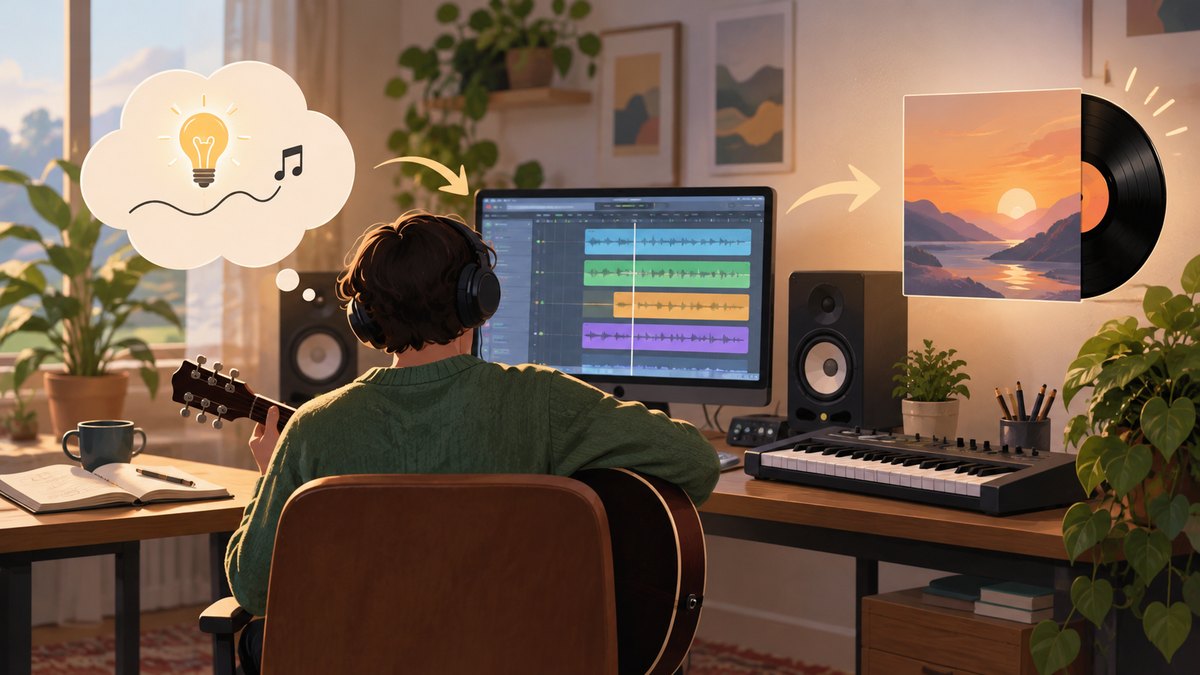
A practical first session is straightforward: write a focused brief, generate with lyrics or a prompt, listen for one specific improvement, and refine the strongest take. For any must-have genre, instrument, language, export or usage right that is not established above, verify the current details with Suno before relying on it.
Quick Recap
Product prices and availability are accurate as of the date/time indicated and are subject to change. Any price and availability information displayed on Amazon at the time of purchase will apply.
Free tools Windows power users keep installed
One-click scans. No signup required.