
Async
About
Async is an online AI video editor where users can create and revise videos through chat. It can cut filler, pauses, repeated sections, bad takes, and awkward moments; Magic Dust reduces background noise and clarifies voices. Users can generate B-roll, visuals, scenes, or music within a chat, add subtitles, and turn moments from longer videos into short clips. The service presents workflows for ads, vlogs, explainers, and podcasts, and says it is built for creators and teams. Browser-based remote interviews support up to 10 participants, with separate tracks for each; local recording and automatic transcription are also listed. The Async Voice API offers text-to-speech and speech-to-text, including streaming through WebSockets. Async is available on the web and iOS, but no Android version is listed. The Free plan costs 0.00 USD per free and includes 10 lifetime AI credits, one hour of media upload to AI chat, exports up to 720p, and 2 GB of storage. Paid pricing is listed from $11.99/mo (annual).
Who it is for
Async may suit creators and teams making ads, vlogs, explainers, or podcasts who want chat-based editing and AI generation. Its remote interview tools may also suit browser-based recordings with up to 10 participants.
What is good
- Chat-based editing removes filler and bad takes.
- Generates B-roll, visuals, scenes, or music.
- Remote interviews support up to 10 participants.
- Voice API supports streaming over WebSockets.
- Free plan includes 2 GB storage.
What to know first
- No Android version is listed.
- Free plan provides 10 lifetime AI credits.
- Free exports are limited to 720p.
- Paid pricing is listed from $11.99/mo (annual).
Inferse review
Async: the full review
Async combines conversational video editing, generation tools, captions, and short-clip creation. The free plan has defined credit, upload, resolution, and storage limits; paid pricing starts at $11.99/mo (annual).
Async brings chat-based editing, audio cleanup, generation and browser recording into one video workflow. It suits creators and teams producing spoken-word video who want to edit and repurpose footage alongside recording. Its breadth is appealing, but the free plan’s lifetime AI and upload caps limit its usefulness for ongoing work.
Overview
Async uses conversational prompts to edit video, with tools for removing filler, pauses, repetitions, bad takes and awkward moments. It also adds captions and turns longer footage into short clips. For creators making podcasts, vlogs, explainers or ads, combining these steps can reduce tool-switching; teams needing a dedicated recording or editing workflow should weigh the plan limits and feature mix against their existing stack.
Key features
Chat-based editing and generation
Users can request edits and generate B-roll, visuals, scenes or music in chat without leaving the edit. That makes Async useful when a video needs both cleanup and supporting assets. The AI-credit allowance is a practical constraint: free credits are lifetime rather than recurring, while subscriptions renew their credits each billing cycle. Yearly-plan credits arrive monthly, not as a full annual balance.
Audio, captions and clips
Magic Dust reduces background noise and clarifies voices; captions and short-clip creation help prepare longer recordings for reuse. These capabilities make Async relevant to spoken-word creators, but they do not remove the need to check storage, upload and export limits against a production’s volume and quality needs.
Recording and voice API
Browser-based remote recording supports up to 10 participants, separate participant tracks and local recording. Pro includes 20 hours of remote recording, while Teams includes 50 hours. The Voice API supports text-to-speech and speech-to-text, including streaming over WebSockets; its integrations include Pipecat, LiveKit, Twilio, n8n and Picsart Flow. That API is a reason to consider Async in a stack with those services, though the editing plans and the voice API serve different needs.
Pricing
Async is freemium. The free plan costs 0.00 USD per free and includes 10 lifetime AI credits, one hour of media upload to AI chat over the lifetime of the plan, exports up to 720p and 2 GB of storage. It is a low-commitment way to assess the workflow, but the lifetime caps make it a poor fit for regular production.
Essentials has custom pricing, with monthly or yearly billing available. It includes 450 AI credits per month, 20 GB of storage, unlimited media upload minutes and Full HD export. It suits creators who need recurring credits and fewer upload constraints, but its 20 GB storage cap may be restrictive for larger libraries.
Pro also has custom pricing and monthly or yearly billing. Its 1,200 monthly AI credits, 120 GB storage, 4K export and 20 hours of remote recording fit heavier individual or small-team production. Teams has custom pricing, with 3,000 monthly credits, 1 TB storage, collaboration and team workspaces, and 50 recording hours; those shared-workspace features make it the clearer choice for collaborative production.
Business uses custom pricing and offers custom AI credit limits and recording hours, plus advanced security and compliance and dedicated onboarding and support. It is aimed at organizations that need tailored capacity and support rather than a fixed allowance. New subscriptions have a 7-day refund policy, excluding AI credits already used. Users can cancel through Profile Settings.
The stated paid starting point is $11.99/mo (annual), but the individual paid tiers’ prices are custom pricing. Compare the tier allowances and billing cadence rather than assuming that starting price applies to each plan.
Platforms
Async is available on web and iOS, and its platform coverage includes an API. The mobile app is available on iOS; there is no Android version. Recording runs in a browser, and the remote interview feature records a separate track for each participant. The Voice API’s streaming endpoints may suit developers building speech workflows, while teams seeking a mobile Android editing app should look elsewhere.
Who it's for
Async is best suited to creators and teams handling spoken-word video who want conversational cleanup, generated assets, captions and clip creation alongside recording. Its feature set spans ads, vlogs, explainers and podcasts. The free plan suits a limited evaluation; recurring work calls for a paid tier matched to credit, storage, resolution and recording needs. It is less compelling for Android-first teams or anyone whose existing stack already covers these jobs and does not need the Voice API.
Pros and cons
- Pros: Chat editing, audio cleanup, generation, captions and short clips share one workflow, useful for reducing handoffs between common video tasks.
- Pros: Browser recording supports up to 10 participants with separate tracks, while the Voice API offers streaming speech-to-text and text-to-speech.
- Pros: Paid tiers scale from 450 to 3,000 monthly AI credits, with storage up to 1 TB and export up to 4K on Pro.
- Cons: The free plan’s 10 lifetime AI credits, one lifetime upload hour and 2 GB storage sharply limit continued use.
- Cons: The stated $11.99/mo (annual) starting price does not provide a numeric price for Essentials, Pro or Teams, so buyers must match capacity needs before comparing tier costs.
- Cons: There is no Android app, and Business-level security and compliance features are limited to the custom-priced plan.
Alternatives
For dedicated podcast recording, compare Podcast Recording Software; for AI-first editing of podcast audio, see AI Podcast Editing Software. Teams focused on recording video podcasts can browse Video Podcast Software.
Riverside is worth considering when broader device coverage matters: it supports Android, iOS, desktop and web, and its free plan includes two hours of multitrack recordings, up to 720p video and a watermark. Boomcaster is another freemium API-and-web option; its $20.00 USD per month Starter plan includes five hours of studio-quality recording and livestreaming.
For audio-only enhancement, Adobe Podcast offers free Enhance Speech with a 30-minute and 500 MB per-file limit and one hour per day. Iris.fm has Android, iOS and web support, with browser guest access on its free plan. Airtape Studio offers a free plan with two recording hours per month and two participants total. Zencastr has a free tier with six participants, unlimited recording and downloads, and video up to 4K. Spreaker is a fit for podcast publishing: its free plan includes one podcast and unlimited episodes. Cleanfeed is another freemium option for readers comparing recording platforms.
For narrower needs, explore AI Sound Effect Generators, Text-to-Speech Software or AI Music Generators.
Verdict
Choose Async if you want conversational video cleanup, generation, captions and clipping alongside browser recording, especially for spoken-word content that needs repurposing. Its strongest reason to choose is that range in a single workflow, with a Voice API for speech applications. Look elsewhere if Android support, predictable paid-tier pricing or ample free capacity is essential.
Compared on text-to-speech software
- Free plan
- Yeshelp.async.com
- Paid from
- $11.99/mohelp.async.com
Facts
- Product
- Async is an online AI video editor that lets users create and edit videos by chatting with AI.async.com · 29 Sept 2026
- Editing
- Async can remove filler, pauses, repeats, bad takes, and awkward moments from video edits.async.com · 29 Sept 2026
- Audio cleanup
- Magic Dust removes background noise and makes voices sound clearer.async.com · 29 Sept 2026
- Generative tools
- Users can generate B-roll, visuals, scenes, or music in chat without leaving the edit.async.com · 29 Sept 2026
- Captions and clips
- Async can add subtitles and turn strong moments from longer videos into short-form clips.async.com · 29 Sept 2026
- Formats and users
- Async presents its workflow for ads, vlogs, explainers, podcasts, and more, and says it is built for creators and teams.async.com · 29 Sept 2026
- AI credit limits
- Subscription AI credits reset each billing cycle, while yearly-plan credits are added monthly rather than all at once.async.com · 29 Sept 2026
- Plan cancellation
- Users can cancel through Profile Settings, and new subscriptions have a 7-day refund policy excluding AI credits used.async.com · 29 Sept 2026
- Security
- Async’s privacy policy says it strives to protect personal data using commercially acceptable means but cannot guarantee absolute security.async.com · 29 Sept 2026
- Integrations
- The Async Voice API documentation lists Pipecat, LiveKit, Twilio, n8n, and Picsart Flow as integrations.docs.async.com · 29 Sept 2026
- API
- Async Voice API supports text-to-speech and speech-to-text, including streaming endpoints over WebSockets.docs.async.com · 29 Sept 2026
- Support
- Async’s help center provides guides covering accounts and billing, recording, video editing, AI generation, and other product areas.help.async.com · 29 Sept 2026
- Mobile availability
- Async’s mobile app is available on iOS, and its site says there is currently no Android version.async.com · 29 Sept 2026
- Remote recording
- Async says its remote interview feature supports up to 10 participants with a separate track for each.async.com · 29 Sept 2026
Best Async alternatives
See all 12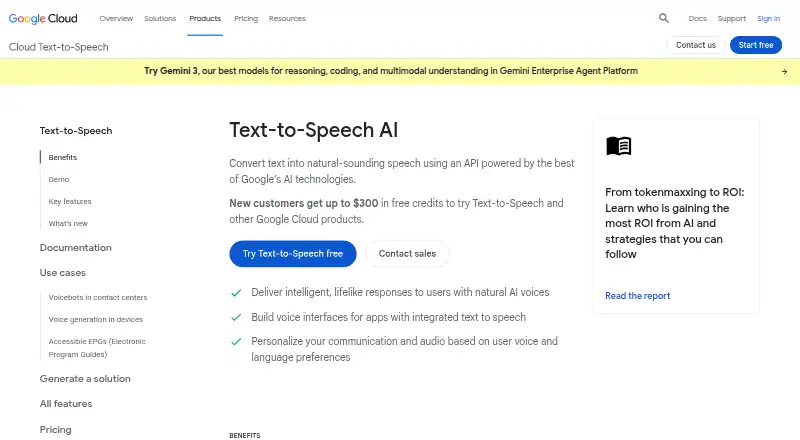 7.4 Google Cloud Text-to-Speech $16/mo first paid tier Free plan
 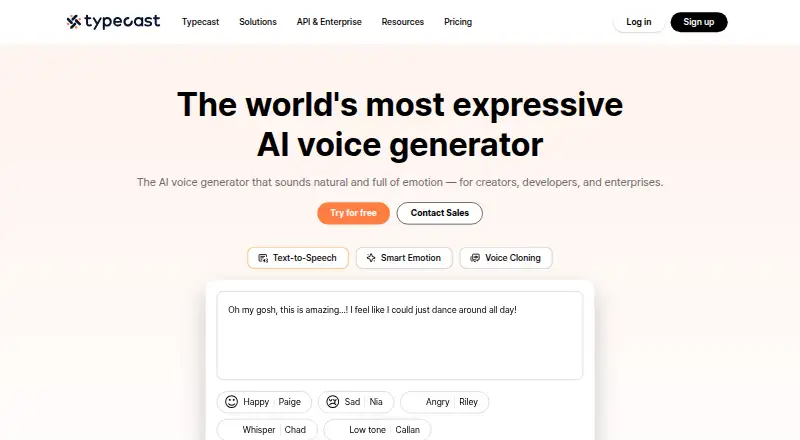 7.4 Typecast $5/mo first paid tier Free plan
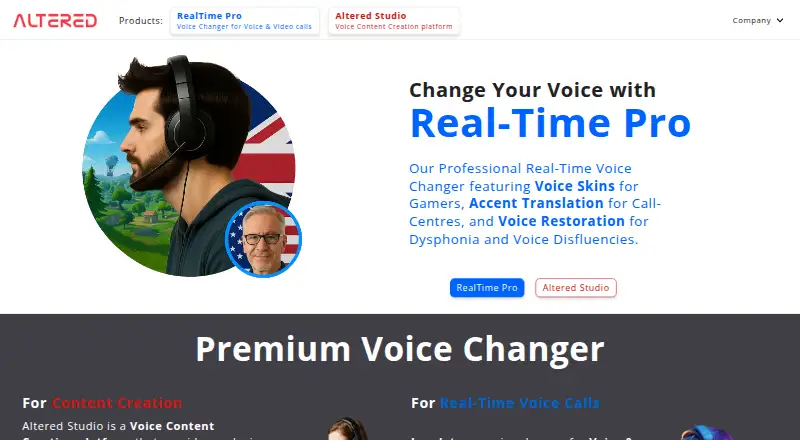 7.3 Altered Studio $2.50/mo first paid tier Free plan
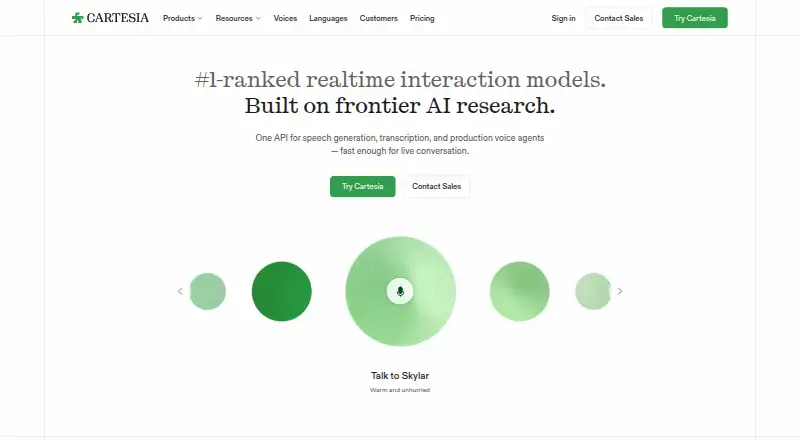 7.3 Cartesia Sonic $5/mo first paid tier Free plan
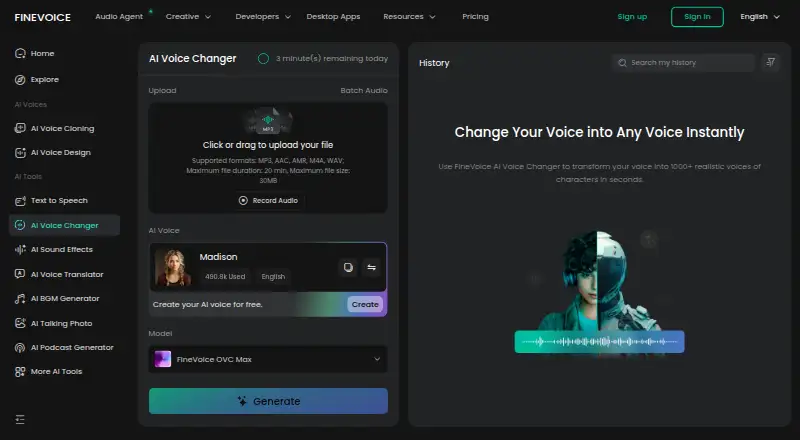 7.3 FineVoice AI Voice Changer $0.50/mo first paid tier Free plan
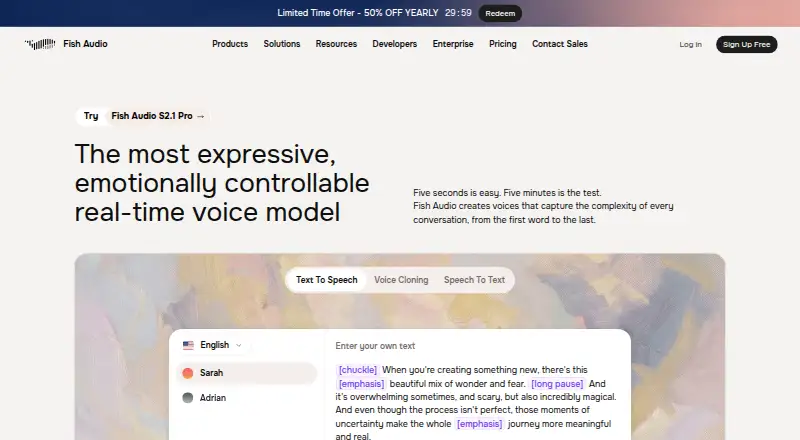 7.3 Fish Audio $11/mo first paid tier Free plan
Where it ranks on Inferse
Sources
- async.com· checked 29 Sept 2026
- async.com/pricing· checked 29 Sept 2026
- async.com/privacy· checked 29 Sept 2026
- docs.async.com· checked 29 Sept 2026
- help.async.com/en· checked 29 Sept 2026
- async.com/ios-app· checked 29 Sept 2026
- async.com/tools/podcast-maker· checked 29 Sept 2026