Azahar
About
Azahar is a free, open-source Nintendo 3DS emulator for desktop and mobile devices. Standalone applications are available for Windows, macOS, Linux, and Android, and the project is also listed on Flathub and the Google Play Store. It is intended to let 3DS owners use their game libraries with options such as higher resolutions, modern controllers, and save states. The project also supports homebrew debugging, research, and preservation of the 3DS ecosystem. Community contributors continue the legacy of Citra. Libretro cores make Azahar available through RetroArch and similar frontends, including on iOS and tvOS, but the FAQ says native iOS support is not planned for the foreseeable future and points users to an iOS build of the original Citra instead. Android requires version 10.0 or later on a 64-bit device. A per-game compatibility tracker provides reports, though the FAQ says they may be outdated. Azahar states that it is not affiliated with or endorsed by Nintendo.
Who it is for
Azahar suits 3DS owners who want to use their game libraries on supported desktop or Android systems. It also serves homebrew debugging, research, and preservation work.
What is good
- Free and open source.
- Standalone builds cover Windows, macOS, Linux, and Android.
- Supports higher resolutions and save states.
- Libretro cores work with RetroArch and similar frontends.
What to know first
- Native iOS support is not planned for the foreseeable future.
- Android requires version 10.0 or later on 64-bit devices.
- Compatibility reports may be outdated.
Inferse review
Azahar: the full review
Azahar offers 3DS emulation alongside tools for homebrew, research, and preservation. Users should check platform support and treat compatibility reports as potentially outdated.
Overview
Azahar is a free, open-source Nintendo 3DS emulator for desktop and mobile devices, aimed at both players and people working with 3DS homebrew. Its appeal is a no-cost way to run a 3DS library with upscaling and save states, while its mobile and iOS support need closer scrutiny before it fits a particular setup.
Key features
Play and development
Azahar targets owners who want to use their 3DS game libraries on a PC or Android device, with features including higher resolutions, modern controllers and save states. Those options make it more than a basic compatibility layer for players who want flexibility beyond original hardware. Homebrew debugging, research and preservation are also explicit project goals, giving developers and researchers a reason to consider it even when gameplay is not the priority.
The project lists Nintendo 3DS as its supported console system and supports graphics upscaling and netplay. Netplay is a useful capability for users who need it, but the available description does not establish its setup or scope. Azahar is open source and continues Citra’s legacy through community development. It says it is not affiliated with or endorsed by Nintendo.
Compatibility and privacy
A per-game tracker can help players check compatibility before committing to a title, but the FAQ warns that reports may be outdated. Treat it as a guide, not a guarantee. The mobile app privacy policy says the app collects no information during download or use, requires no registration and shares no data with third parties. Its claim that this means there is no risk of unauthorized access applies to information the app does not collect; it is not a broader security assurance.
Pricing
Azahar is free and open source. The Azahar plan costs 0.00 USD per free, with no paid tier or trial stated. That makes it a straightforward fit for individual players, homebrew developers and preservation work without a subscription decision. There are no seat counts, quotas or renewal terms to weigh.
Platforms
Standalone applications are available for Windows, macOS, Linux and Android. The Android minimum is version 10.0 on a 64-bit device, so older or 32-bit hardware is outside the stated baseline. The project also distributes through Flathub and Google Play.
Although iOS appears among the broad platform coverage, Azahar’s FAQ says native iOS support is not planned for the foreseeable future and recommends an iOS build of the original Citra instead. Libretro cores are available for RetroArch and similar frontends, with support for iOS and tvOS; that is a different route from a standalone Azahar app. Teams standardizing on a frontend may find that route useful, but should distinguish it from native platform support.
Who it's for
Azahar suits 3DS owners who want a free emulator on desktop or Android, and developers who need a place to debug homebrew. Its stated research and preservation aims also make it relevant to people studying the 3DS ecosystem. It is a weaker fit for someone who requires a planned standalone iOS app, or who needs current, dependable compatibility guidance for every game.
The FAQ directs users with other questions to the project’s Discord server, which is the stated support route.
Pros and cons
- Pros: Free and open source, with no trial or paid-plan barrier.
- Pros: Upscaling, save states and modern-controller support address practical differences between emulated and original-hardware play.
- Pros: Homebrew debugging and preservation goals extend its usefulness beyond playing games.
- Cons: Compatibility reports may be outdated, so they cannot settle whether a particular title will work.
- Cons: Native iOS support is not planned for the foreseeable future; iOS users need a different route.
- Cons: Android requires version 10.0 or later on a 64-bit device.
Alternatives
For another free emulator, melonDS targets Nintendo DS rather than 3DS and supports Linux, macOS and Windows. Choose it when DS emulation is the requirement; some emulation requires console BIOS and firmware dumps.
Panda3DS is another free, open-source option for Android, Linux, macOS and Windows. It is worth comparing if you want a 3DS emulator with those platform options, though Azahar’s stated homebrew and preservation aims may matter more to developers.
RetroArch is a free, open-source frontend available on Android, iOS, Linux, macOS, web and Windows. Prefer it when a frontend-based setup is the priority; Azahar’s Libretro cores provide a route to use it and similar frontends.
BlastEm is another free emulator option.
DeSmuME is a free, open-source choice for Nintendo DS and DS Lite emulation on Linux, macOS and Windows; it does not support DSi. Choose it when those DS systems, rather than 3DS, are the target.
Dolphin is a free emulator for Android, Linux, macOS and Windows. Its GPLv2+ license requires distributors to release source code and provide attribution.
DuckStation is a free option for Android, Linux, macOS and Windows, but its Android app requires a user-provided BIOS image and legally purchased, dumped games.
Emulicious is free for personal use on Linux, macOS and Windows; commercial users should seek permission first.
Browse Nintendo 3DS emulators, game console emulators or emulator software for more options.
Verdict
Choose Azahar if you want a free, open-source 3DS emulator for desktop or Android, especially when upscaling, save states or homebrew work matter. Look elsewhere if native iOS support or reliably current compatibility reports are essential.
Compared on emulator software
- Free plan
- Yesazahar-emu.org
Facts
- Product
- Azahar is a free, open-source Nintendo 3DS emulator for PC and mobile devices.azahar-emu.org · 29 Sept 2026
- Use cases
- The project aims to let 3DS owners play their game libraries with features such as higher resolutions, modern controllers, and save states, and also supports homebrew debugging, research, and preservation.azahar-emu.org · 29 Sept 2026
- Project lineage
- Azahar continues the legacy of Citra and is actively developed by community contributors.azahar-emu.org · 29 Sept 2026
- Standalone platforms
- Standalone applications are available for Windows, macOS, Linux, and Android.azahar-emu.org · 29 Sept 2026
- Frontend support
- Libretro cores are available for RetroArch and similar frontends, with support for iOS and tvOS.azahar-emu.org · 29 Sept 2026
- Distribution
- The site says Azahar is also available on Flathub and the Google Play Store.azahar-emu.org · 29 Sept 2026
- Nintendo affiliation
- Azahar states that it is not affiliated with or endorsed by Nintendo.azahar-emu.org · 29 Sept 2026
- Compatibility information
- The compatibility tracker lists per-game compatibility reports, and the FAQ says those reports may be outdated.azahar-emu.org · 29 Sept 2026
- iOS support
- The FAQ says iOS support for Azahar is not planned for the foreseeable future and suggests using an iOS build of the original Citra instead.azahar-emu.org · 29 Sept 2026
- Android privacy
- The mobile app privacy policy says the application does not obtain information during download or use and registration is not required.azahar-emu.org · 29 Sept 2026
- Data sharing
- The mobile app privacy policy says no data is shared with third parties because the application does not collect information.azahar-emu.org · 29 Sept 2026
- Security statement
- The mobile app privacy policy states that the application does not collect information and therefore says there is no risk of that data being accessed by unauthorized individuals.azahar-emu.org · 29 Sept 2026
- Support
- The FAQ directs users with other questions to the project's Discord server.azahar-emu.org · 29 Sept 2026
- Purpose
- The project aims to let 3DS owners use their game libraries with features such as higher resolutions, modern controllers, and save states.azahar-emu.org · 30 Sept 2026
- Development use
- Azahar also serves as a debugging hub for homebrew developers and as a research and preservation platform for the 3DS ecosystem.azahar-emu.org · 30 Sept 2026
- Project history
- The project continues the legacy of Citra and is actively developed by a community of contributors.azahar-emu.org · 30 Sept 2026
- Desktop platforms
- The standalone application is available for Windows, macOS, Linux, and Android.azahar-emu.org · 30 Sept 2026
- iOS plans
- The FAQ says iOS support for Azahar is not planned for the foreseeable future and recommends an iOS build of the original Citra emulator instead.azahar-emu.org · 30 Sept 2026
- Privacy
- The mobile app privacy policy says the application obtains no information when downloaded or used, and registration is not required.azahar-emu.org · 30 Sept 2026
- Compatibility
- The FAQ links to a game compatibility tracker and notes that reports may be outdated.azahar-emu.org · 30 Sept 2026
- Minimum requirements
- The project README lists Android 10.0 or later on 64-bit devices as the minimum Android operating system requirement.github.com · 30 Sept 2026
Best Azahar alternatives
See all 12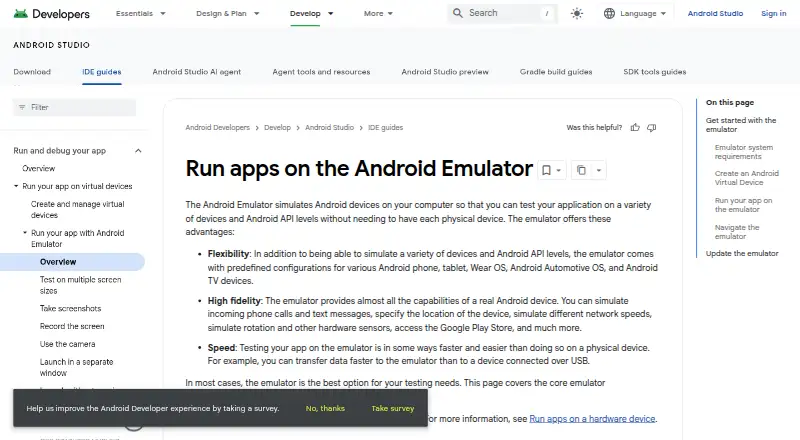 6.0 Android Emulator Free free plan, no paid price published Free plan
 6.0 BlueStacks App Player $7.99/mo first paid tier Free plan
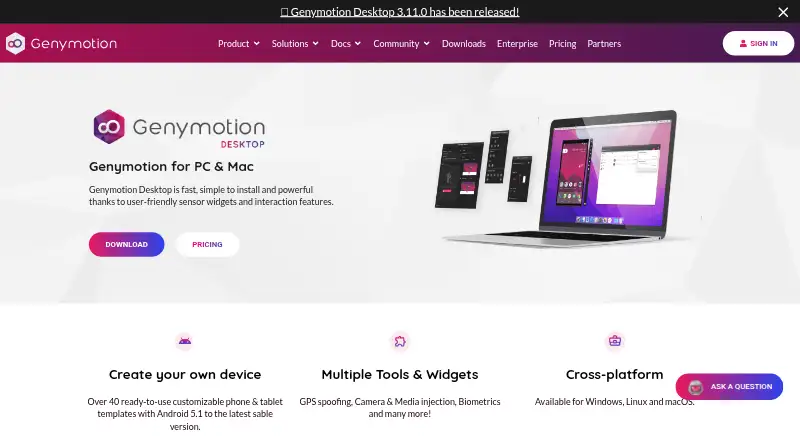 6.0 Genymotion Desktop $4.08/mo first paid tier Free plan
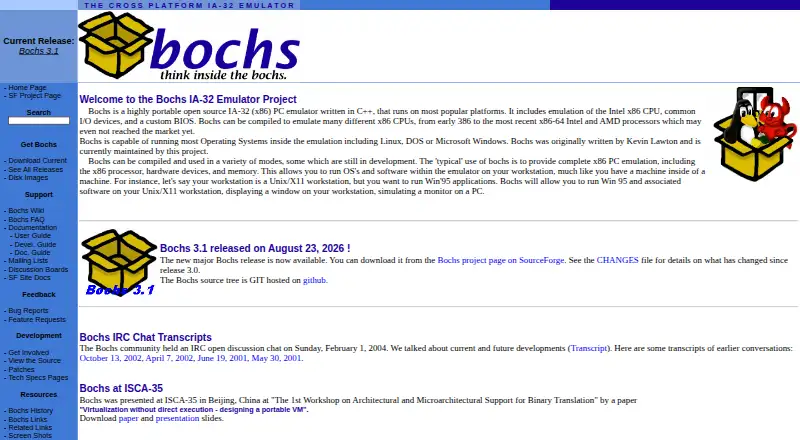 5.9 Bochs Free free plan, no paid price published Free plan
 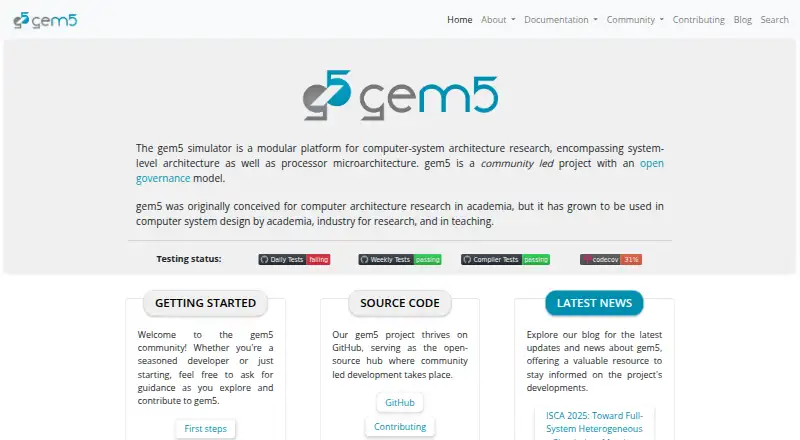 5.9 gem5 Free free plan, no paid price published Free plan
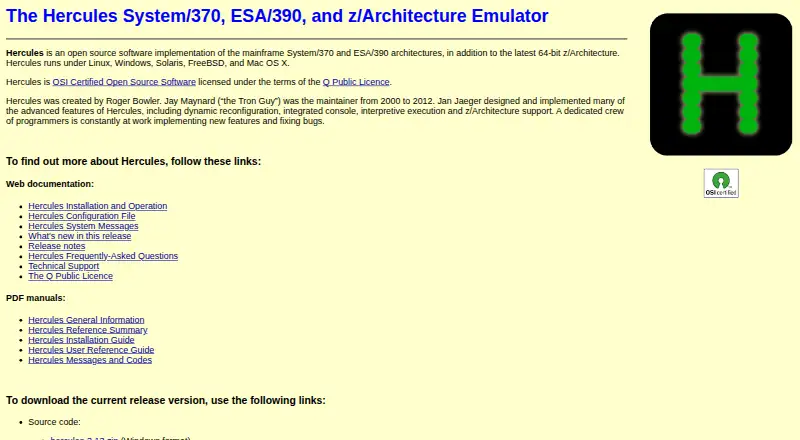 5.9 Hercules Free free plan, no paid price published Free plan
 Where it ranks on Inferse
Sources
- azahar-emu.org· checked 29 Sept 2026
- azahar-emu.org/pages/compatibility/· checked 29 Sept 2026
- azahar-emu.org/pages/faq/· checked 29 Sept 2026
- azahar-emu.org/pages/privacypolicy/· checked 29 Sept 2026
- github.com/azahar-emu/azahar· checked 30 Sept 2026