ColorSpace: Marker-Based Color Palette Generator
colorspace.me · checked 5 Oct 2026
Build marker-based color harmonies in a free browser tool.
How it plugs in
Signal on Color Palette Generators6.0#9 of 34
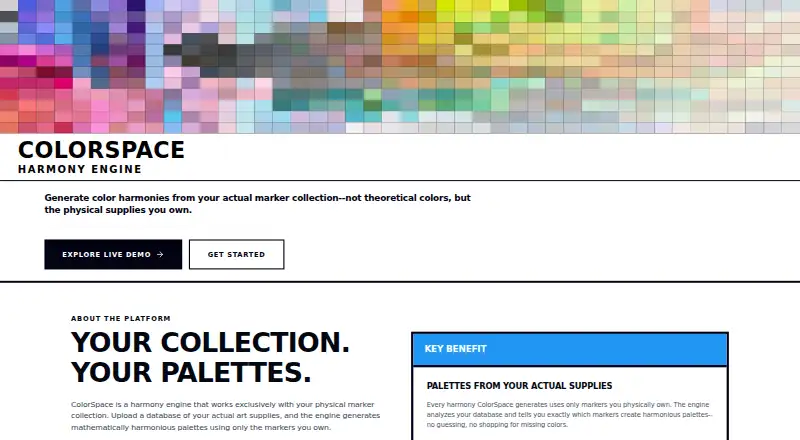
ColorSpace creates palettes from physical markers. Select a base marker and harmony type, then generate matches from the Ohuhu library or an uploaded collection. The app offers multiple color models, image color matching, tritone expansion, and PNG or JSON output. Custom databases remain in the browser session.
Review
In a line
For physical-marker workflows, ColorSpace generates harmonies and saves palettes in the browser.
It turns a marker collection into color harmonies and saved palettes.
What it does
Set a starting marker and harmony style; ColorSpace then computes corresponding palette colors.
More than 300 LAB-measured Ohuhu Honolulu markers are included. The available models are Perceptual LAB, HSV Uniform, Traditional 12-Color, RYB Classical, Munsell, and Natural Harmony.
Color Matcher reads colors from a reference image and searches for marker equivalents with LAB and Delta E 2000 calculations. Tritone expansion divides harmony colors into highlights, base colors, and shadows, using L* 85 and L* 45 as the highlight and shadow targets.
How it connects
ColorSpace operates in a web browser. Marker databases can be imported as CSV, JSON, or Excel files containing the required identifiers and color values.
PNG and JSON are the available palette outputs. JSON records marker names and codes, harmony type, color model, and tritone grouping, but excludes hex codes.
Imported databases stay in local browser-session storage. Demo-mode edits apply only to that session, and database downloads are disabled there.
Good fit
ColorSpace suits studios, schools, and hobby collectives that choose colors from real marker sets. It is useful for building harmonies, checking colors from images, and saving palettes for later use.
The free interactive generator works with the included Ohuhu library or an uploaded marker collection.
Watch for
Keep uploads under 10 MB. Browser-session storage means a custom database may not persist beyond that session.
JSON palette exports do not contain hex codes, so check whether that format has the details you need. The site’s ColorBase tool for photographing and measuring swatches is described as coming soon, and database building is also listed as coming soon.
ColorSpace collects usage, device, color, and palette data, and uses Google Analytics and Google AdSense. Its terms say advertising supports the free service.
Pricing
ColorSpace is free. The interactive palette generator is offered on a free plan, with advertising helping fund access.
Verdict
Choose ColorSpace if your color decisions start with physical markers and you want calculated harmonies, image matching, or portable palette files without paying. Its model choices and custom uploads give marker-based workflows room to adapt.
Before adopting it in a larger process, review browser-session storage, the 10 MB upload guidance, and the absence of hex codes in JSON. It is less suitable if you need permanent cloud databases or ColorBase’s measurement features now.
Our take
ColorSpace is a sensible free option for marker-focused color work. Its harmony calculator, several color models, image matcher, and PNG or JSON exports cover the main palette tasks. The main trade-offs are practical: custom data is held in the browser session, uploads should stay below 10 MB, and JSON exports omit hex codes. ColorBase and professional database building are not available yet. Review the service’s data collection and advertising model if your palette files are sensitive.
- Free web-based palette generator
- Offers six listed color harmony types
- Uses several color models, including Perceptual LAB and Munsell
- Matches reference-image colors to markers
- Exports palettes as PNG or JSON
- Custom databases are stored in the browser session
- Uploads should stay under 10 MB
- JSON exports omit hex codes
- ColorBase and database building are listed as coming soon
- Service uses advertising and collects usage and color data
- Pick it ifStudios, schools, and hobby groups using physical markers; Artists matching image colors to an existing marker set; Free palette work with Ohuhu Honolulu markers
- Skip it ifYou need permanent cloud storage for custom marker databases; You require hex codes in JSON exports; You need ColorBase now
Pricing
ColorSpace is free, with advertising supporting the service. The interactive generator is available on its free plan.
Questions
Is ColorSpace free?
Yes. The interactive palette generator costs nothing, and the service says advertising helps provide it at no charge.
What marker library does it include?
Its free generator contains 300+ LAB-measured Ohuhu Honolulu markers.
Can I upload my own marker collection?
Yes. Marker databases may be uploaded in CSV, JSON, or Excel format with the required identifiers and color values; keep files below 10 MB.
What can I export?
Palette files are available as PNG or JSON. JSON records marker names and codes, harmony type, color model, and tritone grouping, but excludes hex codes.
Does ColorSpace match colors from images?
Yes. Color Matcher reads reference images and identifies marker matches through LAB and Delta E 2000 calculations.
Where is my uploaded database stored?
Uploaded databases remain in local browser-session storage. In demo mode, edits last for that session and database downloads are disabled.
What is ColorBase?
ColorBase is presented as a companion for photographing and measuring physical marker swatches, with availability planned for the future.