
DisplayBuddy
Input—per 1M tokens
Output—per 1M tokens
Context—tokens
WeightsClosed
About
DisplayBuddy is ranked #18 of 25 in monitor control software on Inferse. It runs on macOS, Windows. There is no free plan. A free trial is offered.
Compared on monitor control software
- Free plan
- Nodisplaybuddy.app
- Supported platforms
- macOS, Windowsdisplaybuddy.app
- DDC/CI control
- Yesdisplaybuddy.app
- Input switching
- Yesdisplaybuddy.app
- Monitor profiles
- Yesdisplaybuddy.app
- Settings scheduling
- Yesdisplaybuddy.app
- CLI or API access
- Yesdisplaybuddy.app
- Auto brightness
- Yesdisplaybuddy.app
Facts
- Purpose
- DisplayBuddy controls external monitor brightness, contrast, and volume from a Mac menu bar or Windows taskbar.displaybuddy.app · 30 Sept 2026
- Monitor controls
- It can control brightness, contrast, built-in speaker volume, input source, resolution, and rotation on supported displays.displaybuddy.app · 30 Sept 2026
- DDC and fallback
- The Mac app uses DDC for hardware control and can fall back to gamma dimming when a monitor does not respond to DDC.displaybuddy.app · 30 Sept 2026
- Smart monitors
- The maker says the Mac app can control supported LG webOS and Samsung Tizen smart monitors over Wi-Fi.displaybuddy.app · 30 Sept 2026
- Presets and sync
- Users can save display settings in presets and synchronize brightness across displays.displaybuddy.app · 30 Sept 2026
- Automation
- The Mac app can schedule presets by sunrise, sunset, time of day, charger state, or connected display, and supports macOS Shortcuts, Siri, a CLI, and MCP.displaybuddy.app · 30 Sept 2026
- Windows features
- The Windows app supports Windows 10 and 11, monitor presets, keyboard shortcuts, global hotkeys, input switching, and resolution and refresh-rate controls.displaybuddy.app · 30 Sept 2026
- Trial
- The Windows page says a free trial is available and invites users to try it free on the Microsoft Store.displaybuddy.app · 30 Sept 2026
- Refund
- Full-price purchases have a 7-day money-back guarantee.displaybuddy.app · 30 Sept 2026
- License limit
- Different user accounts on one Mac require multiple licenses.displaybuddy.app · 30 Sept 2026
- Business use
- Business licensing supports Mac, Windows, and mixed fleets, with a test version and deployment assistance available by request.displaybuddy.app · 30 Sept 2026
- Offline operation
- License activation requires internet access, but core display controls work offline after activation.displaybuddy.app · 30 Sept 2026
- Privacy
- Display controls and settings are processed and stored locally; optional anonymous product analytics can be disabled in the app.displaybuddy.app · 30 Sept 2026
- Diagnostics and payments
- The privacy policy says the app uses Sentry for crash reporting and that Gumroad or LemonSqueezy handles payments without DisplayBuddy accessing card details.displaybuddy.app · 30 Sept 2026
- Code signing
- The business page says the Mac app is code-signed and notarized by Apple; Windows distribution is through Microsoft Store or a standalone installer.displaybuddy.app · 30 Sept 2026
Best DisplayBuddy alternatives
See all 12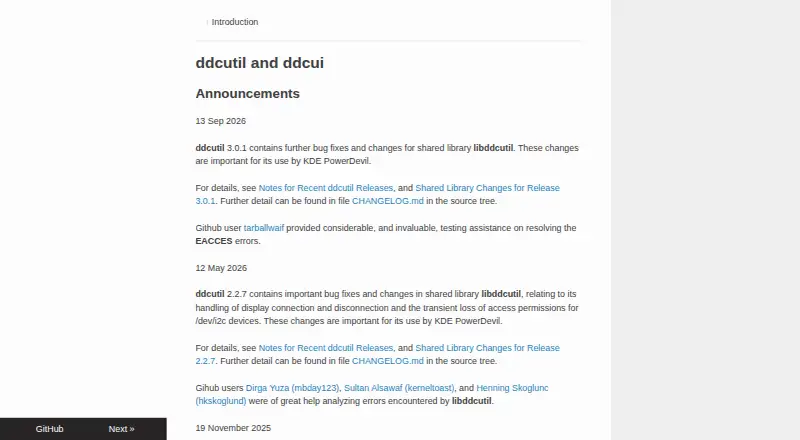 7.2 ddcutil Free free plan, no paid price published Free plan
  6.0 DeepPurge See plans price on the maker's page 5.9 ASUS DisplayWidget Center Free free plan, no paid price published Free plan
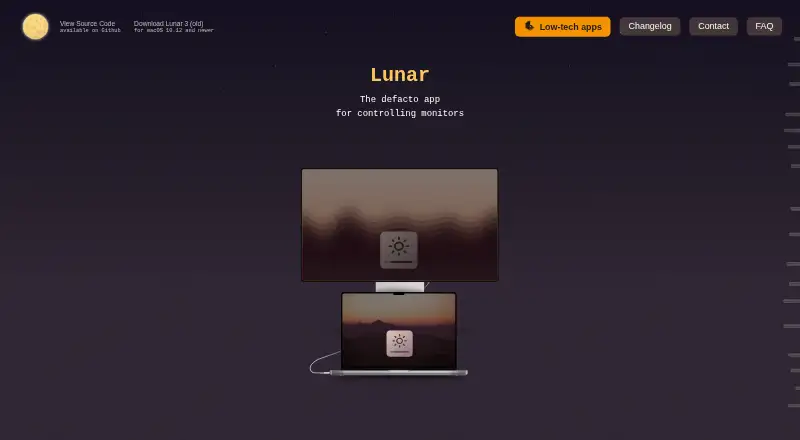 5.9 Lunar Free free plan, no paid price published Free plan
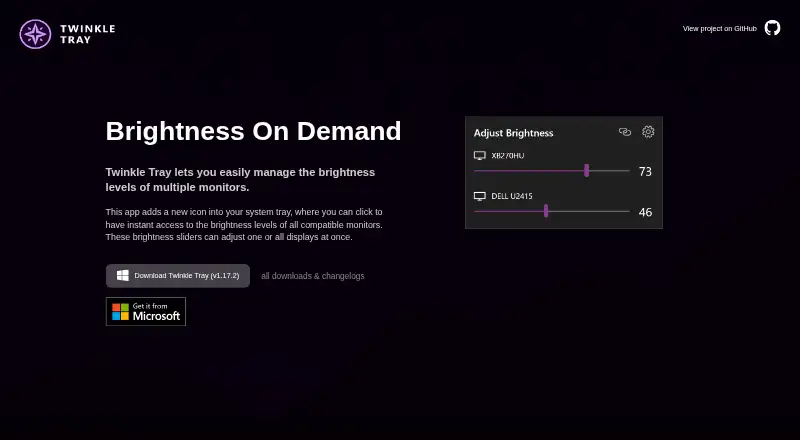 5.9 Twinkle Tray Free free plan, no paid price published Free plan
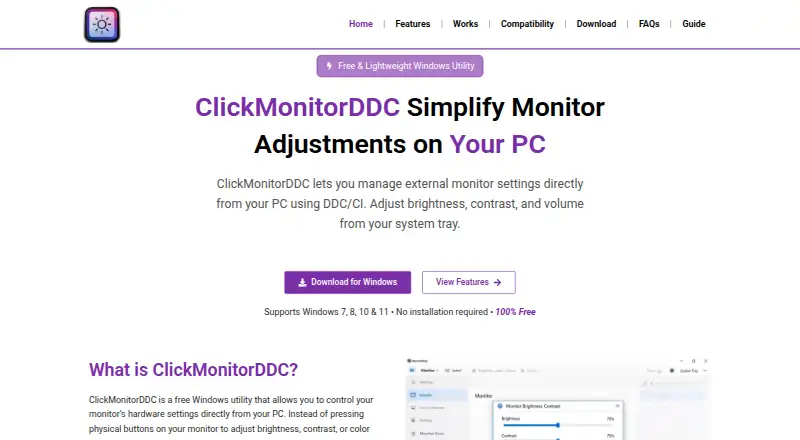 5.8 ClickMonitorDDC Free free plan, no paid price published Free plan
Where it ranks on Inferse
Sources
- displaybuddy.app· checked 30 Sept 2026
- displaybuddy.app/windows· checked 30 Sept 2026
- displaybuddy.app/pricing· checked 30 Sept 2026
- displaybuddy.app/business· checked 30 Sept 2026
- displaybuddy.app/privacy-policy· checked 30 Sept 2026