Neovim
About
Neovim is a free, Vim-based text editor designed for extensibility and usability. It keeps Vim's editing model and Vimscript v1 support, while also providing built-in Lua and a configuration centered on init.lua. Its API is discoverable, versioned and documented, and RPC lets extensions be written in different languages. GUIs, IDEs and web browsers can embed Neovim. Tree-sitter supports syntax highlighting and text objects, while built-in language-server support provides semantic code inspection and refactoring. Other editing features include multicursor editing, macro recording, column editing and handling large files, alongside a built-in terminal with modern terminal features. Neovim supports Vim 8.x plugins and more. Downloads are provided for Linux, macOS and Windows, with x86_64 and arm64 builds listed for each; Android is also a supported platform. Windows 8 or newer is required, and Windows 7 or older is not supported. The project is licensed under Apache 2.0, except for parts contributed under the Vim license.
Who it is for
Neovim suits users who want Vim's editing model with Lua plugins, RPC-based extensions or language-server support. It also provides an API for teams embedding the editor in GUIs, IDEs or web browsers.
What is good
- Configuration uses init.lua and supports Lua plugins
- Documented API and RPC support extensions in many languages
- Tree-sitter supports syntax highlighting and text objects
- Built-in LSP supports code inspection and refactoring
- Includes multicursor editing, macros and large-file handling
What to know first
- Windows 8 or newer is required
- Windows 7 and older are unsupported
- Some parts are under the Vim license
Inferse review
Neovim: the full review
Neovim retains Vim's editing model while adding a documented API, Lua plugins and built-in language-server support. Its Windows requirement and license exceptions are worth noting when standardizing tools across a team.
Overview
Neovim is a Vim-based text editor that keeps Vim’s command-driven editing model while extending it with Lua plugins, a documented API and built-in language-server support. It suits Vim users and developers who want a configurable editor that can connect to tools across their existing stack. Its depth and compatibility are compelling, though the editing model is a poor fit for teams that want a conventional graphical editor.
Vimscript v1 and Vim 8.x plugins remain supported alongside Lua, easing the move for users with existing Vim configurations. The current stable release is 0.12. Neovim’s vision is to support new applications without surrendering Vim’s traditional roles; its API and embedding options make that more than an editor-only proposition.
It belongs among both Text Editors and Code editors. For Go-focused development, it is also relevant to Go IDEs, although its broad editor model is not a dedicated Go IDE.
Key features
Neovim’s extension model is its strongest differentiator. Its API is discoverable, versioned and documented, while RPC lets extensions use languages including C, C++, C#, Go, JavaScript, Lua, Python, Ruby and Rust. Documentation lists Node.js, Python, Ruby and Go clients, plus third-party clients. That breadth is useful for teams integrating the editor with existing services or building extensions in their established languages.
Lua plugins are straightforward to create, and configuration lives in init.lua. Vimscript remains supported, so adopting Lua need not mean abandoning Vim-oriented configuration. GUIs, IDEs and web browsers can embed Neovim, extending its role beyond a standalone editor; teams that only need a ready-made graphical application may not benefit from that flexibility.
Built-in LSP support brings semantic code inspection and refactoring into the editor. Tree-sitter provides syntax highlighting and text objects, while the built-in terminal includes modern terminal features by default. These capabilities make Neovim a substantial coding environment rather than merely a modal text editor, but its extensibility also means teams must be comfortable shaping their own editor setup.
Editing tools include multicursor behavior that replays commands and mappings across marked regions, as well as macro recording, column editing and large-file handling. The multicursor approach preserves Neovim’s command-based character rather than imitating a conventional simultaneous-cursor workflow, a benefit for users fluent in its editing model and a hurdle for newcomers.
Pricing
Neovim is free. Its Neovim plan costs 0.00 USD per free and includes the editor under Apache 2.0 with Vim-licensed exceptions. There is no paid tier to unlock core features, which makes it a straightforward option for individual users and teams avoiding per-seat editor costs. The license exceptions merit review when standardizing software for an organization.
Platforms
Neovim supports Linux, macOS, Windows and Android, with self-hosted use also listed. Stable downloads are provided for macOS and Linux on x86_64 and arm64, and Windows on x86_64 and arm64. Tier 1 support covers Linux x86_64 and arm64, macOS x86_64 and arm64, and 64-bit Windows, so teams should distinguish those supported configurations from the broader platform list.
Windows 8 or newer is required; Windows 7 and earlier are unsupported. That requirement can rule Neovim out of organizations still maintaining older Windows machines. Security vulnerabilities can be reported through Neovim’s GitHub security advisories page, and community support is available through GitHub Discussions and vi.stackexchange.com.
Who it's for
Neovim is best for developers who already value Vim’s editing model or are willing to learn it, and for teams that want a programmable editor with language-server support and integration options. Its compatibility with Vimscript and Vim plugins can ease transition, while Lua, RPC and the documented API give platform-minded teams room to extend or embed it.
It is less suitable for teams seeking a uniform, conventional GUI editor with little configuration, or those that need support for Windows 7 and older. The editor’s flexibility is a real advantage when someone will own the setup; without that appetite, it can become unnecessary complexity.
Pros and cons
- Pros: Free access to the editor and its core capabilities avoids subscription or seat costs.
- Pros: A documented, versioned API, RPC and multiple extension languages support integration with varied stacks.
- Pros: Vim compatibility, Vimscript support and Vim 8.x plugin compatibility reduce disruption for existing Vim users.
- Pros: Built-in LSP, Tree-sitter and terminal support provide substantial coding and terminal features within the editor.
- Cons: Its Vim editing model demands familiarity or a learning investment, making it a less natural fit for teams expecting conventional editing.
- Cons: Windows 7 and older are unsupported, and Tier 1 Windows support is limited to 64-bit.
- Cons: Apache 2.0 licensing has Vim-licensed exceptions that teams should account for when evaluating licenses.
Alternatives
Choose ICEcoder if a browser-based code editor and MIT-licensed IDE framework better suit your deployment; its free plan spans web and several desktop or self-hosted platforms. Visual Studio Code is another free alternative for teams seeking an editor across Linux, macOS, Windows and web.
Zed is worth considering for a freemium editor with a free Personal plan that includes 2,000 accepted edit predictions and external-agent or API-key support. VSCodium is a free alternative for Linux, macOS and Windows, with a plan price not listed.
For a free Windows text and source-code editor supporting programming and natural languages, consider Notepad++. EmEditor may suit Windows users considering a professional editor with a monthly subscription, but it does not offer a free plan.
Vim is the direct alternative for users who want Vim itself rather than Neovim’s extended API and Lua-oriented approach. Kate is another free option for Linux, macOS and Windows.
Verdict
Choose Neovim if Vim’s editing model fits your team and you want a free editor that combines compatibility with a documented, extensible API, LSP and terminal capabilities. Its strongest reason to adopt is the ability to tailor or embed it without leaving the Vim ecosystem. Look elsewhere if the team needs a conventional, low-configuration editor or still depends on Windows 7 or earlier.
Compared on text editors
Facts
- Supported platforms
- Linux, macOS, Windows, Androidneovim.io · 22 Sept 2026
- Multi-cursor editing
- Yesneovim.io · 22 Sept 2026
- Macro recording
- Yesneovim.io · 22 Sept 2026
- Column editing
- Yesneovim.io · 22 Sept 2026
- Large-file handling
- Yesneovim.io · 22 Sept 2026
- Lua Plugins
- Users can create Lua plugins easilyneovim.io · 27 Sept 2026
- Configuration File
- Configuration lives in init.luaneovim.io · 27 Sept 2026
- API Documentation
- The API is discoverable, versioned, and documentedneovim.io · 27 Sept 2026
- Extension Languages
- RPC enables extensions in any languageneovim.io · 27 Sept 2026
- GUI Integrations
- GUIs, IDEs, and web browsers can embed Neovimneovim.io · 27 Sept 2026
- Syntax Parsing
- Tree-sitter enables accurate syntax highlighting and text objectsneovim.io · 27 Sept 2026
- Multicursor Editing
- Multicursor replays commands and mappings on marked regionsneovim.io · 27 Sept 2026
- Language Servers
- LSP provides semantic code inspection and refactoringneovim.io · 27 Sept 2026
- Terminal Features
- Built-in terminal support includes modern terminal features by defaultneovim.io · 27 Sept 2026
- Vim Compatibility
- Fully compatible with Vim's editing model and Vimscript v1neovim.io · 27 Sept 2026
- Vimscript Support
- Vimscript remains supported alongside built-in Luaneovim.io · 27 Sept 2026
- Plugin Compatibility
- Supports Vim 8.x plugins and moreneovim.io · 27 Sept 2026
- Community Support
- Support is available through GitHub Discussions and vi.stackexchange.comneovim.io · 27 Sept 2026
- Stable Release
- The current stable release version is 0.12neovim.io · 27 Sept 2026
- Project Vision
- The vision is to enable new applications without compromising Vim's traditional rolesneovim.io · 27 Sept 2026
- Source Code Size
- Neovim has 30% less source code than Vimneovim.io · 27 Sept 2026
- Sponsor Distribution
- Sponsor contributions go 100% to developersneovim.io · 27 Sept 2026
- Product
- Neovim is a Vim-based text editor engineered for extensibility and usability.neovim.io · 30 Sept 2026
- Target users
- Neovim is for users who want the good parts of Vim, and more.neovim.io · 30 Sept 2026
- Extensibility
- Neovim provides a discoverable, versioned and documented API, ubiquitous RPC, Lua plugins and Tree-sitter parsing.neovim.io · 30 Sept 2026
- Editor features
- Neovim includes multicursor editing, built-in LSP support, a terminal emulator and modern terminal features.neovim.io · 30 Sept 2026
- API languages
- Neovim provides API access from languages including C, C++, C#, Go, JavaScript, Lua, Python, Ruby and Rust.github.com · 30 Sept 2026
- API clients
- The documentation lists Node.js, Python, Ruby and Go API clients, plus additional third-party clients.neovim.io · 30 Sept 2026
- Downloads
- Stable downloads are provided for macOS x86_64 and arm64, Linux x86_64 and arm64, and Windows x86_64 and arm64.neovim.io · 30 Sept 2026
- Windows limit
- Windows 8 or newer is required and Windows 7 or older is not supported.neovim.io · 30 Sept 2026
- Support tiers
- Tier 1 supported platforms include Linux x86_64 and arm64, macOS x86_64 and arm64, and Windows 64-bit.neovim.io · 30 Sept 2026
- Security reporting
- Security vulnerabilities can be reported through the Neovim GitHub security advisories page.github.com · 30 Sept 2026
- License
- Neovim is licensed under Apache 2.0 except for parts contributed under the Vim license.github.com · 30 Sept 2026
Best Neovim alternatives
See all 12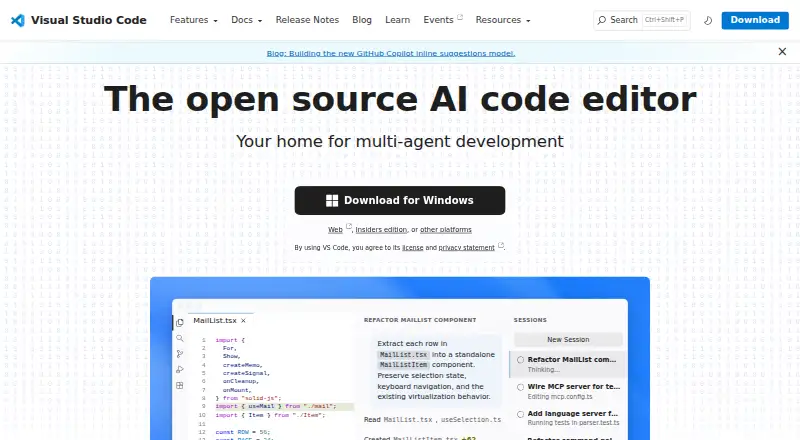 7.6 Visual Studio Code Free free plan, no paid price published Free plan
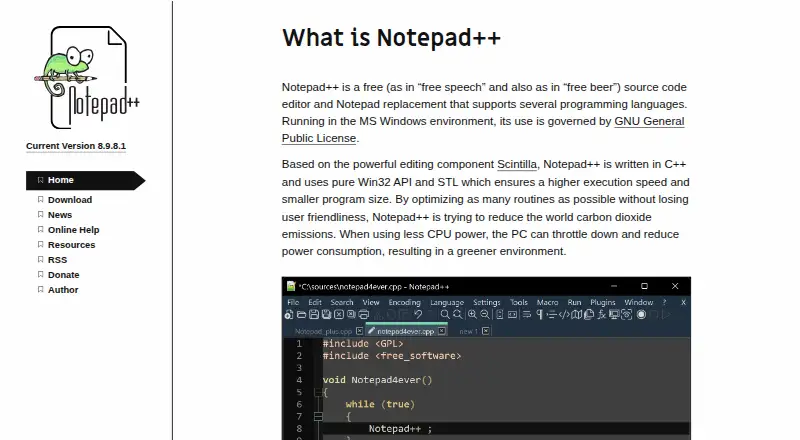 7.4 Notepad++ Free free plan, no paid price published Free plan
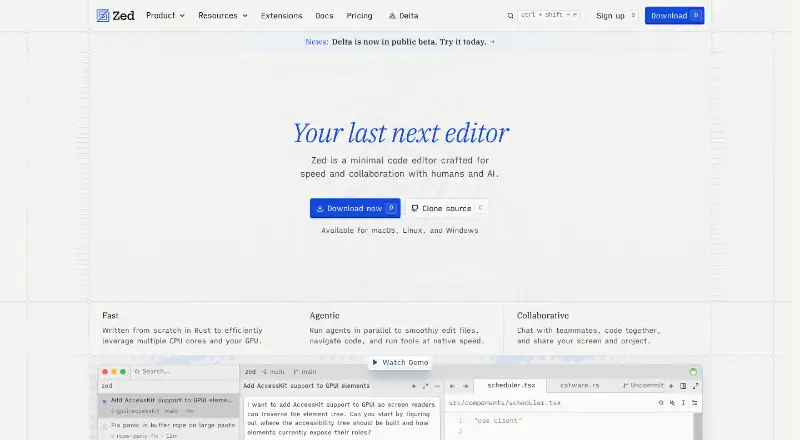 7.4 Zed $10/mo first paid tier Free plan
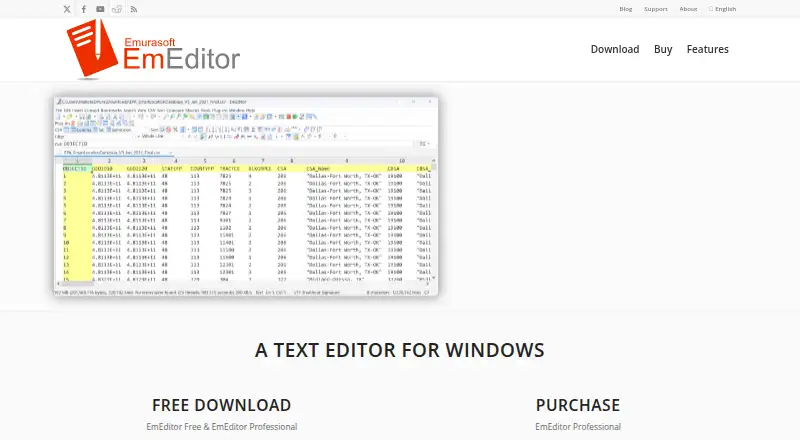 7.4 EmEditor $0.42/mo first paid tier Free trial
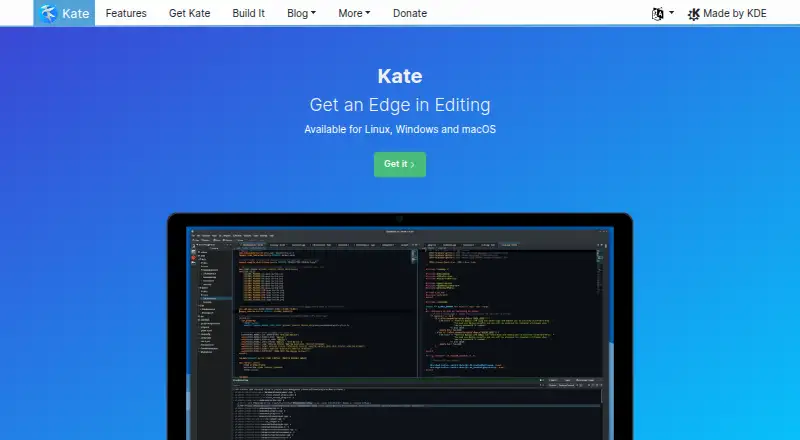 7.2 Kate See plans price on the maker's page
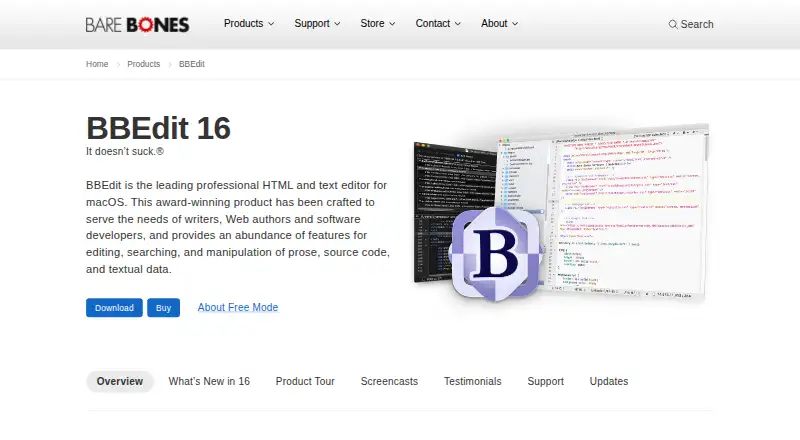 7.2 BBEdit $59.99/mo first paid tier Free plan
 Where it ranks on Inferse
- Best Text Editors in 2026#1 of 82
- Best Code Editors in 2026#1 of 44
- Best Go IDEs in 2026#1 of 22
Sources
- neovim.io· checked 22 Sept 2026
- neovim.io/about/· checked 30 Sept 2026
- neovim.io/charter/· checked 30 Sept 2026
- github.com/neovim/neovim· checked 30 Sept 2026
- neovim.io/doc/· checked 30 Sept 2026
- neovim.io/doc/install/· checked 30 Sept 2026
- neovim.io/doc/user/support.html· checked 30 Sept 2026
- github.com/neovim/neovim/security· checked 30 Sept 2026
- github.com/neovim/neovim/blob/master/LICENSE.txt· checked 30 Sept 2026