OpenGameBoost
Input—per 1M tokens
Output—per 1M tokens
Context—tokens
WeightsClosed
About
OpenGameBoost is ranked #19 of 31 in game graphics optimization software on Inferse. It runs on Windows.
Compared on game graphics optimization software
- Free plan
- Yesgithub.com
- Supported platforms
- Windows 10/11github.com
- Boost control
- manualgithub.com
- Automatic game detection
- Yesgithub.com
- Process management
- Yesgithub.com
- Game profiles
- Nogithub.com
- Performance overlay
- Nogithub.com
Facts
- Purpose
- OpenGameBoost describes itself as an open-source gaming optimizer for Windows 10/11.github.com · 30 Sept 2026
- Transparency
- The project says it has no hidden functionality and no telemetry.github.com · 30 Sept 2026
- Process controls
- Game Mode can suspend Explorer, browsers, and game launchers, then resume them when Game Mode is deactivated.github.com · 30 Sept 2026
- System optimizations
- Features include memory optimization, High Performance power plan switching, network tweaks, GPU priority tweaks, and automatic game detection.github.com · 30 Sept 2026
- Game detection
- The README lists 18 games for automatic detection, including Fortnite, Counter-Strike 2, Valorant, and Minecraft.github.com · 30 Sept 2026
- Supported OS
- The project requires 64-bit Windows 10 or Windows 11.github.com · 30 Sept 2026
- Permissions
- Administrator privileges are required for process suspension and system modifications.github.com · 30 Sept 2026
- Download
- The README directs users to download OpenGameBoost.exe from the Releases page and run it as Administrator.github.com · 30 Sept 2026
- Source setup
- Running from source requires Python 3.9 or later.github.com · 30 Sept 2026
- License
- The project is distributed under the MIT License.github.com · 30 Sept 2026
- System changes
- The README says system changes are reversible and advises users to use the software at their own risk.github.com · 30 Sept 2026
- Release requirement
- The v1.0.1 release notes say the application requires administrator privileges for full functionality.github.com · 30 Sept 2026
- Game Mode
- Game Mode can suspend Explorer, browsers, and game launchers to free CPU and RAM.github.com · 30 Sept 2026
- Supported apps
- Supported launchers include Steam, Epic, Battle.net, EA, Ubisoft Connect, and GOG; supported browsers include Chrome, Firefox, Edge, Opera, and Brave.github.com · 30 Sept 2026
- Process handling
- Processes are suspended rather than killed and resume instantly when Game Mode is deactivated.github.com · 30 Sept 2026
- Memory optimization
- Memory optimization flushes unused memory from processes using the Windows EmptyWorkingSet API.github.com · 30 Sept 2026
- Power optimization
- The application switches to the High Performance power plan and restores the original plan when deactivated.github.com · 30 Sept 2026
- Network optimization
- Network optimization disables Nagle's algorithm and NetBIOS for reduced latency.github.com · 30 Sept 2026
- GPU tweaks
- GPU priority tweaks set scheduling priority for games through registry changes.github.com · 30 Sept 2026
- Automatic detection
- Auto Game Detection can activate Game Mode when supported games launch.github.com · 30 Sept 2026
- Supported games
- Auto detection lists 18 games including Call of Duty, Fortnite, Apex Legends, Counter-Strike 2, Valorant, League of Legends, and Minecraft.github.com · 30 Sept 2026
- Requirements
- The software requires 64-bit Windows 10 or Windows 11 and administrator privileges; running from source requires Python 3.9 or newer.github.com · 30 Sept 2026
- License and limits
- The project uses the MIT License, modifies Windows system settings, says changes are reversible, and provides no responsibility for resulting issues.github.com · 30 Sept 2026
- Release status
- The v1.0.1 release is marked pre-release and requires administrator privileges for full functionality.github.com · 30 Sept 2026
Best OpenGameBoost alternatives
See all 12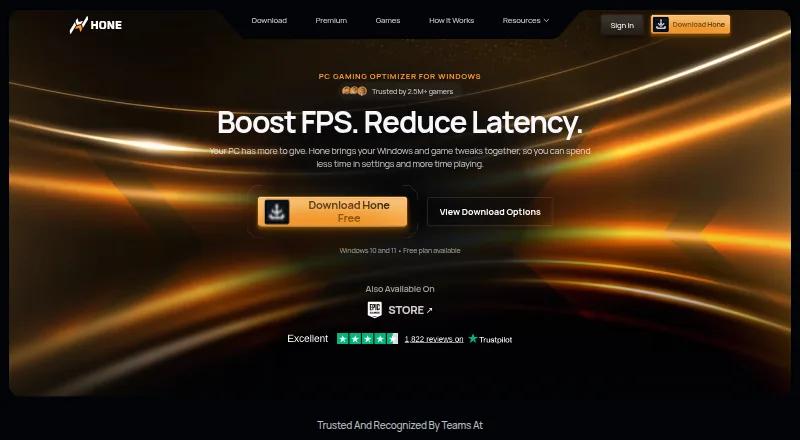 7.5 Hone Free free plan, no paid price published Free plan
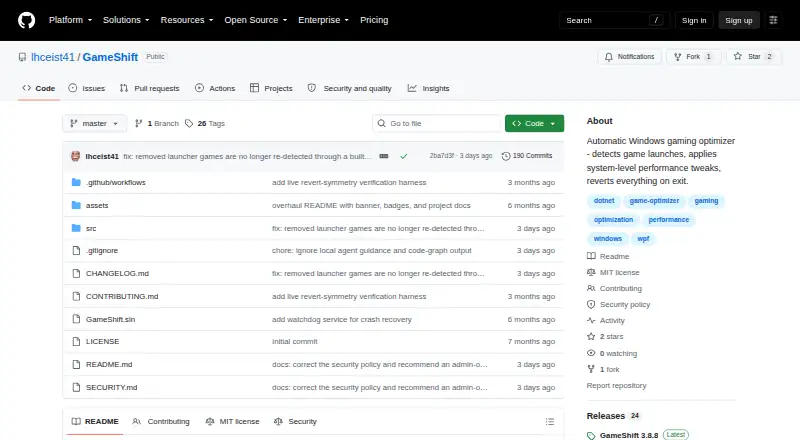 7.4 GameShift Free free plan, no paid price published Free plan
 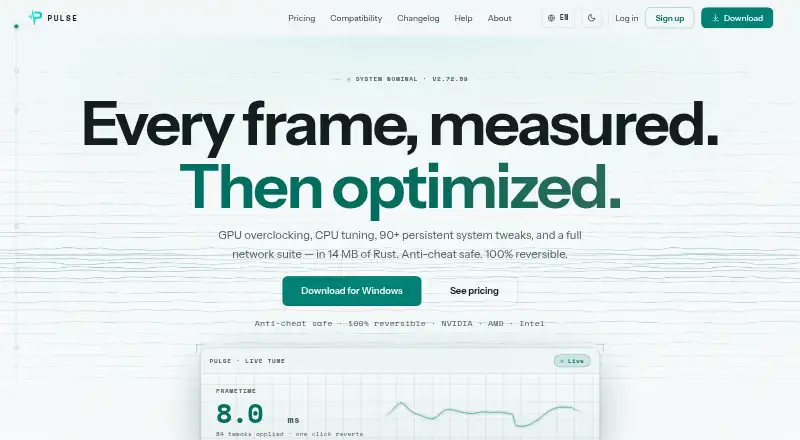 7.4 PULSE $1.67/mo first paid tier Free plan
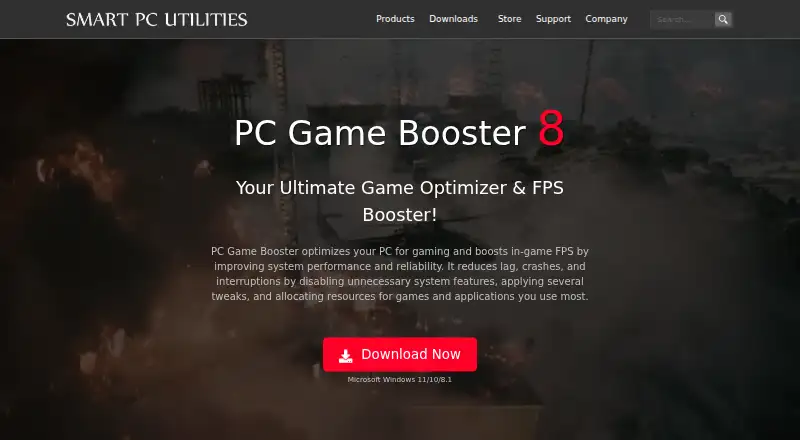 7.1 PC Game Booster $0.13/mo first paid tier Free plan
 7.1 Smart Game Booster $1.50/mo first paid tier Free plan
  6.9 BDO Optimizer See plans price on the maker's page
 Where it ranks on Inferse
Sources
- github.com/bensheed/OpenGameBoost· checked 30 Sept 2026
- github.com/bensheed/OpenGameBoost/releases· checked 30 Sept 2026