
Wispr Flow
About
Wispr Flow is a voice dictation app for Android, iPhone, Mac, and Windows. It can enter text wherever a cursor accepts typing, including Gmail, Slack, iMessage, Notion, terminals, code editors, and AI tools. It supports 100 languages and can detect the spoken language. Flow can remove filler words, add punctuation, format text, and handle corrections and repeated speech; users can also set custom vocabulary and voice commands. The free plan includes 2,000 words per week on desktop and 1,000 per week on mobile, plus a weekly Notetaker limit. Pro Annual is 12.00 USD per year, billed at $12 per user per month; Pro Monthly is 15.00 USD per month. Team plans include shared dictionaries and snippets, workspaces, centralized billing, and user management. Notetaker offers meeting notes, speaker identification, questions across meetings, and MCP access for AI tools, but currently works on Mac and Windows, with mobile planned. Flow uses a cloud privacy model and provides controls for data use, sharing preferences, and stored-data deletion.
Who it is for
Flow suits individuals and teams who want voice input across writing, messaging, coding, and AI tools. Teams may value shared dictionaries and workspaces; meeting users should note that Notetaker is currently limited to Mac and Windows.
What is good
- Works wherever a cursor can accept text.
- Supports 100 languages and language detection.
- Includes custom vocabulary and voice commands.
- Offers controls for data use and deletion.
What to know first
- Free desktop dictation is limited to 2,000 words weekly.
- Free mobile dictation is limited to 1,000 words weekly.
- Notetaker currently works only on Mac and Windows.
- Dictation uses a cloud privacy model.
Verdict
Flow combines cross-app dictation with text cleanup, language detection, and team sharing options. The free tier has weekly word limits, and its Notetaker is not yet listed for mobile.
Compared on dictation software
- Free plan
- Yeswisprflow.ai
- Paid from
- $12/mowisprflow.ai
- Supported platforms
- Mac, Windows, iPhone, Androidwisprflow.ai
- Language count
- 100wisprflow.ai
- Custom vocabulary
- Yeswisprflow.ai
- Voice commands
- Yeswisprflow.ai
- Offline dictation
- Nowisprflow.ai
- Privacy model
- cloudwisprflow.ai
Facts
- Free usage limit
- Free dictation includes 2,000 words per week on desktop and 1,000 per week on mobile.wisprflow.ai · 28 Sept 2026
- Notetaker platforms
- Notetaker currently works on Mac and Windows; mobile is planned.wisprflow.ai · 28 Sept 2026
- App compatibility
- Flow works wherever the cursor can type, including Gmail, Slack, iMessage, Notion, terminals, code editors, and AI tools.wisprflow.ai · 28 Sept 2026
- Language support
- Flow supports 100+ languages and can detect the language being spoken.wisprflow.ai · 28 Sept 2026
- Editing features
- Flow removes filler words, adds punctuation, formats writing, and handles corrections and repetition.wisprflow.ai · 28 Sept 2026
- Voice speed
- The page claims Flow works at 4x the speed of typing and compares 220 wpm with 45 wpm keyboard typing.wisprflow.ai · 28 Sept 2026
- Privacy controls
- Users can choose whether data is used to improve Flow, manage sharing preferences, and delete stored data.wisprflow.ai · 28 Sept 2026
- Security certifications
- Wispr Flow states that it is certified for SOC 2 Type II, HIPAA, and ISO 27001.wisprflow.ai · 28 Sept 2026
- Team features
- Team plans include shared dictionaries and snippets, shared workspaces, centralized billing, and user management.wisprflow.ai · 28 Sept 2026
- Admin features
- Growth and Enterprise add SSO, HIPAA enforcement, usage reporting, provisioning, audit logs, and managed deployment.wisprflow.ai · 28 Sept 2026
- Support levels
- Plans provide standard, priority, or premium support; Enterprise includes dedicated support with SLAs.wisprflow.ai · 28 Sept 2026
- Notetaker features
- Notetaker provides meeting notes, speaker identification, questions across meetings, and MCP access for AI tools.wisprflow.ai · 28 Sept 2026
- Company funding
- Wispr states that it raised $81M to build the Voice OS.wisprflow.ai · 28 Sept 2026
- Bluetooth limitation
- The page recommends against AirPods and other Bluetooth earbuds because they can reduce dictation accuracy.wisprflow.ai · 28 Sept 2026
Company
- Headquarters
- San Francisco, California, United Stateswisprflow.ai · 28 Sept 2026
Best Wispr Flow alternatives
See all 12 7.3 Superwhisper $7.08/mo first paid tier Free plan
 7.2 Google Voice Access See plans price on the maker's page
  7.1 Dictanote $5/mo first paid tier Free plan
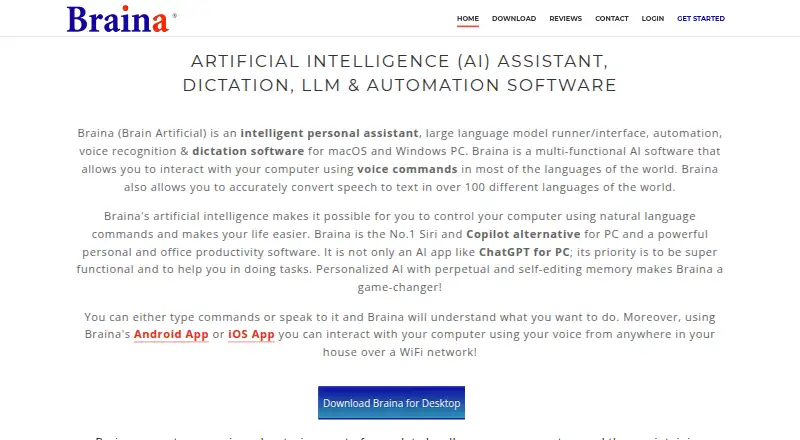 7.1 Braina See plans price on the maker's page
 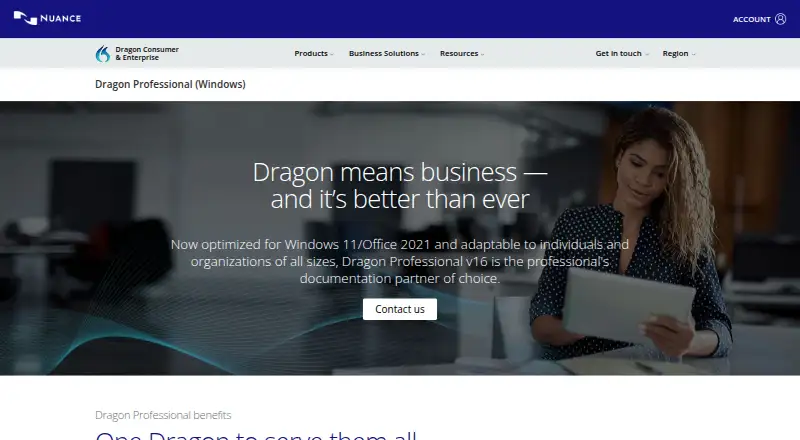 7.0 Dragon Professional See plans price on the maker's page
 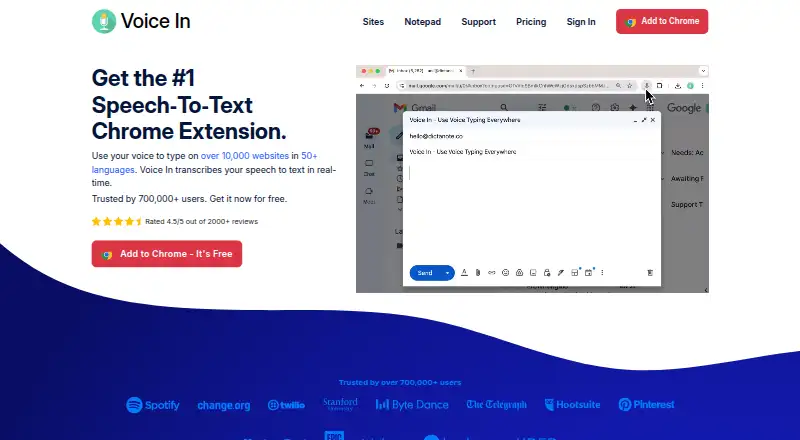 7.0 Voice In See plans price on the maker's page Free plan
 Where it ranks on Inferse
- Best Dictation Software in 2026#1 of 27
Sources
- wisprflow.ai/pricing· checked 28 Sept 2026
- wisprflow.ai· checked 28 Sept 2026