
Invoice Ninja
About
Invoice Ninja gives freelancers and small businesses tools for invoicing, payments, expenses, time tracking, and projects. It handles recurring invoices, automatic billing, quotes, and 11 customizable invoice templates. Clients can pay through supported gateways including Stripe, PayPal, Square, and GoCardless. Users can track billable time, organize projects with Kanban boards, and record expenses and vendors. It connects with Zapier, Make, Pabbly Connect, and n8n; REST API access is available on Pro and Enterprise plans. Browser, desktop, and mobile apps sync data across devices, and the source-code-available product can be self-hosted at no charge. Invoice Ninja says its hosted platform completed a SOC 2 examination and lists TLS 1.2+ in transit, AES-256 at rest, and MFA availability. Its free plan is 0.00 USD per free and includes five clients, unlimited invoicing, and 11 templates. Ninja Pro is 14.00 USD per month; Enterprise is 18.00 USD per month, with pricing scaled by account users.
Who it is for
Invoice Ninja suits freelancers and small businesses that want billing, payment collection, expenses, time tracking, and project tools together. It also fits users who want a source-code-available, self-hosted option or apps across desktop and mobile platforms.
What is good
- Free plan includes unlimited invoicing.
- Supports recurring invoices and automatic billing.
- Connects to four listed automation platforms.
- Self-hosting is described as free.
- Apps sync data across devices.
What to know first
- Free plan is limited to five clients.
- REST API access requires Pro or Enterprise.
- Enterprise pricing scales by account users.
Inferse review
Invoice Ninja: the full review
Invoice Ninja covers core billing alongside expenses, time, and project tracking, with a free tier and self-hosting option. Check the client cap and plan requirements for API access before choosing a hosted tier.
Overview
Invoice Ninja is billing and work-management software for freelancers and small businesses. It is best for service teams that want invoicing alongside time, project, and expense tracking; its main trade-off is a five-client ceiling on the free hosted plan, with API access starting on a paid plan.
Recurring invoices, automatic billing, and quotes sit alongside invoice tracking, overdue-balance reports, reminders, and a customer payment portal. That range makes it more useful for managing collections than a basic invoice generator, while the project and expense tools broaden its role beyond billing.
Key features
Billing and payments
Eleven customizable invoice templates, recurring billing, and quotes cover common service-business billing needs. Clients can pay through supported gateways such as Stripe, PayPal, Square, and GoCardless. Because card details are handled by the selected gateway and Invoice Ninja says it does not store full card numbers, payment processing remains tied to the gateway the business chooses.
Invoice tracking, overdue-balance reports, automatic payment reminders, and a customer portal support follow-up and payment in one workflow. These tools are useful when chasing unpaid work is part of the billing burden, rather than simply producing invoices.
Projects, time, and integrations
Billable-time tracking, Kanban project boards, expense tracking, and vendor management make Invoice Ninja a plausible hub for freelancers and small service teams that need to connect work with billing. Zapier, Make, Pabbly Connect, and n8n provide automation connections. REST API access is limited to Pro and Enterprise, so teams that need to integrate directly should budget for a paid plan.
Deployment and security
Invoice Ninja offers a hosted service and source code that customers can deploy on their own server; the company describes self-hosting as free. That option can suit teams that want control over deployment, but it also makes running their own server part of the choice.
The company says its hosted platform has completed a SOC 2 examination and lists TLS 1.2+ encryption in transit, AES-256 encryption at rest, and MFA availability. It also says customers can email the co-founders for support, with community forums, Slack, and Discord as other support channels.
Pricing
The pricing model is freemium, with paid plans starting at $14/user/mo. Paid monthly plan prices are given per month; the plan terms specify monthly billing.
- Free: 0.00 USD per free, billed Forever free. It includes unlimited invoicing and 11 templates, but caps the account at five clients. This can work for a freelancer with a small client roster; growing beyond that limit means moving to a paid plan.
- Ninja Pro: 14.00 USD per month, billed monthly. It includes unlimited clients and invoices, API integration, and automatic payment reminders. This is the clearest fit for a growing solo operator or small business that needs API access or has outgrown the free client cap.
- Enterprise: 18.00 USD per month, billed monthly. Pricing scales by account users, with up to 100 users and 250 PEPPOL credits included. The per-user scaling matters for teams estimating total cost, while the user ceiling and credit allowance define the stated scope.
- Premium Business: 280.00 USD per contact, billed From $280/year. It includes Pro and Enterprise features, direct priority support, and developer concierge. That makes it relevant to buyers who value direct support and developer assistance; the contact-based pricing differs from the monthly per-user plans.
The free plan's five-client cap is its central constraint. Pro removes the client and invoice ceilings and adds API integration, while Enterprise is the stated option for larger accounts. Self-hosting is described as free, but API access is available on Pro and Enterprise plans.
Platforms
Invoice Ninja offers browser, macOS, Windows, Linux, iOS, and Android apps that sync data across devices. It also supports self-hosting and provides an API on Pro and Enterprise. That range gives teams flexibility across desktop, mobile, and deployment choices, though direct API use carries a paid-plan requirement.
Who it's for
Invoice Ninja suits freelancers and small businesses that bill for services and want time tracking, projects, expenses, and collections tools close to their invoicing workflow. It is especially compelling when self-hosting or cross-device apps matter. Businesses with only occasional, straightforward invoicing may find the broader toolset unnecessary, while teams needing API access should not assume the free plan will suffice.
Pros and cons
- Pro: Invoices, client payments, time, projects, expenses, and vendors share one product, which can reduce tool switching for service businesses.
- Pro: Free self-hosting and apps across desktop and mobile platforms give buyers deployment and device options.
- Pro: Pro includes unlimited clients and invoices plus API integration, a meaningful step up for businesses growing past the free tier.
- Con: The free hosted plan allows only five clients, a hard limit for a freelancer whose roster grows.
- Con: REST API access requires Pro or Enterprise, so integration needs raise the minimum plan cost.
- Con: Enterprise pricing scales by account users, which makes headcount part of the plan decision.
Alternatives
For a free, self-hosted invoicing option with unlimited invoices and customers and no seats or subscription, consider InvoiceShelf; Invoice Ninja offers a broader stated set of time, project, and expense tools.
Invoiced uses custom pricing based on requirements and platform use, with a demo requested for a quote.
BILL Accounts Payable is a paid alternative with a free trial and an Essentials plan at 49.00 USD per month billed monthly for Accounts Payable and Accounts Receivable subscription.
Versapay offers receivables automation with a tailored quote based on invoice volume, customer count, users, integrations, and capabilities.
ezyCollect starts with EZYSTART at 275.00 USD per year billed annually, covering up to 200 monthly average active debtors, three users, and one workflow.
Zoho Invoice is a free alternative; its stated Free plan is for Indian businesses and allows up to two users, three projects, and 500 invoices per year.
Yonovo is another freemium alternative.
Emagia Receivables Management is an enterprise receivables-management option with pricing by inquiry.
Explore Accounts Receivable Software, Time Billing Software, Time and Expense Software, Freelance Invoicing Software, and Invoicing software for more options.
Verdict
Choose Invoice Ninja if your freelance or small service business wants billing tied to time, projects, expenses, and payment follow-up, with self-hosting as an option. Its strongest reasons to choose it are that breadth and the Pro plan's unlimited clients and API integration; look elsewhere if five free clients are not enough but a paid plan is not justified, or if you need only straightforward invoice creation.
Compared on invoicing software
- Free plan
- Yesinvoiceninja.com
- Invoice tracking
- Yesinvoiceninja.com
- Overdue balance reports
- Yesinvoiceninja.com
- Payment reminders
- Yesinvoiceninja.com
- Customer payment portal
- Yesinvoiceninja.com
- Recurring invoices
- Yesinvoiceninja.com
- Payment methods
- bothinvoiceninja.com
Facts
- Purpose
- Invoice Ninja provides freelancers and small businesses invoicing, payments, expenses, time tracking, and project tools.invoiceninja.com · 29 Sept 2026
- Invoicing
- The product supports recurring invoices, auto-billing, quotes, and 11 customizable invoice templates.invoiceninja.com · 29 Sept 2026
- Payments
- Clients can pay invoices through supported gateways including Stripe, PayPal, Square, and GoCardless.invoiceninja.com · 29 Sept 2026
- Projects and expenses
- Users can track billable time, manage projects with Kanban boards, and track expenses and vendors.invoiceninja.com · 29 Sept 2026
- Integrations
- Invoice Ninja connects to automation platforms including Zapier, Make, Pabbly Connect, and n8n.invoiceninja.com · 29 Sept 2026
- API
- REST API access is available on Pro and Enterprise plans.invoiceninja.com · 29 Sept 2026
- Apps
- Invoice Ninja offers browser, macOS, Windows, Linux, iOS, and Android apps that sync data across devices.invoiceninja.com · 29 Sept 2026
- Self-hosting
- The source-code-available product can be deployed on a user's own server, and the site describes it as free to self-host.invoiceninja.org · 29 Sept 2026
- Security
- Invoice Ninja states that its hosted platform has completed a SOC 2 examination and lists TLS 1.2+ encryption in transit, AES-256 encryption at rest, and MFA availability.invoiceninja.com · 29 Sept 2026
- Payment data
- Invoice Ninja says payment card details are handled by the selected payment gateway and that it does not store full card numbers.invoiceninja.com · 29 Sept 2026
- Support
- The company says customers can email the co-founders for support and also points users to community forums, Slack, and Discord.invoiceninja.com · 29 Sept 2026
- Audience
- Invoice Ninja says it launched in 2014 to build a suite of apps for freelancers and small businesses.invoiceninja.com · 29 Sept 2026
Company
- Founded
- 2014invoiceninja.com · 23 Sept 2026
Best Invoice Ninja alternatives
See all 12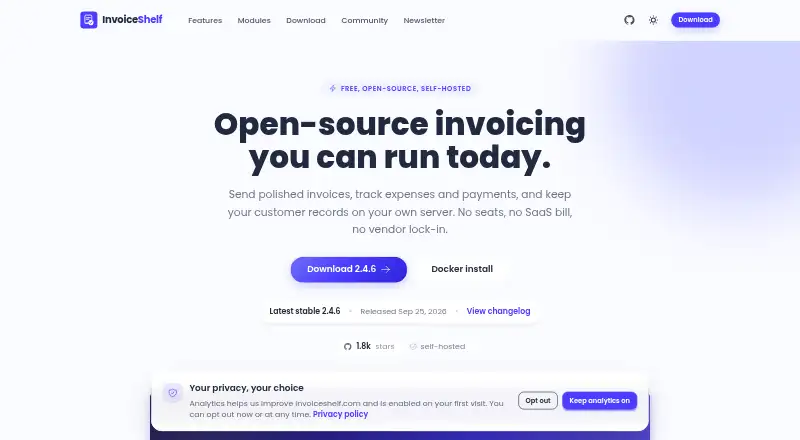 8.3 InvoiceShelf Free free plan, no paid price published Free plan
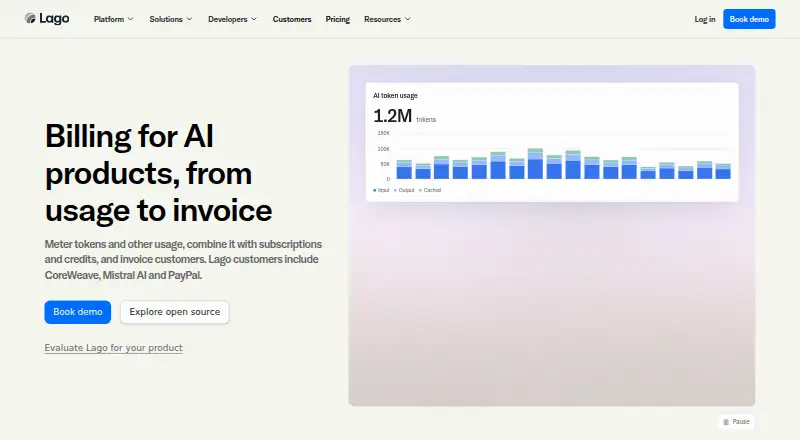 8.3 Lago Free free plan, no paid price published Free plan
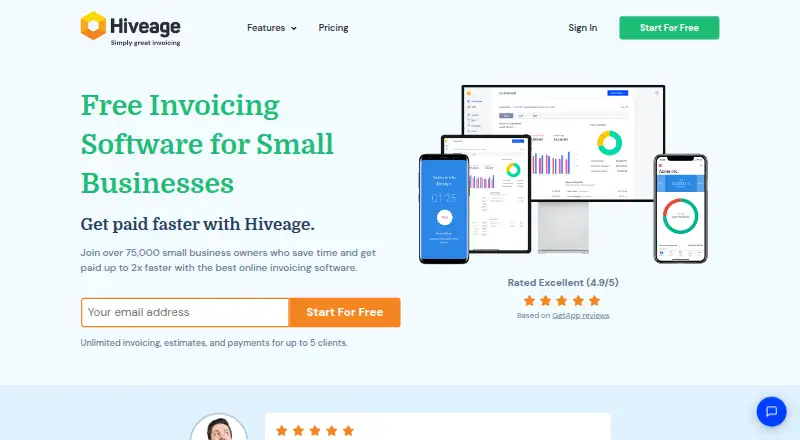 8.3 Hiveage $19/mo first paid tier Free plan
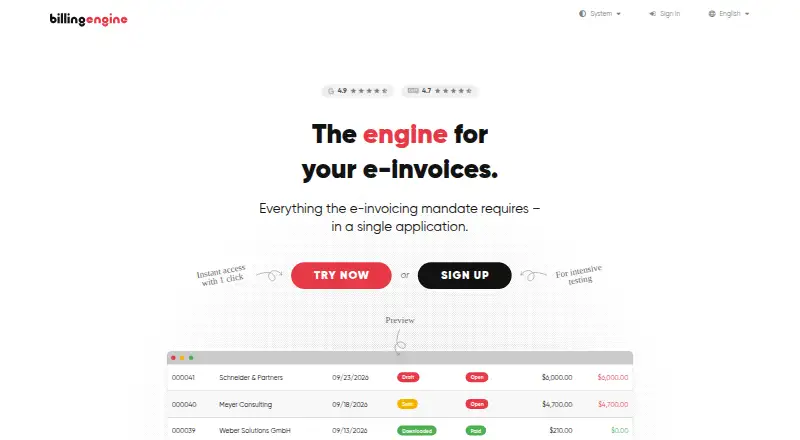 8.2 BillingEngine €6/mo first paid tier Free plan
 8.0 Billbooks $7.95/mo first paid tier Free trial
 8.0 InvoiceXpress €3/mo first paid tier Free trial
Where it ranks on Inferse
Sources
- invoiceninja.com· checked 29 Sept 2026
- invoiceninja.com/pricing-plans/· checked 29 Sept 2026
- invoiceninja.com/automations/· checked 29 Sept 2026
- invoiceninja.com/apps/· checked 29 Sept 2026
- invoiceninja.org· checked 29 Sept 2026
- invoiceninja.com/soc-2-compliance/· checked 29 Sept 2026
- invoiceninja.com/pci/· checked 29 Sept 2026
- invoiceninja.com/our-story/· checked 29 Sept 2026