ML Experiment Tracking Software
Rubicon-ML Review
capitalone.github.io · checked 9 Oct 2026
Open-source Python tools for recording, searching, and reviewing machine-learning experiments.
How it plugs in
Signal on ML Experiment Tracking Software6.4#5 of 39
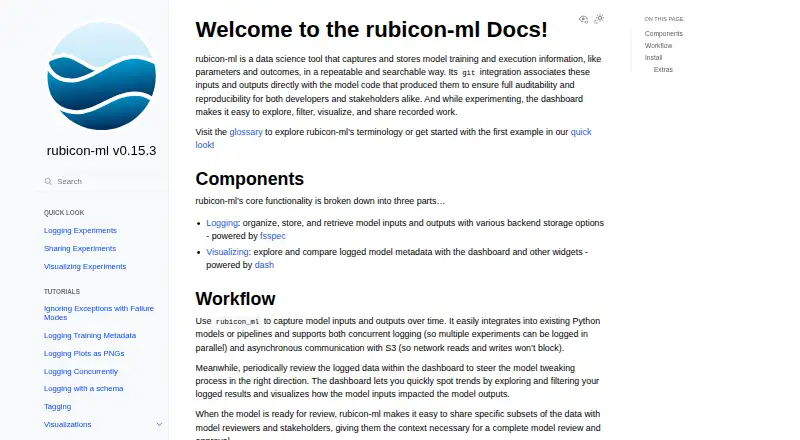
Rubicon-ML is a free, open-source Python package for capturing model inputs, outputs, parameters, and results. It stores records locally, in Amazon S3, in memory, or through Weights & Biases. A web dashboard helps people filter, compare, visualize, and share experiments. It runs through an API, on Linux, or in a self-hosted setup.
Review
In a line
Rubicon-ML records machine-learning training and execution details in a repeatable, searchable format. It is a free, open-source Python package for developers and science or research users.
What it does
The package organizes model inputs, outputs, settings, and results so teams can retrieve and review experiments. It supports recording several experiments at once, including nonblocking communication with Amazon S3.
Its dashboard and widgets let users filter, explore, visualize, compare, and share logged work with reviewers and other stakeholders. Run comparison and artifact tracking are supported.
How it connects
Rubicon-ML offers API and software-development-kit access and can be installed with pip or conda-forge. Its documented integrations cover Git, Prefect, and Scikit-learn. Git records details such as repository origin, branch, and commit alongside projects and experiments.
Records can use a local file system, Amazon S3, in-memory storage, or Weights & Biases. The dashboard is a Dash app that can be packaged in Docker. Visualization features are an optional pip extra; conda installs those extras by default.
Good fit
Rubicon-ML suits developers and research users who need an audit trail linking model inputs and outputs to the code that produced them. Scikit-learn pipelines can log parameters and metrics when they are fit and scored.
It also fits Prefect workflows that need experimentation details saved, and teams that want to review or compare records through a web dashboard without requiring a hosted server.
Watch for
The Weights & Biases storage option is experimental. It does not support project-level artifacts, dataframes, or listing every project with get_projects().
Self-hosted S3 logging on EC2 requires an IAM role with s3:GetObject, s3:PutObject, and s3:DeleteObject permissions for the bucket. Check those storage and access needs before choosing a setup.
Pricing
Rubicon-ML is free. The rubicon-ml plan is an open-source Python package installed with pip or conda, and a free plan is available.
Verdict
Choose Rubicon-ML if you want open-source experiment records, Git-linked audit details, several storage choices, and a dashboard you can host yourself. It is a practical match for Python-based research or development workflows using Prefect or Scikit-learn.
Look elsewhere if you need a fully managed service, or if your workflow depends on Weights & Biases project artifacts, dataframes, or complete project listings.
Our take
Rubicon-ML is a sensible pick for teams that want to own their experiment data and connect it to model code. Its free license, local and S3 storage, and self-hosted dashboard keep deployment flexible. The package is aimed at Python users, so it may require technical setup rather than a ready-made hosted workspace. Weights & Biases users should note the documented gaps in that backend. Choose it for auditability and repeatable review; avoid it when managed hosting or broader W&B coverage is essential.
- Free, open-source Python package
- Links experiments to Git origin, branch, and commit
- Supports local, S3, in-memory, and W&B storage
- Dashboard can filter, compare, visualize, and share runs
- Integrates with Prefect and Scikit-learn
- Weights & Biases backend is experimental
- W&B lacks project artifacts, dataframes, and get_projects() listing
- Dashboard deployment is self-hosted
- EC2 S3 logging needs specific IAM permissions
- Pick it ifDevelopers tracking model experiments in Python; Research teams needing Git-linked audit records; Self-hosted workflows using local storage or S3
- Skip it ifYou need a managed hosted service; You depend on W&B project artifacts or dataframes; You want complete W&B project listings
Pricing
The package costs nothing and is open source. Install the rubicon-ml plan with pip or conda; no paid tier is listed.
- rubicon-mlOpen-source Python package · install with pip or condaFree
As capitalone.github.io lists them, checked 9 Oct 2026.
Questions
Is Rubicon-ML free?
Yes. Rubicon-ML is an open-source Python package with a free plan.
Where can Rubicon-ML store records?
Documented backends are a local file system, Amazon S3, in-memory storage, and Weights & Biases.
Does it need a hosted server?
No. Its FAQ says remote logging can use local, S3, or in-memory storage without a hosted server.
Which workflow tools does it integrate with?
Documentation lists Git, Prefect, and Scikit-learn integrations.
Can it compare experiments?
Yes. The dashboard and widgets let users explore and compare logged model metadata.
What is limited in the Weights & Biases backend?
That backend is experimental and does not support project-level artifacts, dataframes, or get_projects() project listings.
How is it installed?
Install the Python package with pip or conda-forge. Visualization extras are optional with pip and installed by default with conda.