Taskbar Customization Software
Taskbar Hide review
github.com · checked 9 Oct 2026
A Windows utility that lets you hide or reveal the taskbar.
How it plugs in
Signal on Taskbar Customization Software6.3#4 of 34
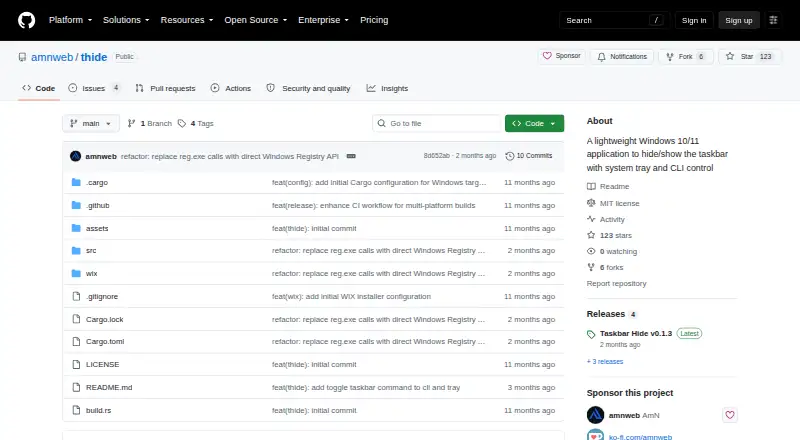
Taskbar Hide is free software for Windows 10 and 11 that controls taskbar visibility. It runs from the system tray, offers command-line controls, and can start with Windows. Downloads include installers and portable ZIP files for x64 and ARM64 PCs. The executable is approximately 600 KB, self-contained, and covered by the MIT license.
Review
In a line
On Windows 10 or 11, Taskbar Hide provides controls for making the taskbar visible or hidden.
What it does
Taskbar controls are available through an icon and menu in the system tray. Its command-line interface handles visibility, app state, help, and autostart management.
The program prevents multiple copies from running at the same time.
How it connects
The project reports compatibility with YASB and other custom status bars built around the Shell_TrayWnd class name. It asks users to submit bug details if a custom status bar disappears.
The source is published under the MIT license. MSI installers configure PATH for command-line access, while portable ZIP packages work after extraction. Autostart adds or removes an entry in the current user's Windows Run registry key.
The executable is described as self-contained, with no dependencies and static CRT linking. Builds are offered for Windows x64 and ARM64.
Good fit
This suits Windows users who want a simple way to reclaim taskbar space or switch the taskbar on and off from the tray or command line.
It also fits people using YASB or another compatible custom status bar.
Watch for
Taskbar Hide runs only on Windows 10 and 11. Command-line actions such as showing, hiding, or stopping the app require the graphical app to be running.
Check compatibility with your custom status bar before relying on it; the project specifically asks for bug reports when such bars disappear. The latest listed release is v0.1.3, dated July 29, 2026. Project pages do not state security certifications or compliance claims.
Pricing
Taskbar Hide is available on a free plan, with no free trial.
The free plan covers Windows 10/11 on x64 and ARM64, with either an MSI installer or a portable ZIP.
Verdict
Choose Taskbar Hide if you need only taskbar visibility controls on a Windows 10 or 11 computer and value a tiny, portable download. Its tray menu, command-line options, and optional autostart cover basic control without extra software dependencies.
Skip it if you need another operating system, a command-line tool that works without the desktop app, or assurances about formal security compliance. Users of custom status bars should confirm that their setup behaves correctly.
Our take
Taskbar Hide is a free utility for Windows 10 and 11. It makes taskbar visibility easy to control from the tray, scripts, or an optional startup setting, and its small self-contained files are available in installer and portable forms. The main decision points are platform support and the requirement that the graphical app stay open for command-line actions. It is a sensible choice for basic taskbar control, but not for cross-platform use or buyers seeking documented security certifications.
- Free on Windows 10 and 11
- Portable ZIP option needs no installation
- Works on x64 and ARM64 Windows systems
- Approximately 600 KB with no external dependencies
- Tray menu and command-line controls
- Windows only
- Show, hide, and stop commands need the GUI app running
- Custom status bars may disappear and need compatibility checks
- No security certifications or compliance claims are stated
- Pick it ifWindows users who want quick taskbar visibility control; People using YASB or compatible custom status bars; Those who prefer a portable download
- Skip it ifYou need macOS or Linux support; You need CLI controls without the desktop app running; You require stated security certifications or compliance
Pricing
The software is free, with no trial period. The free plan includes Windows 10/11 builds for x64 and ARM64, offered as MSI or portable ZIP downloads.
- Taskbar HideWindows 10/11 · x64 and ARM64 · MSI installer or portable ZIPFree
As github.com lists them, checked 9 Oct 2026.
Questions
Is Taskbar Hide free?
Yes. Taskbar Hide has a free plan and no free trial.
Which computers can run Taskbar Hide?
It supports Windows 10 and 11, with downloads for x64 and ARM64 systems.
Can I use it without installing it?
Yes. Extract the portable ZIP and run it without installation. An MSI installer is also available.
Does it work with YASB?
The project reports compatibility with YASB and other custom status bars using the Shell_TrayWnd class name.
What can its command-line interface do?
The CLI provides controls for starting, showing or hiding, toggling, stopping, getting help, and managing autostart.
Do command-line controls work when the app is closed?
No. Commands such as show, hide, and stop require the graphical Taskbar Hide app to be running.
How large is the download?
The project describes the app as approximately 600 KB. Its executable is self-contained and has no dependencies.