InstantBackup Minecraft Backup Mod Review
github.com · checked 30 Sept 2026
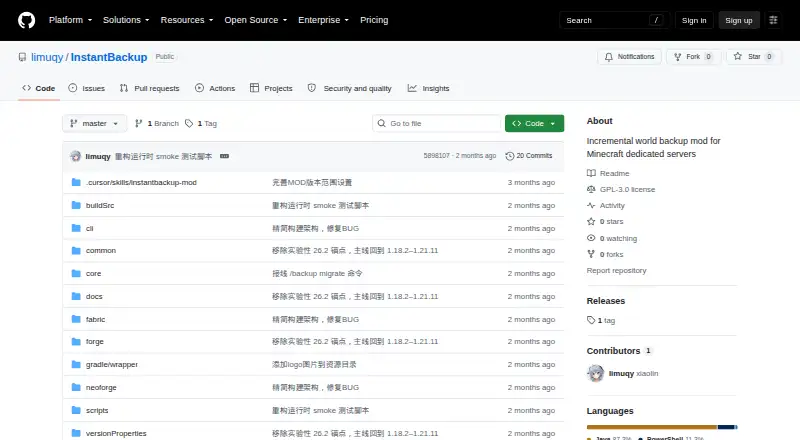
Open-source Minecraft Java mod for incremental world backup.
How it plugs in
Signal on Minecraft Backup Software6.6#6 of 30
InstantBackup provides free backups for dedicated Minecraft Java servers. It stores only world files that are new or modified, reuses identical data across versions, and compresses the result. Backups can be started manually, scheduled, or handled with an offline command-line utility once the server is shut down. It runs on Windows, Linux, macOS, and self-hosted servers.
Review
In a line
For dedicated Minecraft Java servers, InstantBackup creates incremental copies of worlds. The project is free GPL-3.0-or-later software and keeps those copies on local storage.
What it does
XXHash64 detects file changes, so each run captures only newly added or altered files. Data that is identical between versions is stored once, and ZSTD compression runs without holding up the game thread.
In-game controls let you create, view, export, remove, and set up backups. Runs may be manual or scheduled. After shutdown, the offline command-line utility can administer the same backups through the shared database.
How it connects
Fabric, Forge, and NeoForge are supported for the listed Minecraft releases spanning 1.18.2 to 1.21.11. The mod works on Windows, Linux, macOS, and self-hosted servers, storing data locally.
With offline scripts turned on, the server writes an interactive .cmd file for Windows plus a .sh file for Linux and macOS. Schedules can consider online-player status and omit Carpet fake players. OP level 2 is needed for backup commands issued in game.
Good fit
Java server operators who need versioned world copies without duplicating unchanged files may find this suitable. It is useful when scheduled runs, local storage, and management after shutdown are important.
The project is open source under GPL version 3 or later. Questions and suggestions can be raised through GitHub Issues.
Watch for
The game does not provide a single-step restore control. Instead, export a ZIP, shut down the server, substitute the world directory, and start the server again.
Up to 30 versions are retained by default; a retention value of 0 removes that limit. Check your Minecraft version and loader before setup, and note that the releases page lists version 1.0.0-beta as a pre-release.
For other Minecraft backup tools, see Minecraft Backup Software.
Pricing
InstantBackup is free, with a free plan and no trial.
Verdict
Choose InstantBackup if you run a supported Java server and want local, incremental world backups with scheduled jobs and an offline management option.
Our take
InstantBackup is a practical choice for server owners who want free, local protection for Minecraft worlds and can handle a manual restore process. Its incremental storage, deduplication, compression, scheduling, and offline management cover the main backup tasks without a subscription. Compatibility depends on the listed loaders and Minecraft versions, and every in-game command needs OP level 2. The beta release status and world-directory replacement restore process deserve attention before using it for an important server.
- Free GPL-licensed open-source mod
- Captures only newly added or modified files
- Reuses identical data between backup versions
- Scheduled runs plus offline administration
- Works with Fabric, Forge, and NeoForge
- The game has no one-step restore feature
- Recovery involves stopping the server and swapping its world directory
- Backup commands issued in game need OP level 2
- The releases page marks version 1.0.0-beta as a pre-release
- Pick it ifMinecraft Java server owners needing local incremental world backups; Servers using Fabric, Forge, or NeoForge; Operators who can restore worlds manually
- Skip it ifYou need one-click in-game restoration; You require remote storage destinations; Your Minecraft version or loader is outside the listed support
Pricing
InstantBackup has a free plan and no trial; no paid tier is listed.
- InstantBackupGPL-3.0-or-later open-source Minecraft server modFree
As github.com lists them, checked 30 Sept 2026.
Questions
Is InstantBackup free?
Yes. The project offers a free plan and uses the GPL version 3 or later license.
Which Minecraft servers does it support?
Dedicated Minecraft Java servers running Fabric, Forge, or NeoForge are supported across the listed versions from 1.18.2 through 1.21.11.
Where are backups stored?
Backups use local storage on Windows, Linux, macOS, or a self-hosted server.
Can InstantBackup restore a world in game?
No. The documented process exports a ZIP, stops the server, replaces the world directory, and restarts the server.
How many versions does it retain?
The standard cap is 30 versions. Enter 0 as the retention value to keep an unlimited number.
Do scheduled backups check player activity?
Yes. Scheduled jobs may inspect whether players are online and leave out Carpet fake players.
Near it
All alternatives →- MMineBackup#5 on this board
- MBMinecraft Backup#7 on this board
- DDriveBackupV2#4 on this board
- ABAdvanced Backups#8 on this board
- FFolderRewind#3 on this board
- FFastBack#9 on this board
- JEJust Enough Backups#2 on this board
- CCaCl2Backup#10 on this board
- FFastBack#1 on this board
- CBChronos Backups#11 on this board