YoloLabel: Free YOLO Image Annotation Tool
github.com · checked 30 Sept 2026
Free GUI for drawing bounding boxes and auto-labeling images for YOLO models.
How it plugs in
Signal on AI Image Annotation Tools6.3#8 of 24
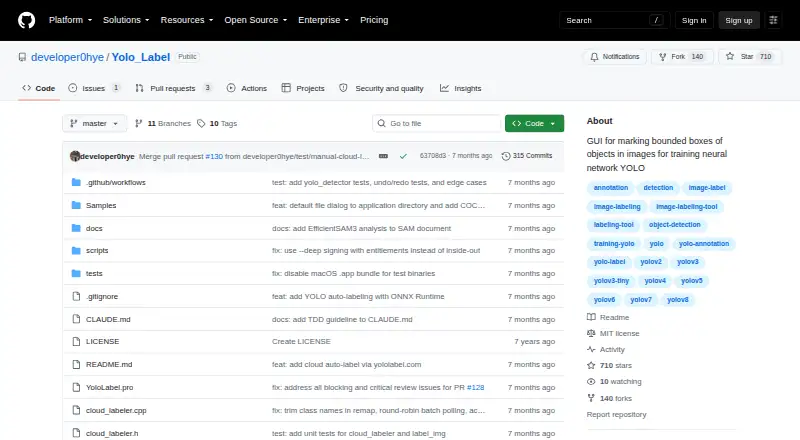
YoloLabel is a free desktop application that runs on your own system to mark object boxes in JPG and PNG files. It exports YOLO TXT labels and can automate labeling with local ONNX models or the yololabel.com cloud service. It runs on Windows, Linux, and macOS, with source builds available through Qt 6.
Review
In a line
YoloLabel provides a graphical workspace for drawing the boxes used in YOLO training datasets.
It is free, self-hosted software for Windows, Linux, and macOS, with an API option.
What it does
Open JPG or PNG files from a folder and create each box with two clicks of the left mouse button. Controls support moving, resizing, duplicating, pasting, undoing, and redoing annotations.
For assisted labeling, YoloLabel can run local inference with supported Ultralytics detection models exported to ONNX, including YOLOv5, YOLOv8, YOLO11, YOLO12, and YOLOv26. You can label one image or batch-process a dataset.
The app also offers real-time contrast adjustment and a timer that runs while its window is focused.
How it connects
The application imports JPG and PNG files from a directory and writes labels as YOLO TXT files. Its code is available under the MIT License, allowing use, modification, distribution, and sale under the license conditions.
Local auto-labeling uses ONNX models, a model format supported by the app. Builds that include this feature need ONNX Runtime; builds without it still work but lack local auto-labeling.
YoloLabel can use yololabel.com for cloud open-vocabulary detection when you provide an API key and, optionally, a prompt. Its REST API accepts images and prompts and returns detections and YOLO-format labels. Cloud Auto Label All sends up to 20 images per request.
Good fit
YoloLabel suits people who need a focused way to create bounding-box datasets for YOLO training and want to keep the desktop tool self-hosted.
It is useful when you want manual review alongside local model suggestions, or when you need cloud open-vocabulary detection through yololabel.com.
Watch for
Switching the horizontal image slider will not save the most recently processed image by itself, so check your workflow before changing images.
Source builds that need local auto-labeling require ONNX Runtime. Prebuilt downloads are listed for Windows x64, Linux x64, and Apple Silicon Macs.
The cloud free tier allows 100 images per month, has no SLA, and unused quota does not roll over. Requests over the limit return HTTP 402. Cloud job metadata is retained for 90 days, while account and usage records remain while an account is active.
Pricing
YoloLabel is free, and the desktop project has a free plan.
The connected cloud service also lists a free tier with 100 images per month. It has no SLA, and extra requests are rejected rather than carried into a later month.
Verdict
Choose YoloLabel if you need straightforward bounding-box annotation, YOLO TXT output, and optional model-assisted labeling across Windows, Linux, or macOS.
It is a better match for teams comfortable managing local software and checking files as they move through a labeling workflow. The cloud option adds open-vocabulary detection and an API, but its monthly image allowance and batch size matter for larger jobs.
Look elsewhere if you need automatic saving when changing images, a stated paid cloud plan, or service guarantees beyond the listed free tier.
Our take
YoloLabel is a sensible choice for people building YOLO image datasets who want a free desktop interface and control over where annotation work runs. Its manual tools cover the basic box-labeling tasks, while ONNX support and the optional cloud service can reduce repetitive work. Before adopting it, confirm that YOLO TXT output fits your training setup, that your platform matches the available downloads, and that the cloud allowance is enough. The unsaved-slider warning also makes careful file handling important.
- Free desktop software with a self-hosted deployment option
- Its box controls support moving, resizing, copying, pasting, undo, and redo
- Local auto-labeling supports several YOLO models exported to ONNX
- Exports annotations as YOLO TXT files
- Cloud REST API returns detections and YOLO-format labels
- Changing the horizontal image slider does not automatically save the last image
- Local auto-labeling source builds require ONNX Runtime
- Cloud free tier is limited to 100 images per month
- Cloud Auto Label All handles batches of up to 20 images
- Cloud free tier has no SLA and over-limit requests return HTTP 402
- Pick it ifYOLO dataset creators needing manual bounding-box annotation; Teams wanting local or cloud-assisted labeling options; Users seeking free, self-hosted desktop software
- Skip it ifYou need automatic saving when moving between images; You require a published paid-plan price or cloud SLA; Your workflow cannot use the listed Windows, Linux, or macOS downloads
Pricing
The desktop software is free. The connected cloud service provides 100 images per month on its free tier; unused images do not roll over, and over-limit requests are rejected.
Questions
What is YoloLabel used for?
It draws object boxes on images so they can be used to train YOLO neural networks.
Which image files can it load?
According to the README, it opens JPG and PNG files from a directory.
What output format does it provide?
Its annotations are written to YOLO TXT files.
Does YoloLabel support automatic labeling?
Yes. Local Ultralytics models exported to ONNX can be used, and yololabel.com offers cloud open-vocabulary detection.
Which models work with local auto-labeling?
The listed choices are YOLOv5, YOLOv8, YOLO11, YOLO12, YOLOv26, plus end-to-end ONNX models.
Is an API available?
YoloLabel AI offers a REST API that takes images and prompts and returns detections with YOLO-format labels.
What are the cloud free-tier terms?
The tier covers 100 images each month, has no SLA, and unused quota expires rather than carrying forward. Requests above the limit return HTTP 402.
Where are prebuilt downloads offered?
The project lists Windows x64, Linux x64, and Apple Silicon macOS downloads.