Writer
Brandon Martin
An Open Source activist, who pursues his passion for tech blogging. In early years of his life, he worked as market analyst for a number of companies. Martin has been writing reviews and articles for a local magazine for last five years.
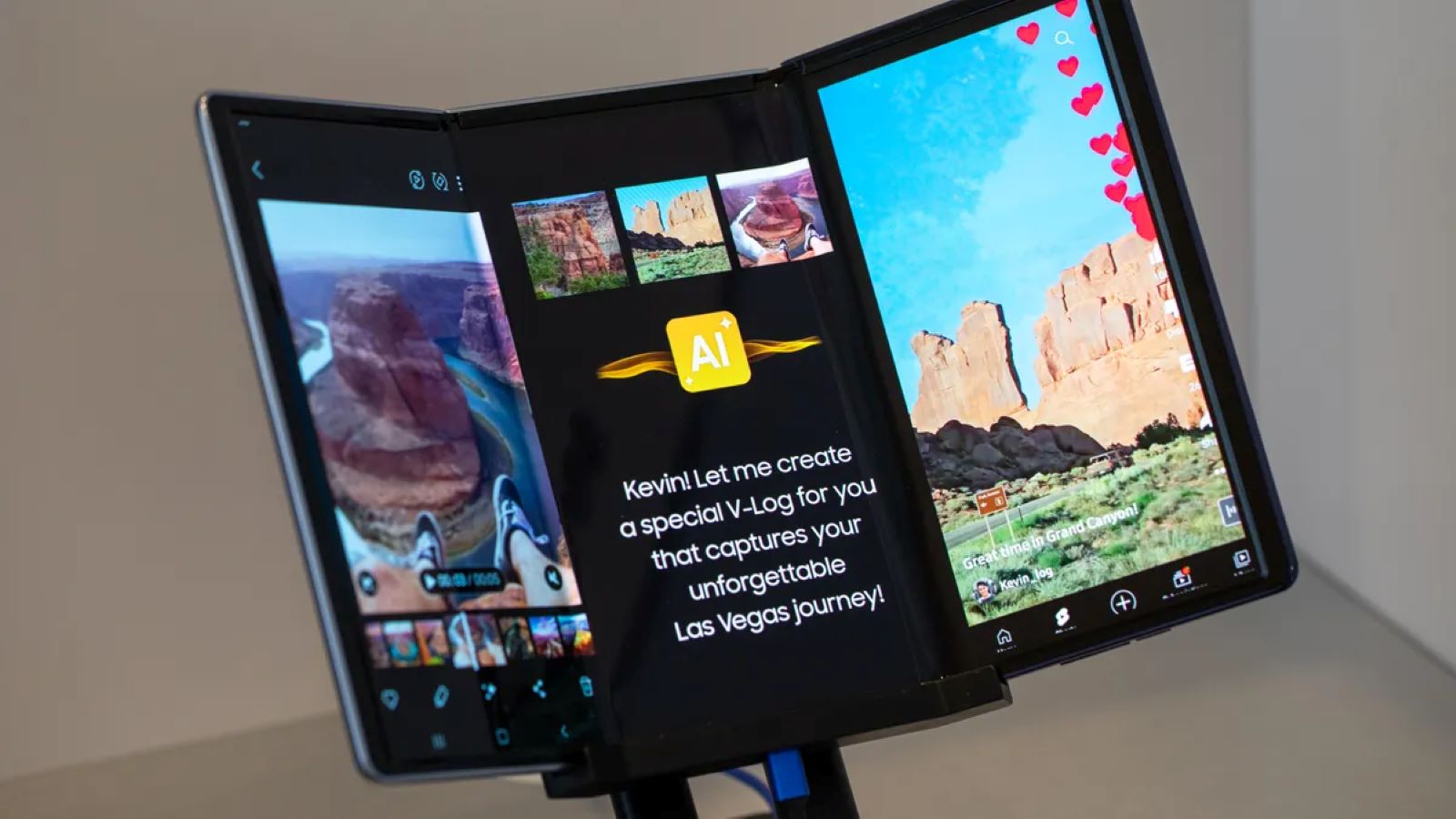
- Leaked Images Suggest Samsung’s Galaxy TriFold Justifies Its Rumored USD 3,000 PriceLeaked images making the rounds online offer the clearest look so far at Samsung’s rumored Galaxy TriFold, a device that might end up reshaping…
- YouTube Adds Option to Hide End-of-Video PopupsYouTube is testing a feature that gives users the option to hid the promotional overlays that appear at the end of videos. It might…

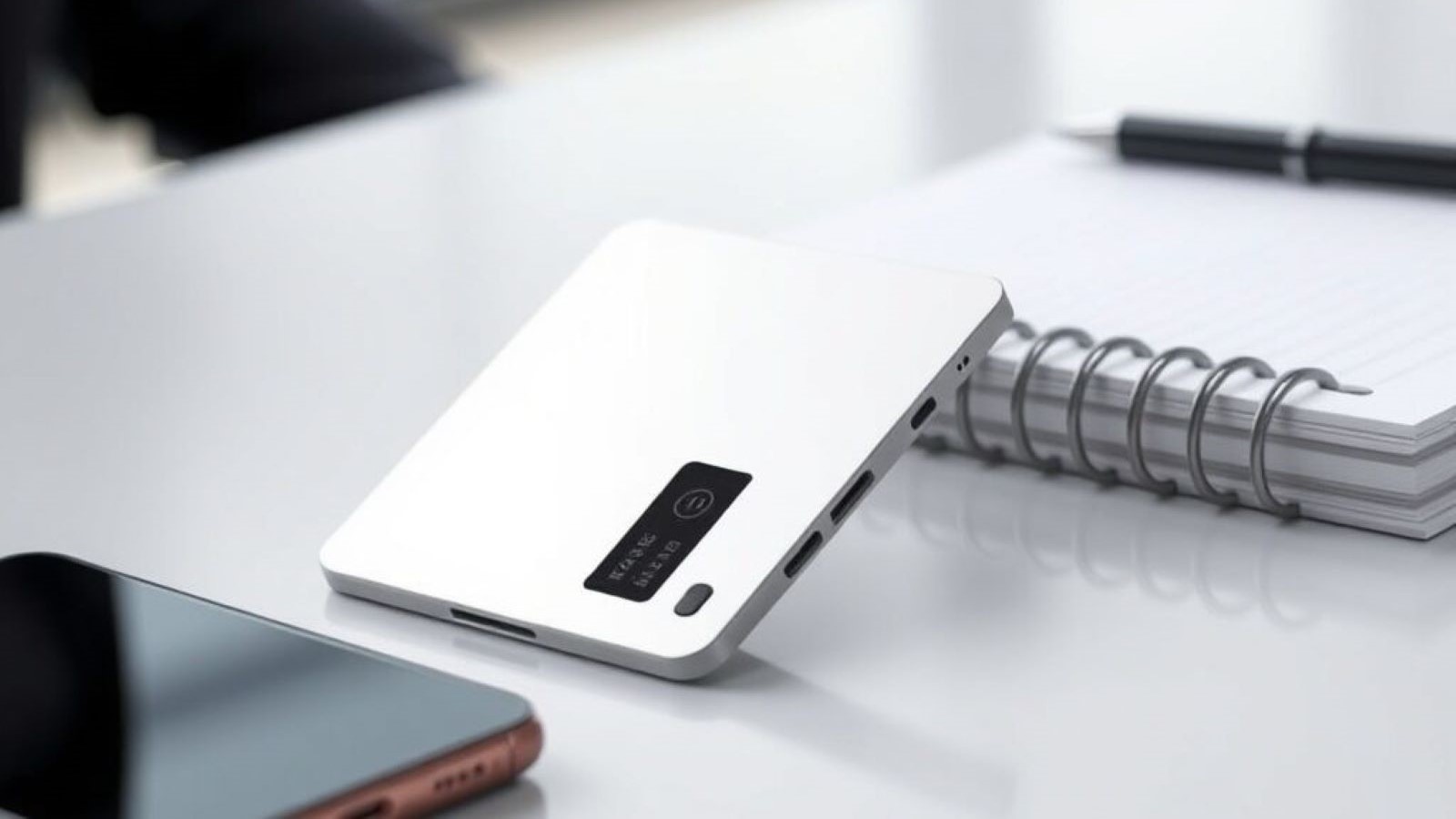
- Plaud Unveils New AI Notetaker Note Pro for USD 179Plaud, the company recognized for its AI voice recorders, has announced the Plaud Note Pro, a new hardware notetaker priced at $179 (about ₹15,000).…
- Cyberpunk 2077 Reveals New Crossover Content with EdgerunnersCD Projekt Red announces new in-game content for Cyberpunk 2077, bringing more items and quests from the popular anime Cyberpunk: Edgerunners.

- Sony 30th Anniversary DualSense Controller Restocks Online at 10 AM ETGet ready for the online restock of the limited edition PlayStation 30th Anniversary DualSense controller today at 10 AM ET. Find out where to…

- How to Check if Your Windows PC is Sending Telemetry to Third-Party ServersLearn how to verify and control Windows telemetry, understanding what data Microsoft collects and if it's shared with third parties.
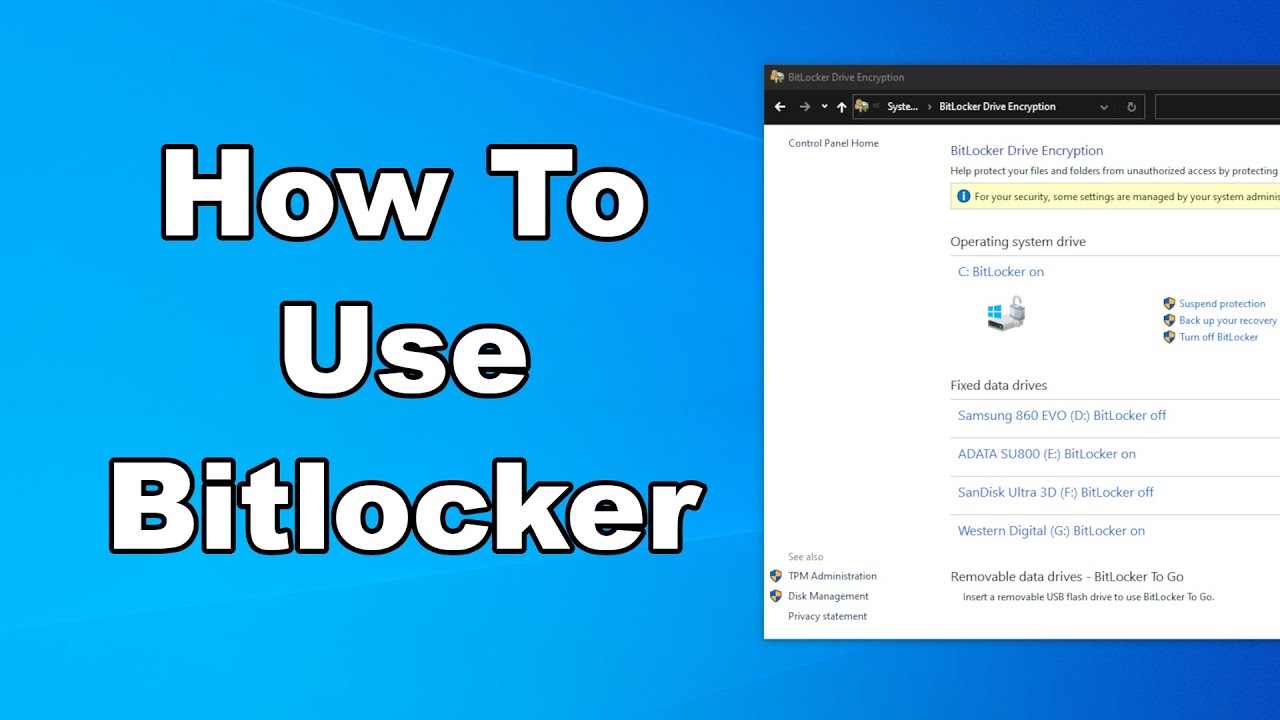
- How to Create Encrypted Drive Using BitLocker in WindowsCreating an encrypted drive using BitLocker in Windows adds a significant layer of security to your data. This means that if your computer is…
- AnyViewer Review: Best iOS Remote Access AppNeed iOS remote access? AnyViewer offers secure, easy, and flexible control of your iPhone or iPad from anywhere.

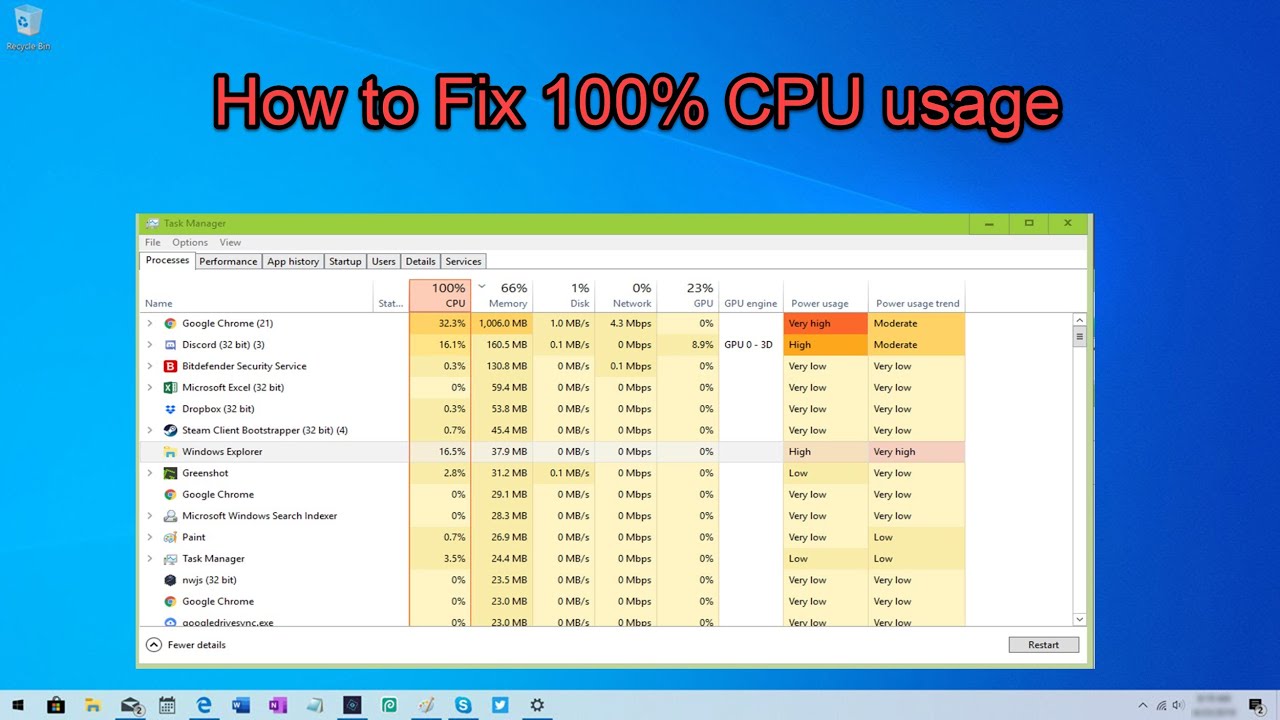
- How to Check What is Causing 100% CPU UsageLearn how to check what is causing 100% CPU usage on Windows. This guide covers using Task Manager, troubleshooting drivers, malware, system files, and…
- How to Reset Windows Password Without DiskForgot your Windows password and don't have a reset disk? This guide shows you multiple ways to regain access to your PC, step-by-step.

- How to Calibrate your Monitor in WindowsLearn how to calibrate your monitor in Windows using the built-in Color Calibration tool. Optimize brightness, contrast, gamma, and color balance for accurate display.
- How to Recover Unsaved Word document in WindowsLost unsaved Word document in Windows? Our guide shows you how to recover it using AutoRecover, Document Recovery, and temporary files. Don't lose your…
- How to customize accessibility shortcuts in WindowsLearn how to customize accessibility shortcuts in Windows. Step-by-step guide to manage and disable hotkeys for Sticky Keys, Narrator, and other features.
- How to Deploy Windows Using Windows Deployment Servicesearn how to deploy Windows using Windows Deployment Services (WDS). This detailed guide covers WDS role installation, server configuration, image addition, PXE boot setup,…

- How to Reinstall Windows 10 Without losing filesIf your Windows 10 PC is running slow, crashing often, or displaying unusual errors, you might be considering a full reinstallation. The good news…
- How to Stop Windows from Freezing RandomlyLearn how to stop Windows from freezing randomly with this step-by-step guide. Identify the cause and apply proven solutions to restore system stability.
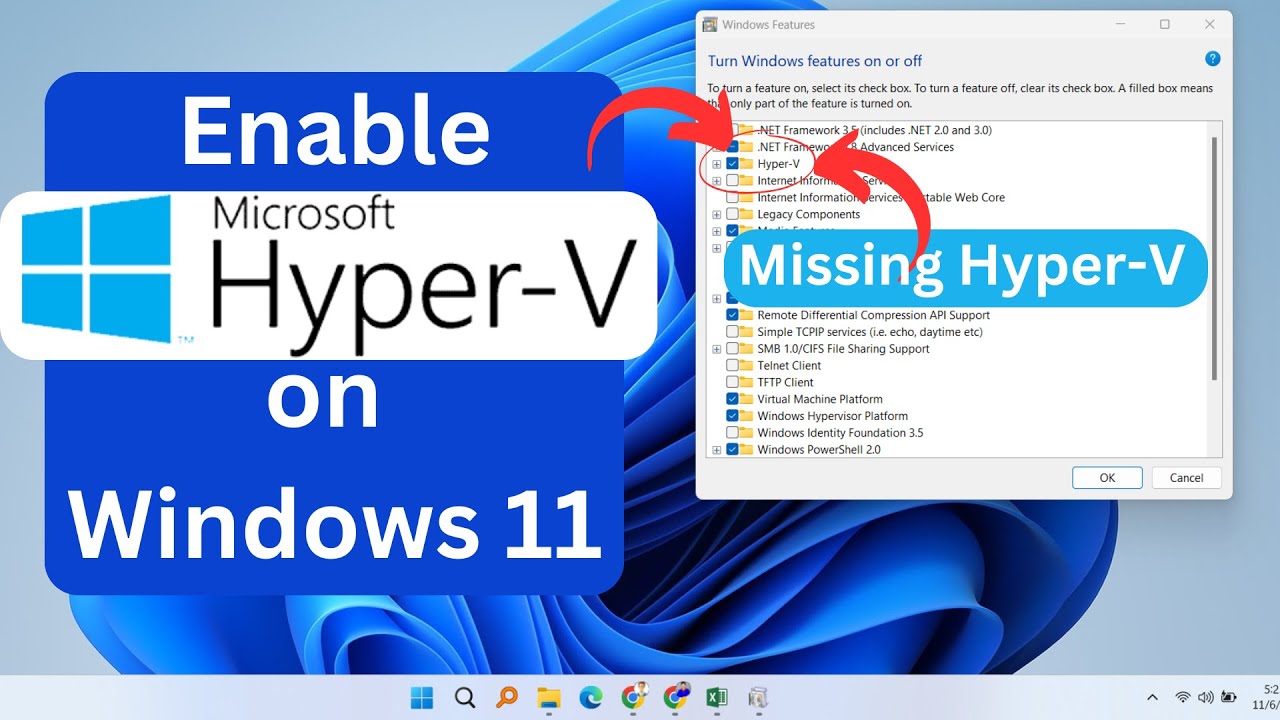
- How to Enable Hyper-V on Windows 11 HomeLearn how to enable Hyper-V on Windows 11 Home with step-by-step instructions, troubleshooting tips, and upgrade options for full virtualization support.
- How to Create a Restore Point in Windows 10Learn how to create a restore point in Windows 10 to safeguard your system settings and files. Follow this step-by-step guide for easy setup.